




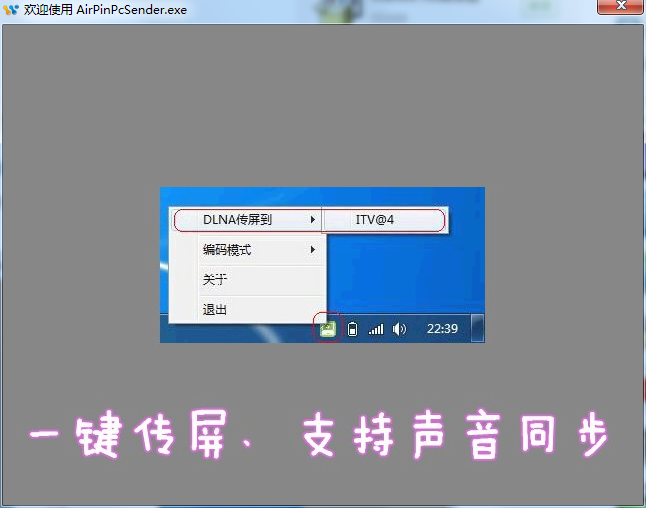
Features of AirPinPcSender screen transfer software
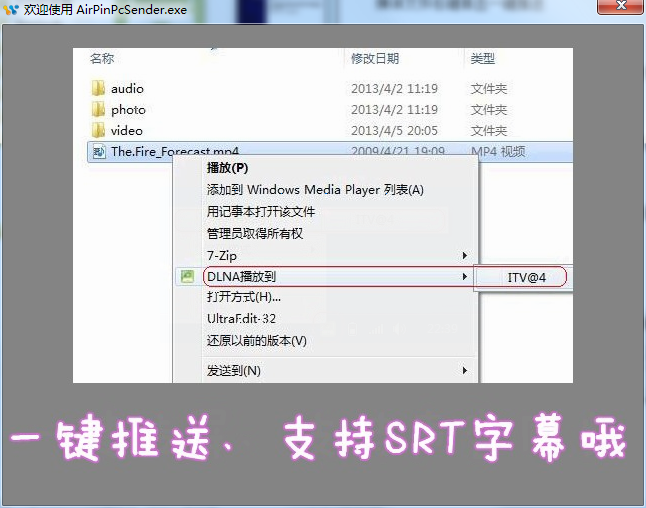
Right-click on media files and push them with one click
SRT format subtitles are automatically loaded
Screen mirroring and sound synchronization (supports AirPin (PRO) terminal for computer mouse control)
Paste the playback address to push
Video push in web pages (requires Chrome browser and web video sniffing plug-in support, such as: Adkill and Media)
AirPinPcSender screen sharing software installation steps
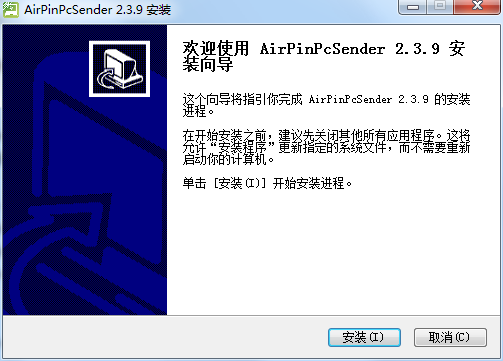
1. Download the compressed package of the official version of AirPinPcSender screen sharing software from Huajun Software Park. After decompressing, double-click the exe file to enter the installation interface and click Install
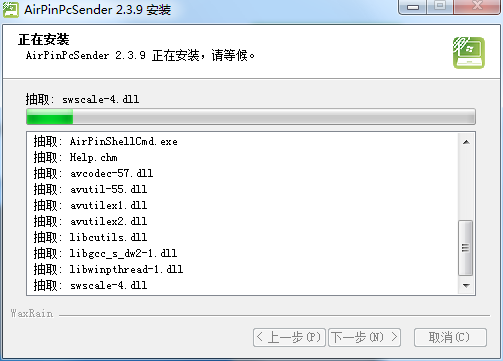
3. The official version of AirPinPcSender screen sharing software is being installed, we are waiting patiently
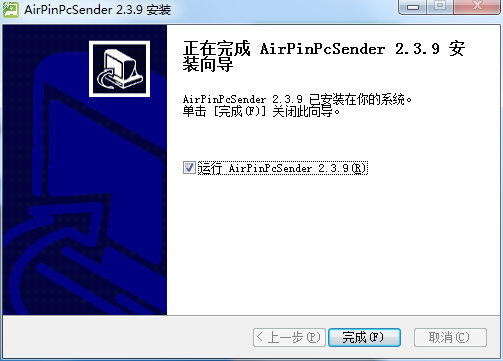
3. The software is installed successfully. Click Finish to run the software.
How to use AirPinPcSender screen sharing software
1. Enter the welcome interface of the software and support the display of related functions;
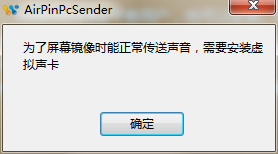
2. If a prompt appears that you need to install a virtual sound card, click OK;
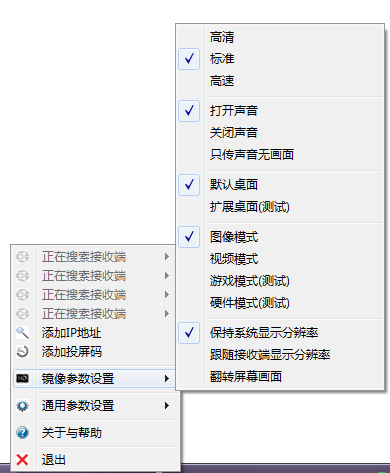
3. After the software is running, right-click to display the menu function;

4. Supports quick setting of image parameters;
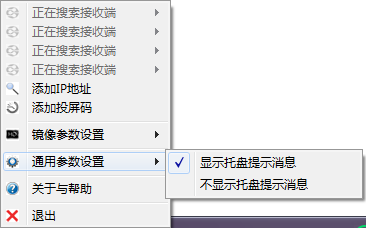
5. It also supports setting common related parameters;
Frequently asked questions about AirPinPcSender screen sharing software
How to use the official version of the AirPinPcSender screen sharing software from a computer to transfer the screen to the TV via WiFi?
First, download the AirPinPcSender screen transfer software TV client and computer client
After downloading, install it on your computer. To install the TV terminal, put it in a USB flash drive, plug it into the USB interface of the TV, open it in the file management and install it.
Open the app on the TV and computer at the same time. Note: The TV and computer must be on the same network so that screen sharing can be achieved.
Comparison of similar software
HiShare computer wireless screen sharing softwareIt is a computer wireless screen transfer software that connects computers wirelessly, allowing multiple users to use and operate on one computer at the same time. Hishare can create up to four PC virtual terminals in one PC. Users only need to add a monitor, graphics card, keyboard, mouse and speakers to get the same Windows environment as the host computer.
EScreenIt is a computer-side wireless screen transfer software. Through EScreen, multiple devices can be operated on the same screen to help users transmit wireless data. The screen is projected to the computer for display in real time through the wireless WiFi network. At the same time, the computer can also be operated using the mouse and keyboard.
AirPinPcSender screen sharing software update log
1.Fix some bugs
2. Optimized some functions
Huajun editor recommends:
AirPinPcSender screen transfer software is a very good software that supports right-click and one-click push of media files. It is powerful, professional and safe. Huajun Software Park also provides you withSeewo screen transferWaiting for you to download.




Useful
Useful
Useful