





- Green versionView
- Green versionView
- Green versionView
- Green versionView

ASP server software introduction
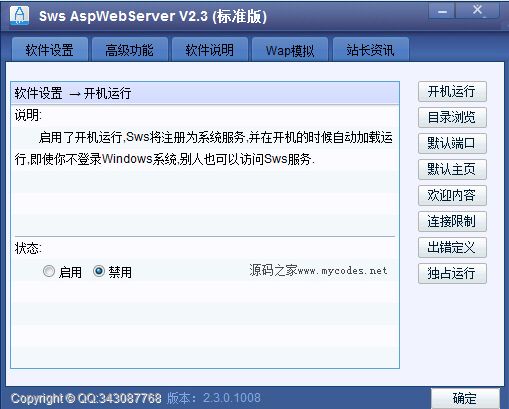
ASP server is a green local debugging program, I hope it can provide convenience for the development and research of ASP! The server (AspServer) is one of the commonly used software on the Internet nowadays. As PServer (ASP server) software is green, safe, and non-toxic, so you can use it with confidence!
ASP server software features
1. Establish a Web server.
2. Supports multiple sites and multiple ports.
3. The default document can be customized.
4. Compatible with Asp, Html, JavaScript, etc., it is a good helper for web page beginners.
5. Although some functions of IIS are reduced, it is faster than IIS and is simple and convenient to deploy.
ASP server installation steps
1. Download the official version of the ASP server installation package from Huajun Software Park, double-click the exe program to enter the installation wizard, and click Next
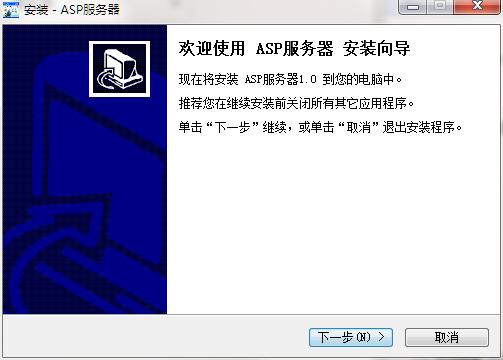
2. Read the license agreement, click "I agree...", and click Next

3. Click "Browse" to select the installation folder. Generally, it is installed on the C drive of the computer by default. It is recommended to install on the D drive. Click Next.
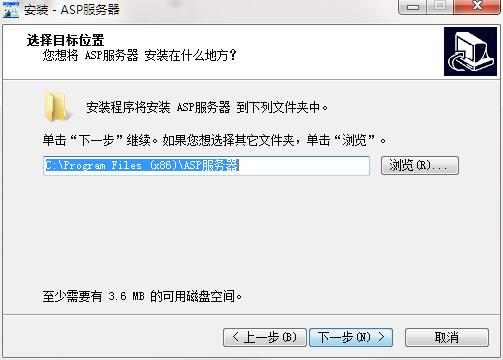
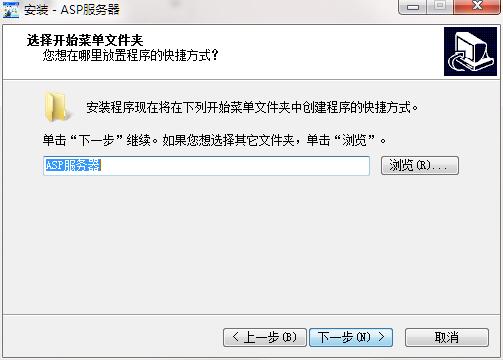
4. Click "Browse" to select the Start Menu folder and click Next
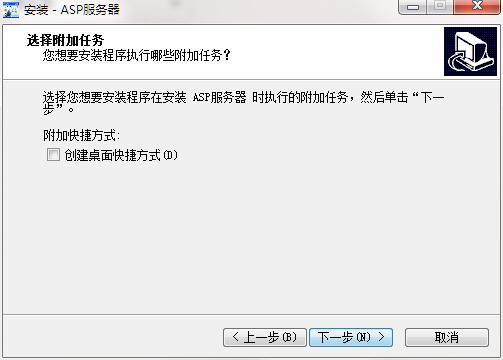
5. Select additional tasks, check Create desktop shortcut, and click Next
6. The installation program is ready, click Install
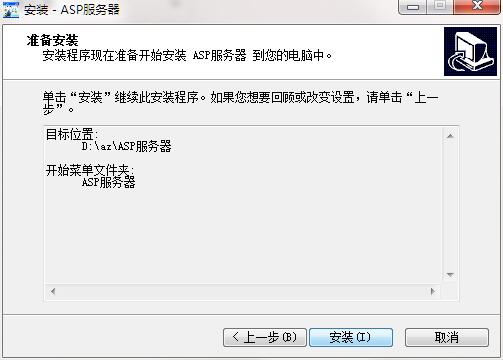
7.ASP server installation is complete, click Finish to exit the installation wizard

ASP server update log
1. Fixed other bugs;
2. Optimized software compatibility.
Huajun editor recommends:
ASP server software is software with excellent performance, which is obvious to all. Huajun Software Park also hasData Loader,SQLyog,access tools,DBF Commander,DBeaverWaiting for related software that is definitely worth downloading and using, come and choose your favorite one!









Useful
Useful
Useful