




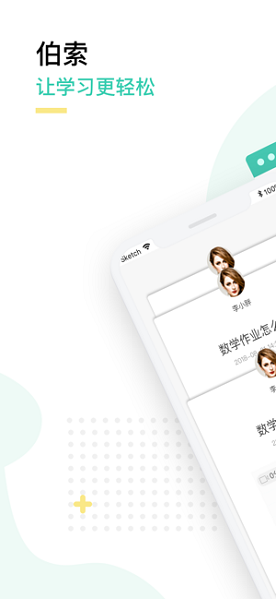
Features of Bertso Cloud School Teacher ios client software
1. Live broadcast classroom: Highly restore the traditional handwriting on the blackboard; real-time voice synchronization, live broadcast for thousands of people, no lag; efficient interaction, automatic storage of historical classes with 0 delay, convenient for repeated learning.
2. Micro-course production: vivid whiteboard, smooth writing; dynamic video, pictures and texts; simple and easy to use, time-saving and efficient; share on WeChat/QQ and spread widely.
3. Q&A tutoring: online tutoring anytime and anywhere; efficient, convenient, manageable and controllable; watch the Q&A process repeatedly.
4. Homework correction: online correction, timely and convenient; pictures, texts and videos, efficient explanation; homework archiving, repeated learning.
5. Education Supermarket: Institutional content is reused; online courses are sold flexibly; Q&A services are sold for cash; web version and WeChat education supermarket are supported.
6. Teaching and research lesson preparation: Offline teaching and research are cloud-based; exchange and learn teaching and research content with each other; and can be used in offline teaching.
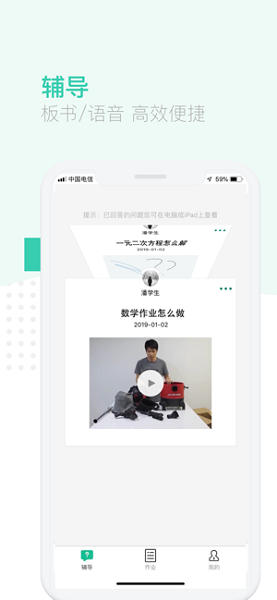
Advantages of Bertso Cloud School Teacher ios client software
[Micro Lesson] The teacher does not need to set up a scene, but explains a certain topic or knowledge point through a combination of writing on the blackboard, voice and pictures. Real-time transmission of course information is achieved to ensure efficient and smooth course learning for students.
[Q&A] Teachers can answer students' questions one-on-one at any time, and explain the problems comprehensively through photos, pictures, voice, and writing on the blackboard.
[Real-time Class] Simulates traditional blackboard handwriting, real-time voice synchronization, breaks through time and space constraints, and reproduces one-to-one or one-to-many traditional classes without leaving home. Teachers can choose to initiate real-time classes for corresponding classes to effectively carry out real-time teaching and interaction in the classroom. After the lecture, the system will automatically generate a history lesson, and all history lessons can be reviewed.
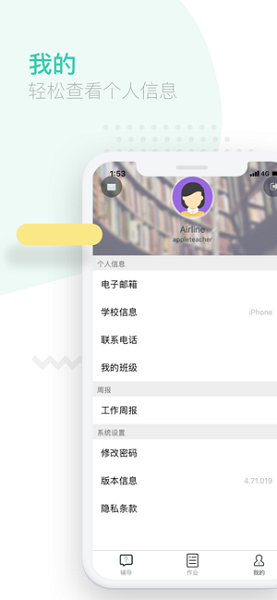
Bertso Cloud School Teacher ios client software features
1. Convenient communication
Eliminate the time-consuming and laborious telephone teaching, one-click group sending, real-time reception, communication is no longer a barrier, you can communicate with you and me by touching the screen.
2. Efficient teaching
Record micro lessons anytime and anywhere through text, pictures, and voice to avoid repeated teaching and save time.
3. Multi-terminal synchronization
Automatically synchronize course content, historical questions, and collect them at any time for easy viewing.
Bertso Cloud School Teacher ios client update log
1. New class grouping function in real-time classroom
2. Video playback supports gesture fast forward
3. Optimize the pop-up window class selection interface
Huajun editor recommends:
The software of Bertso Cloud School Teacher iOS client is completely fool-proof and super simple to operate. In addition, the editor also recommends it.Lehua marking,Q Xueyou,E heard,Fish Picture Book,smart campusDownload and use related software.




Useful
Useful
Useful