



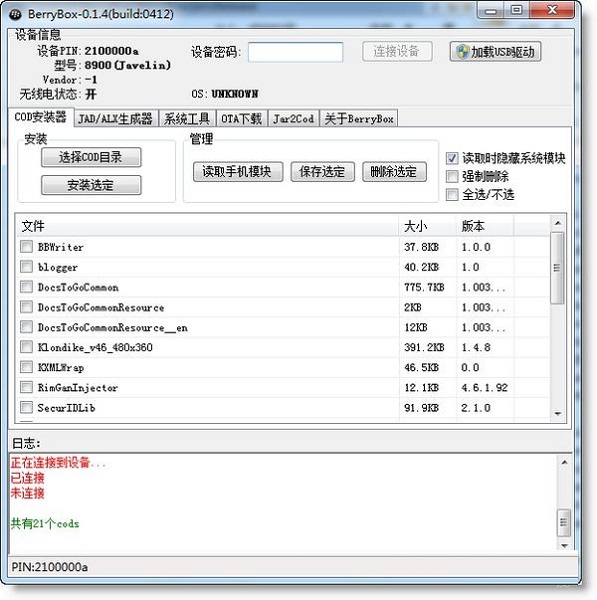
BerryBox software features
OTA software download tool
OTA download software function, supports setting the model and system version (especially useful for websites that determine UserAgent parameters, such as Google's full range of software)
Jad/Alx generation tool
Generate .alx files based on the COD files in the specified directory to facilitate installation using the desktop manager
Generate jad files based on the cod files in the specified directory and install jad directly on the phone
cod files are automatically detected and disassembled into small units
Cod installation tool
Install local cod file
Delete installed software on your phone
Save the cod installed on your phone
system tools
WIPE mobile phone
radio switch
Sync device time
Mobile phone screenshot (save format can be set)
Jar2Cod Jar conversion cod tool
This function requires the installation of jre and rapc, net_rim_api.jar in Blackberry JDK
Engineering mode activation code generation tool
This function is used to generate a Key to enter the BlackBerry eScreen interface.
BerryBox installation steps
1. Download the BerryBox software from Huajun Software Park
2. Then extract the downloaded software package to the current folder
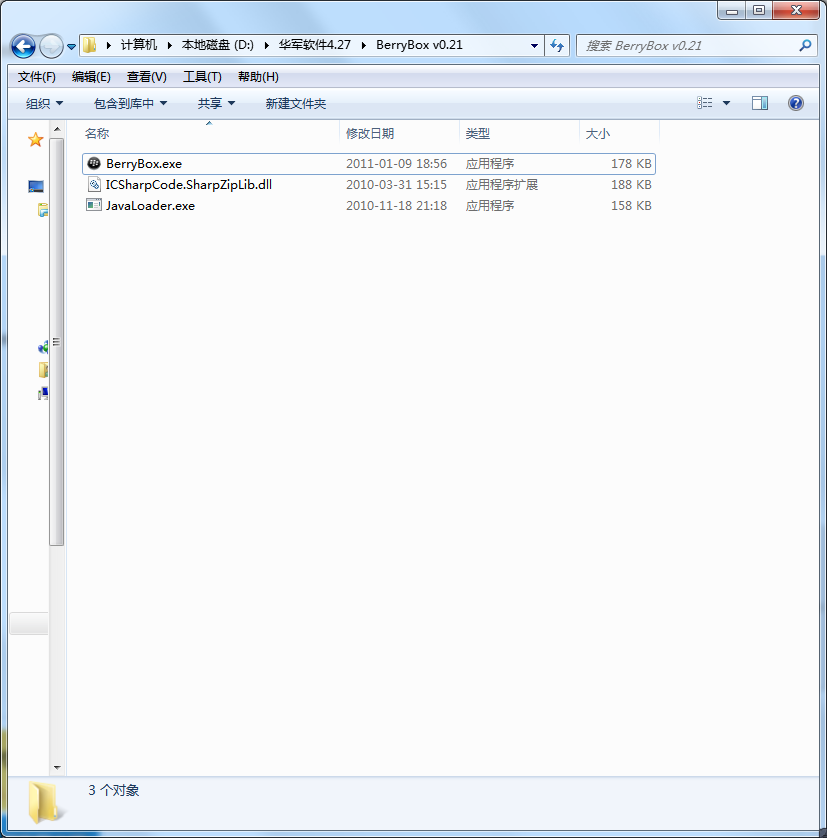
3. At this time, we click on the BerryBox.exe application in the folder
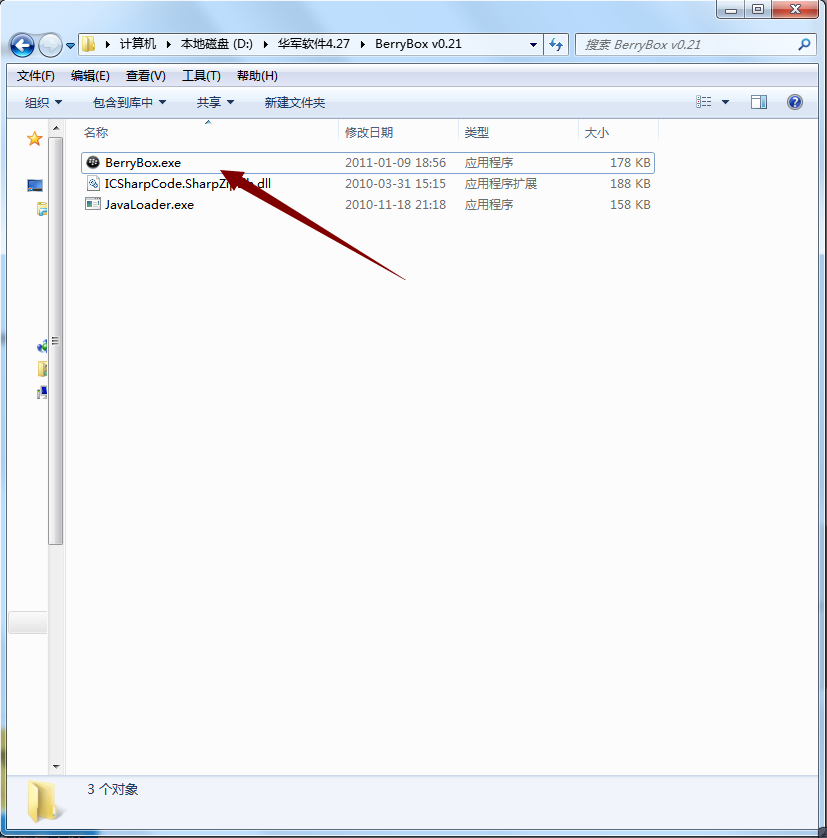
4. Because BerryBox is a green version, you can use it directly after opening it.
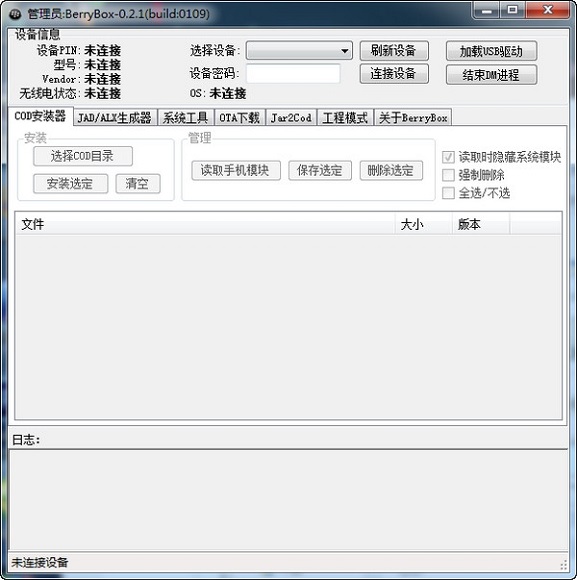
How to use BerryBox
Berrybox can replace some functions of desktop management, such as installing and deleting software, and supports direct cod file installation, and software installation does not require restarting. It is much more convenient than desktop management, and provides practical functions, such as taking screenshots on mobile phones, formatting mobile phones, etc.
But if you want to flash the phone, you must use the desktop manager, so if you need to flash the phone, download the desktop manager. If you don’t need it, don’t download it. It is recommended to download both for backup.
1. Install BerryBox software on your computer
2.Open

3. Connect your phone to your computer

4. Connect the device and see if there is anything there. If there is anything, it means the software is connected to the phone. If not, refresh the device.
5. There is a COD installer on the far left, confirm it (don’t make a mistake, there are some mistakes, the mobile phone items are gone)
6. Click "Select COD Directory", find the software you want to install, and click to open it. (Note to newbies, in case you install it incorrectly, the best way is to create a separate folder)
7. Check everything in the file.
8. After ticking, click Install to select, and it will be OK. . . (Don’t unplug the data first, wait until the phone is running properly before unplugging it)
BerryBox update log
1. Add the ability for BerryBox to connect to multiple devices at the same time
2. Add sponsored user list (about interface)
3. Add the function of ending DM and other functions that affect the process of connecting the BerryBox to the device.
4. Fixed the bug of treating RimGanInjector and SecurIDLib as third-party modules when reading modules
5. Install the driver to add support for 64-bit systems and English version systems (not fully tested)
Huajun editor recommends:
The editor of BerryBox personally tested the software and found that the various functions are very simple and easy to operate. Even a new user like me can quickly master it, which is a big thumbs up! There are similar software on this siteHourglass inspection machine,EaseUS iPhone data migration software Mac version,Crazy Apple Repair Master (iMyFone Fixppo),Xixinding mobile phone positioning software (Windows version),Cloud Control Master, recommend everyone to download!




Useful
Useful
Useful