



mPython style introduction
mPython adheres to a clear and consistent style in design, which makes Python an easy-to-read, easy-to-maintain, and widely-used language that is popular with a large number of users. The author intentionally designed a very restrictive syntax so that bad programming habits (such as not indenting the next line to the right of the if statement) cannot be compiled. One of the most important ones is mPython's indentation rules.
One difference from most other languages (such as C) is that the boundaries of a module are completely determined by the position of the first character of each line in this line (while the C language uses a pair of curly braces {} to clearly determine the boundaries of the module, it has nothing to do with the position of the characters). This has been controversial. Because since the birth of languages like C, the grammatical meaning of the language has been separated from the arrangement of characters, which was once considered an improvement in programming languages. However, it is undeniable that by forcing programmers to indent (including all places where modules need to be used, such as if, for and function definitions), mPython does make the program clearer and more beautiful.
mPython function introduction
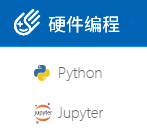
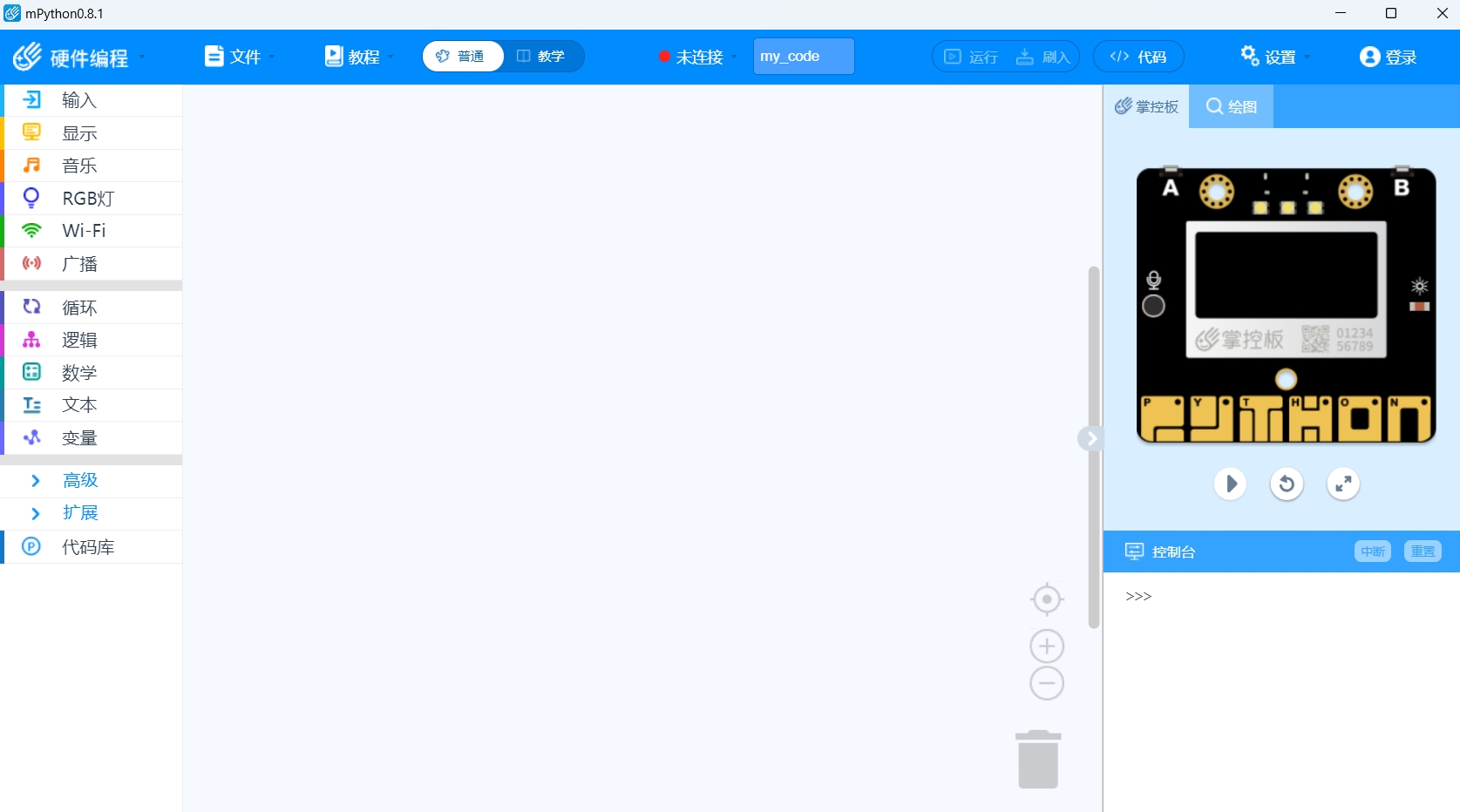
1. Hardware programming, graphical module programming allows you to operate more easily and focus on your own programming logic. It also contains code mode, making it easier to learn programming, and is suitable for users of all ages.
2. Python programming mode, including graphical and code modes. In addition to basic python programming, it also has multiple popular machine learning cases and models built in. You can train your own models and is suitable for users of all ages.
3. Jupyter mode, we integrate Jupyter Notebook into mPython, so that you can better learn and share your own code, suitable for users in middle school and above.
mPython software features
1. Does not rely on the network and can be installed and used offline
2. The official version of mPython supports reading and writing of hex, python, and blockly codes.
3. Support function functions in blockly mode
4. Simple simulation can be realized
5. Projects that can be accessed in the cloud
mPython software features
1. Simple and easy to learn
mPython is extremely easy to get started with.
2. Free and open source
The official version of mPython is one of FLOSS (Free/Open Source Software).
3. Portability
Because of its open source nature, mPython has been ported to many platforms.
4. Object-oriented
The official version of mPython supports both process-oriented programming and object-oriented programming.
5. Scalable embeddability
If you need a key piece of code to run faster or want some algorithms not to be made public, you can write part of the program in C or C++. mPython can be embedded into C/C++ programs to provide scripting functionality to program users.
6. Rich library
The mPython standard library is indeed huge. It can help with a variety of jobs, and in addition to the standard library, there are many other high-quality libraries.
7. Standard code
mPython uses forced indentation to make the code more readable. Programs written in the mPython language do not need to be compiled into binary code.
mPython installation steps
1. Download the installation package from this site and double-click the main program to install it.

2. If you choose a custom installation, you must choose the installation components and installation path yourself.
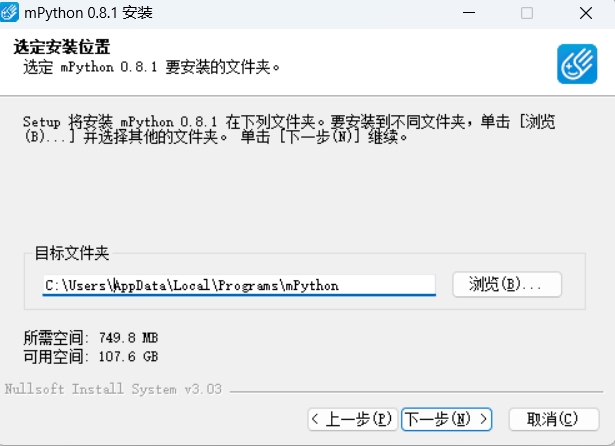
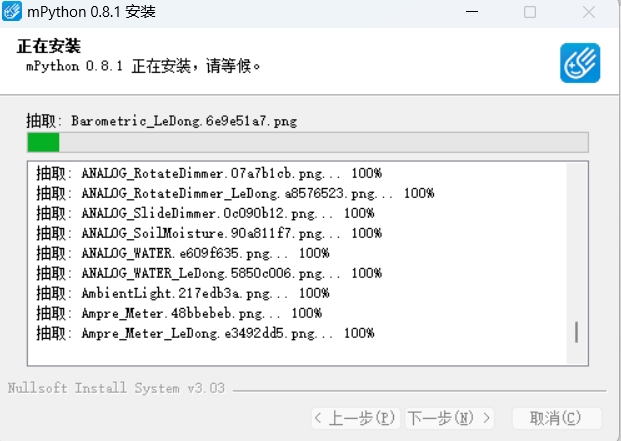
3. Wait for the application installation progress bar to finish loading. You need to wait for a while.
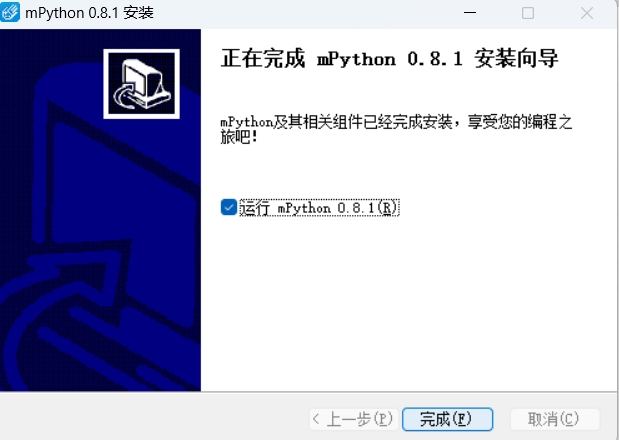
4. The installation is completed.
mPython FAQ
1. How to configure the variable PATH in mPython?
On the desktop or My Computer or My Computer, right-click - Properties - a dialog box pops up, click Advanced System Settings; switch to the Advanced tab, click Environment Variables - OK; at System Variables, click New, enter the name and path to facilitate calling mPython.exe. If you install other paths, modify them according to the actual location.
2. How does mPython verify whether the configuration variable is successful?
After the installation and configuration is completed, open CMD; then enter mPython in the cmd window and press Enter; the mPython version information appears, indicating that the installation and configuration is successful.
3. How to burn the code into the control board?
Swipe and drag. If you wrote the code yourself, or open the code for editing in the editing area, use the brush button. Connect to the control and click the refresh button to start the refresh operation. There is a prompt in the status bar below. Don't worry, follow the prompts. The list can be refreshed before proceeding with subsequent operations. If the code is flashed from a file on the computer into the control, just drag it in and it will be OK. You also have to wait for the prompt to refresh the list.
FAQ
Function not available
Problem description: When users try to use some functions of mPython, they may find that the functions are unavailable or do not work properly.
Solution:
Check whether the software version supports this feature.
Make sure all necessary dependencies and plugins are installed and configured correctly.
Try updating the software to the latest version or contact the software developer for assistance.
mPython update log
Working day and night just so you can be happier
are all gone!
Huajun editor recommends:
After you use mPython, I think you might also wantFast table software,AlphaEbot action editing software,He Xiaoxiang programming client,Easy GUI,Little turtle LOGO languageWaiting for software, come to Huajun Software Park to download and use it!





Useful
Useful
Useful