




- Green versionView
- Green versionView
- Green versionView
- Green versionView
- Green versionView
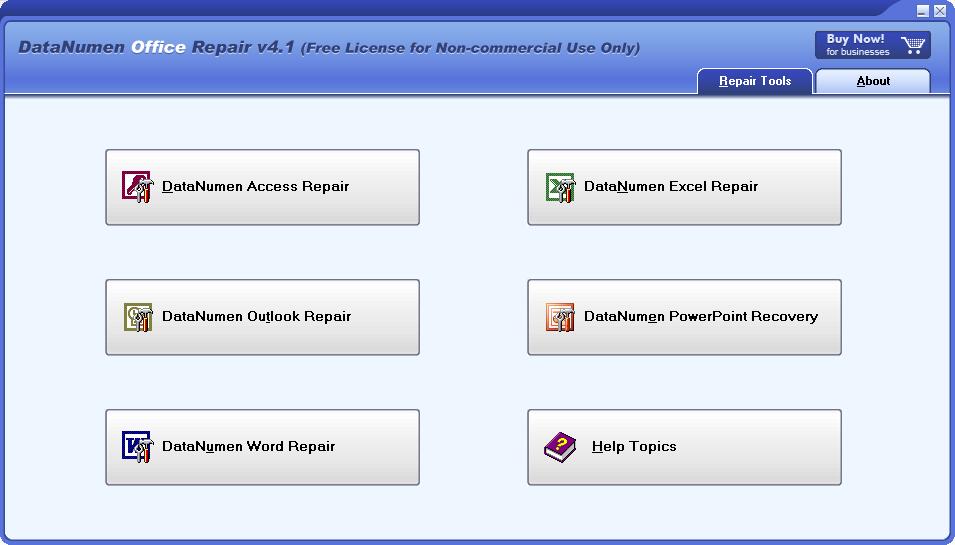
DataNumen Office Repair function introduction
1. Supports repairing database files of Microsoft Access versions 95 to 2013.
2. Supports repairing Microsoft Excel xls and xlsx files from versions 03 to 2013.
3. Supports repairing .doc and .docx documents from Microsoft Word 6.0 to 2013.
4. Supports repairing PST data files of Microsoft Outlook 97 to 2013 versions.
5. Supports repairing Microsoft Outlook Express 4 mbx files and Outlook Express 5/6 dbx files.
DataNumen Office Repair software features
1. Supports file repair on damaged media, such as floppy disks, compressed disks, CDROMs, etc.
2. Support batch repair.
3. Supports integration with Windows Explorer, and you can quickly restore a file by right-clicking.
4. Support drag-and-drop operation.
5. Support command line parameters.
DataNumen Office Repair Installation Tutorial
1. Download this software from Huajun Software Park, unzip it, and double-click the exe file.
2. Enter the software installation interface, set the software installation location, and click next

3. Select the component and click next
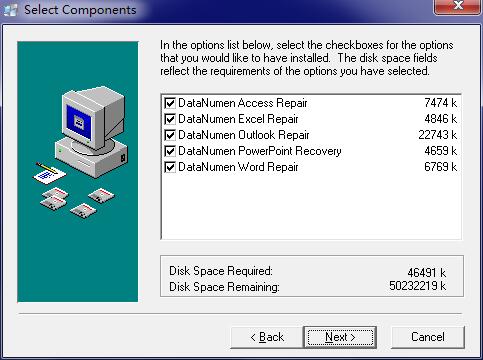
4. Continue to click next
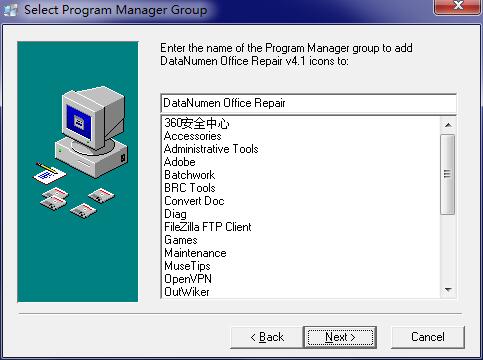
5. Still click next
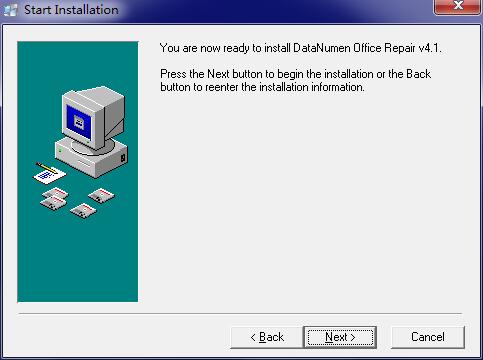
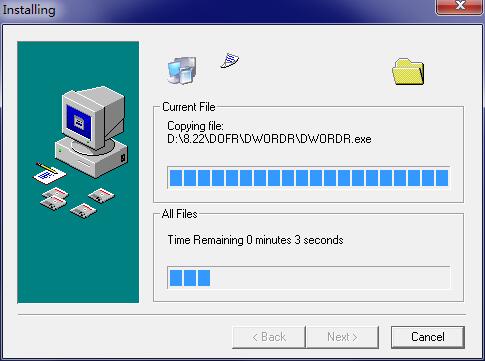
6. The software is being installed, please wait.
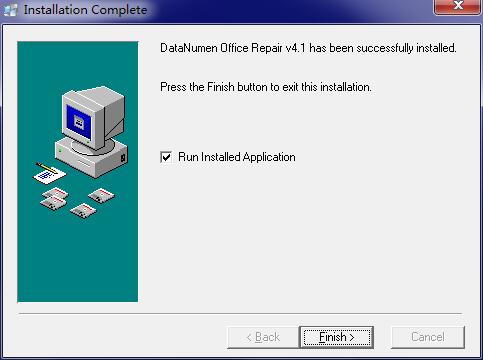
7. Software installation completed
DataNumen Office Repair update log
1. Fix bugs
2. Optimize some functions
Huajun editor recommends:
After you use DataNumen Office Repair, I think you may also need91 Assistant,Certificate Manager,Duobaoshi multimedia visual training system,PDFdo TXT To PDF,Reading and Writing GuestWaiting for software, come to Huajun Software Park to download and use it!




Useful
Useful
Useful