




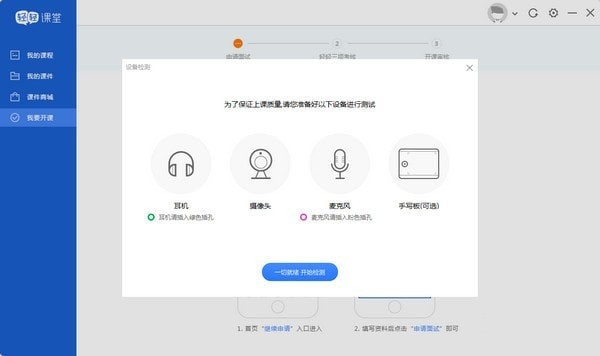
Introduction to functions of Qingqing Classroom teacher terminal
1. The official version of Qingqing Classroom has flexible class openings. You can arrange class time and subject fees independently, and you can become a freelance teacher in one second;
2. Easily achieve seamless communication with students/parents and closely grasp the needs of students/parents;
3. Browse the "Course Schedule", check the course schedule at any time, and complete course management such as "Adjusting Classes" and "Continuing Classes" with a single tap, so as to arrange time reasonably and improve efficiency;
4. Automate attendance and submit confirmed class hours easily to avoid disputes and protect interests;
Payment will be received in time after the class is completed, and the “account book” can be checked anytime and anywhere, so that the financial income can be known;
6. Add students/parents’ notes independently to ensure clear management without any mistakes;
7. "Usage Help" explains in detail, answers questions and takes you through all the convenient functions!
Features of Qingqing Classroom teacher software
1. Teaching at home, efficient teaching: The essence of education is to stimulate students' learning motivation, improve the learning environment, and cultivate learning ability
No more running around: just turn on the computer and easily implement remote teaching at home
One-to-many efficient teaching: Advanced Internet technology supports teachers to teach one-to-many
Massive student sources across the country: teaching schools all over the country, with a steady stream of students
2. National student resources, first-tier city treatment
Qingqing Tutoring is committed to building China’s largest gathering and empowering platform for “K12 professional teachers”
We encourage teachers to impart knowledge to more students through live online teaching, so as to continuously create value for students and obtain high personal returns.
3. Intimate teacher advisory services, enriching community groups: At Qingqing, we provide each teacher with a personal exclusive teacher advisor
Regularly organize teaching and research activities: share and discuss high-quality teaching and research resources
Co-building community groups: regularly holding city offline activities
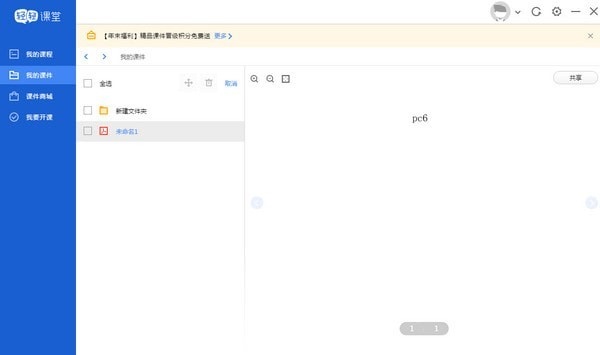
Advantages of Qingqing Classroom teacher software
Teachers and students hold hands directly: sit safely at home and choose from a large number of students;
Orders are delivered in time: message reminders and course schedules are clear at a glance;
Tuition fees are paid in full in advance: teach with peace of mind, and tuition fees will be paid promptly upon completion of classes;
Become a gentle teacher: Return to education, and have dedicated teaching assistants to help solve teaching chores.
Installation method of Qingqing Classroom teacher terminal
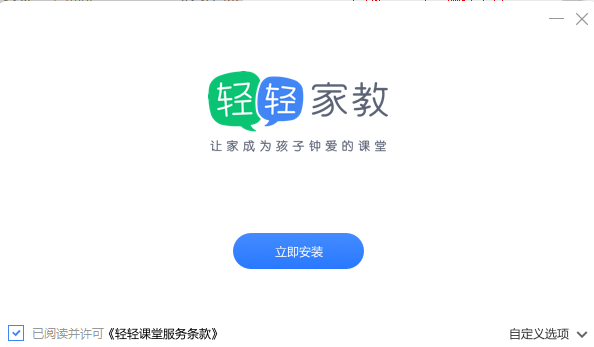
1. Download qingqingsetup_teacher_2.9.7.exe to start the installation, you can choose to customize it
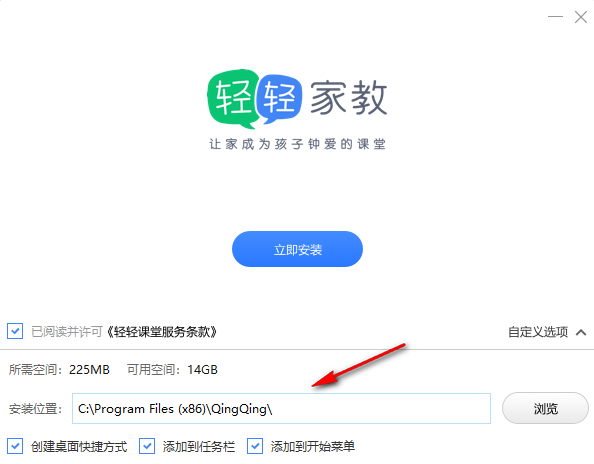
2. There are many setting functions. The address is C:Program Files (x86)QingQing
3. Prompt the installation progress. Wait for the software to be installed before you can run the software.
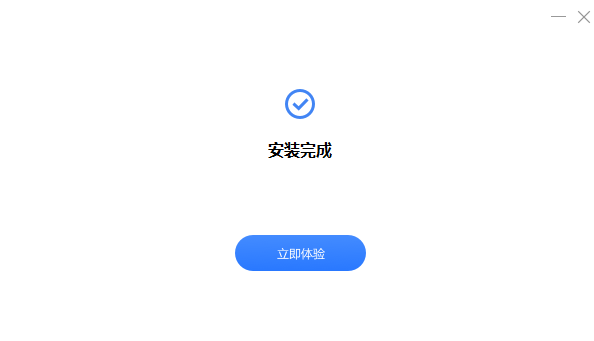
4. As shown in the picture, it prompts that the software has been successfully installed. Click to experience it now to open the login interface.
How to use the teacher's side of Qingqing Classroom
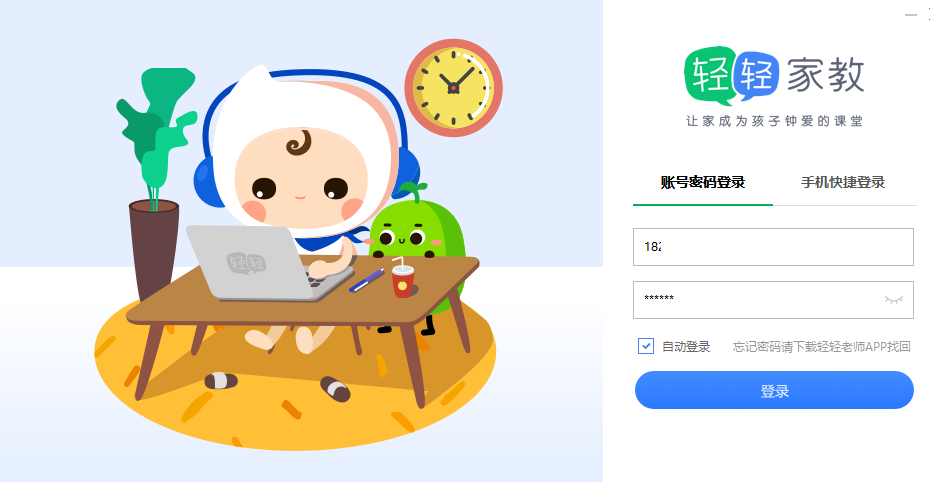
Open the teacher’s terminal of Qingqing Classroom, and it will prompt the login interface. Enter your mobile phone number to log in.
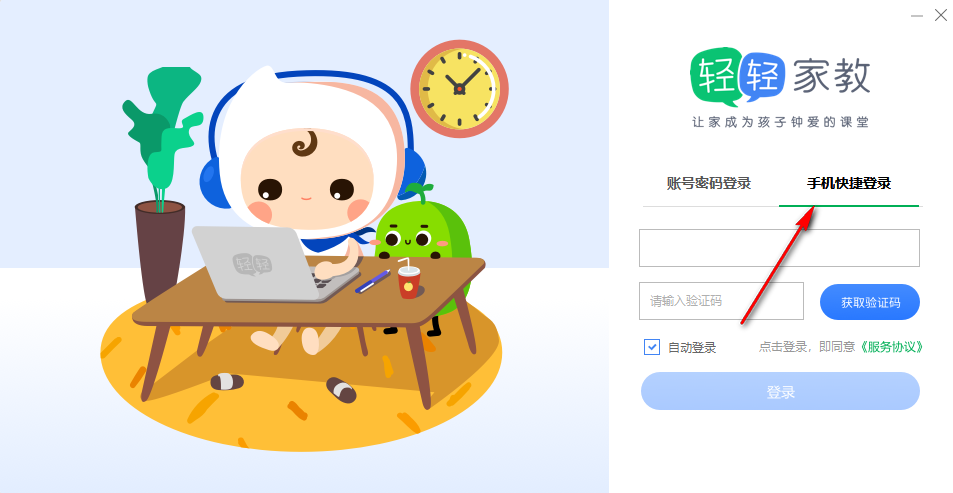
2. Prompt mobile phone login interface, you can enter your mobile phone number, you can fill in the verification code here
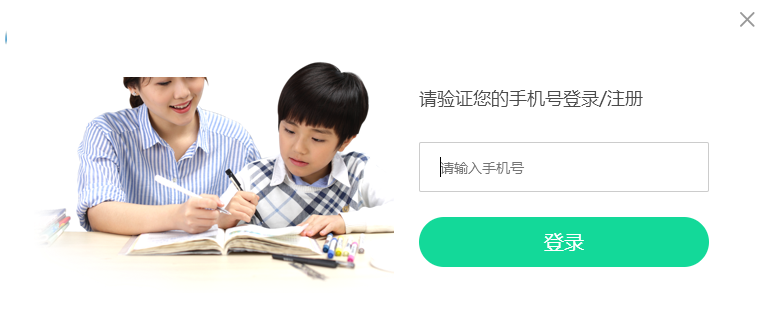
3. If you need to become a teacher. You can register as a Qingqing teacher on the official website, the address is https://www.changingedu.com
4. Obviously the editor is not a teacher, so I cannot register this software. If you are a teacher, you can register normally
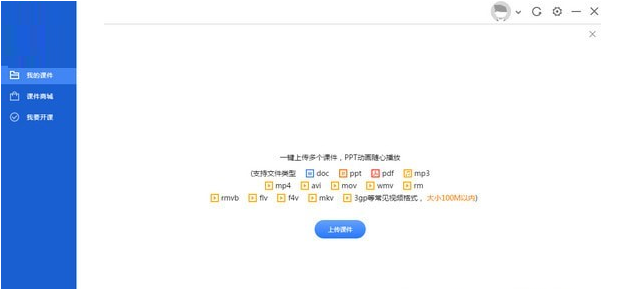
5. If you successfully enter the software, the interface displayed is like this, and you can view your courses.
Update log of Qingqing Classroom teacher terminal:
1. Sweep the bug out and carry it out to the end
2. The most stable version ever
Huajun editor recommends:
Qingqing Classroom Teacher is a free software, download it if you need it! There are also other programs on this siteTeaching PC version,seewo video booth,EasiCamera(seewo video booth),AIclass,Huatu online computer version, available for you to download!




Useful
Useful
Useful