




Features of Swift Recording Software
The functions are simple and easy to understand: the software is very simple to use, the software interface is simple and direct, and there are no advertising links. You can get started after downloading.
Free choice of recording format: When recording audio, users can choose the audio format they are satisfied with according to their own needs to meet the user's sound quality needs.
Perfectly restore lossless sound quality: The audio recorded through this software will not undergo any compression processing, and the high-definition lossless audio will be perfectly restored.
Free recording with no time limit: According to the recording needs of different users, this software can record audio for unlimited time, and record as long as you want.
Quick recording software installation method
1. First download the installation package of the fast recording software from this site and get "AudioRecorder1.0.exe"

2. Double-click to open "AudioRecorder1.0.exe" to see the installation interface. Users can click "Install Now" to select the system's default installation address for installation, or click "Custom Installation" to select the installation path and click Custom Installation.

3. Click the "Browse" button and select a suitable installation location. It is recommended not to install under the C drive. After selecting, click "Install Now".

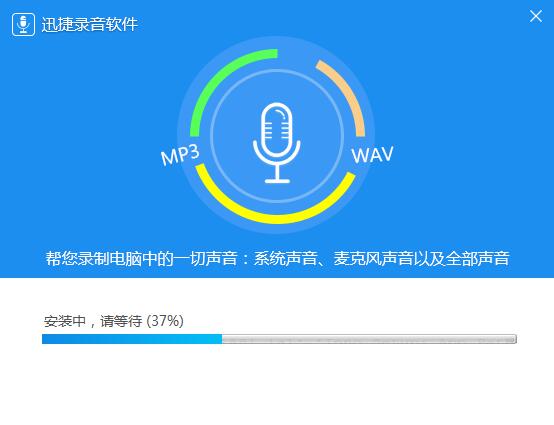
4. As shown in the picture, it is being installed. Please be patient and wait for the installation to be completed.
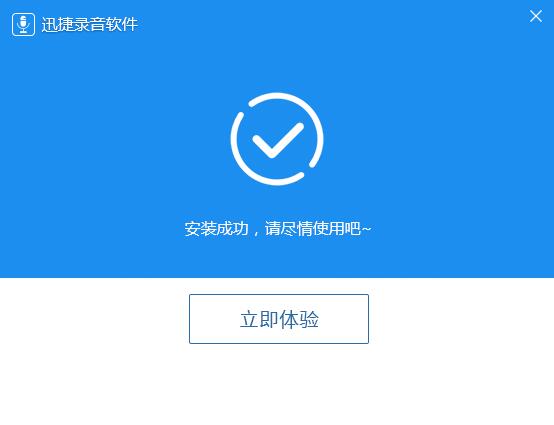
5. When the situation shown in the picture below appears, it proves that the quick recording software has been installed and the user can use it with confidence.
How to use quick recording software
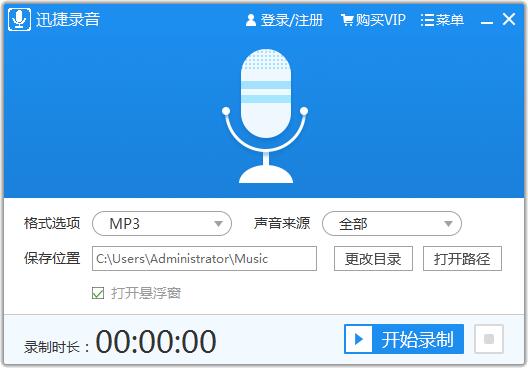
1. Open the installed Swift recording software, first set the format options, click the drop-down button behind the format options, and select the file format to be output, which can be MP3 or WAV.
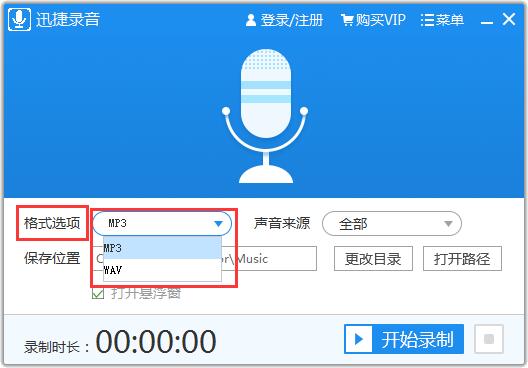
2. Then set the source of the recorded sound, click the drop-down button at the back, and you can set it to all, only system sound, and only microphone sound.
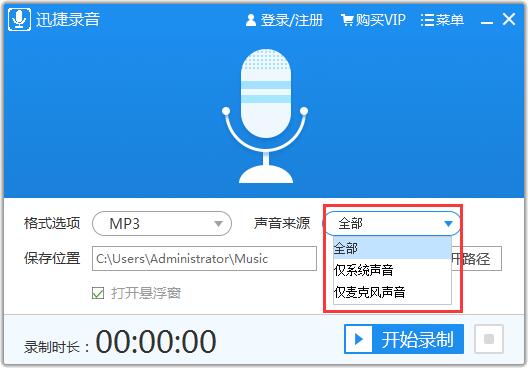
3. Set the location where the recording will be saved. Click Change Directory to change the location.

4. You can also set whether to open the floating window. If it is not needed, cancel it. You can just tick it. After ticking, the floating window will appear.
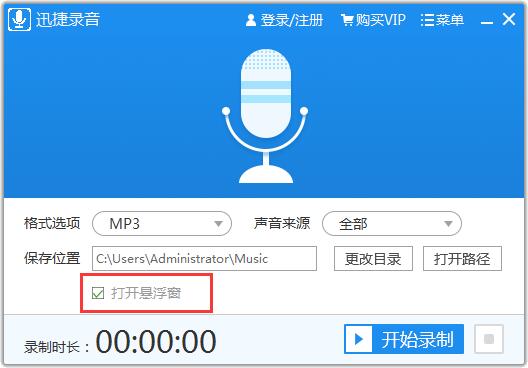

5. After setting the above, you can finally click the start recording button to record, and the button behind it is the stop button.

Swift recording software update log
Optimized software running speed
Huajun editor recommends:
Swift Recording Software is a very simple and convenient sound recording software. It can record the sound played on the computer or the outside sound through the microphone. The sound is very clear and the installation is simple. Welcome to download. There are otherTunesKit Audio Capture,yy recording software,Jiayin HD MP3 recorder,Recording software VitoAudioNotes for SP,SonarcaSoundWait for the software, I hope you like it!








Useful
Useful
Useful