




- Green versionView
- Green versionView
- Green versionView
- Green versionView
- Green versionView
Features
1 Generate animations from text and poetry
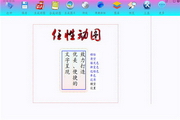
Write text freely horizontally and vertically
Set motion and time as you like
2 Add text to photos and generate animations
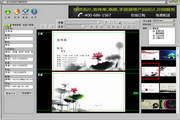
Drag in a background photo to edit it and generate an animation
You can also combine multiple photos into animated images
3 Modify animations and add text
Drag in the animated background and edit it
4. Production of off-screen animations
Use the off-screen bar function to make it easier to create original animations as off-screen animations
5 Weibo GIFs
Sometimes the size of the animation is too large and it won’t move when posted on Weibo.
The arbitrary animation also supports the generation of large pictures into small animations that can be moved on Weibo.
Instructions for use
Application 1: Writing text
The first step, step 1: double-click "Wandering Poetry and Painting" to open the software;
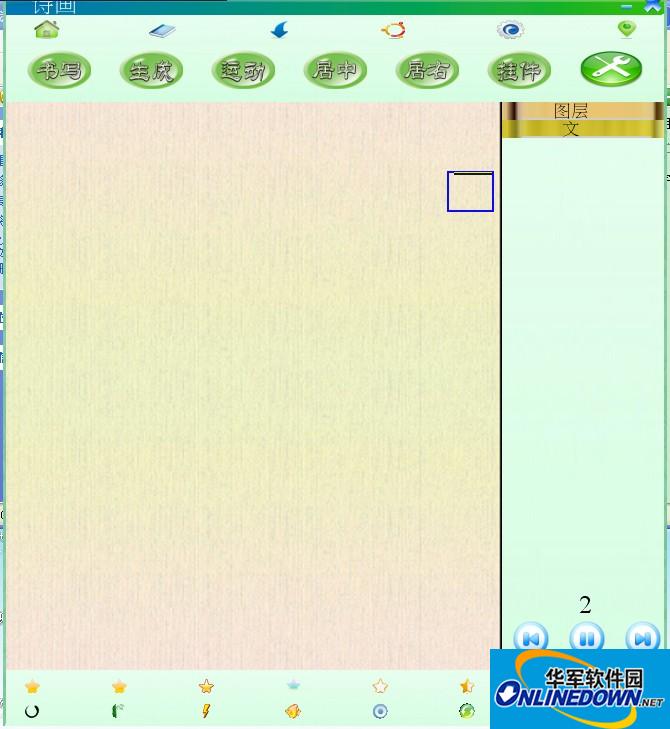
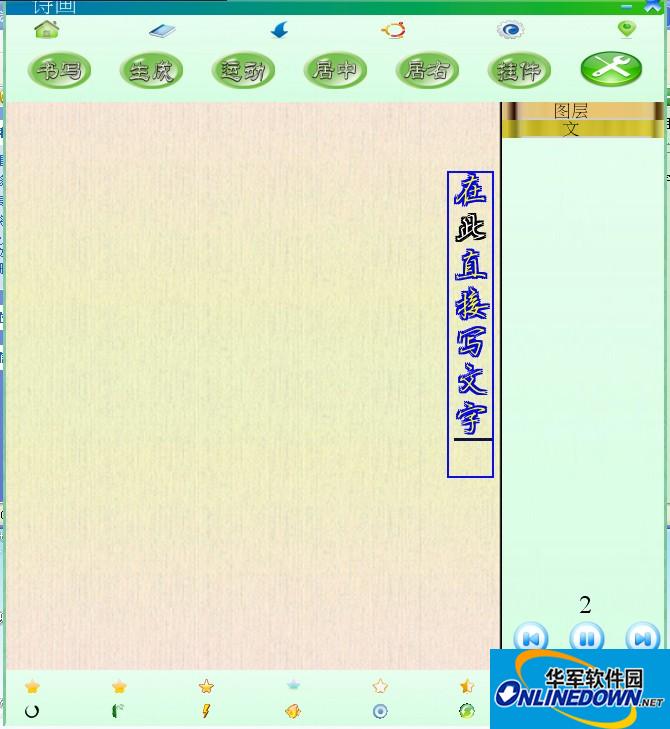
Step 2: Write the text directly or copy and paste the text directly;
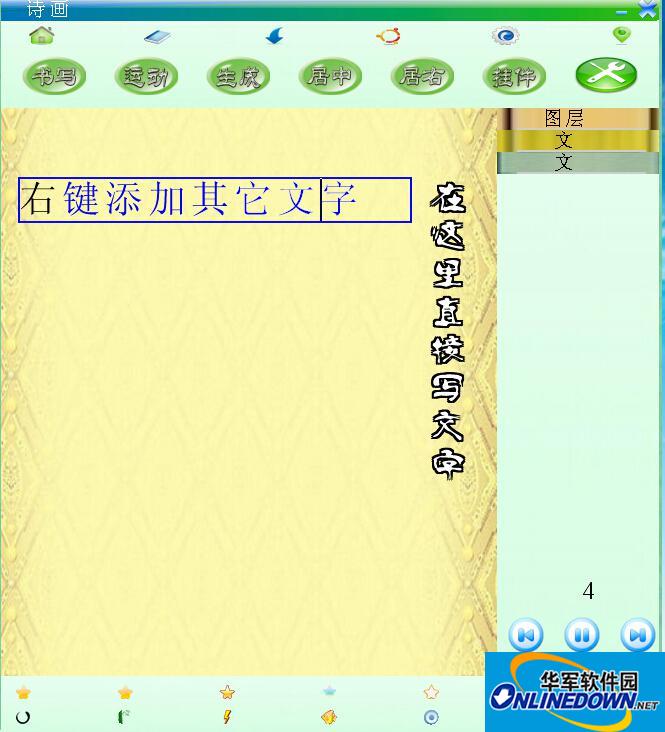
Step 3: Right-click and select insert other text paragraphs;

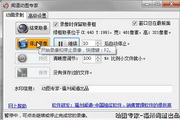
Step 4: Click Settings to set the font;

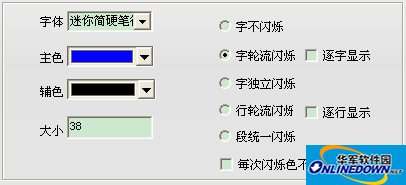
Step 5: Choose color;
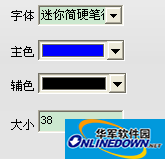
or

Step 6: Generate animation;
Click the Generate button;

Application 2: Edit pictures or animations
Step 1:
Select the dragged picture as the background;

or

Make it appear in background state;
The picture or animation dragged in will be treated as the background;
Step 2: Click Preview to see the effect;

Preview effect;

Step 3: Add any horizontal or vertical text on top;

Step 4: Drag in pictures or animated picture widgets to dress up;

Click on the material, and the built-in material will be opened and dragged in;
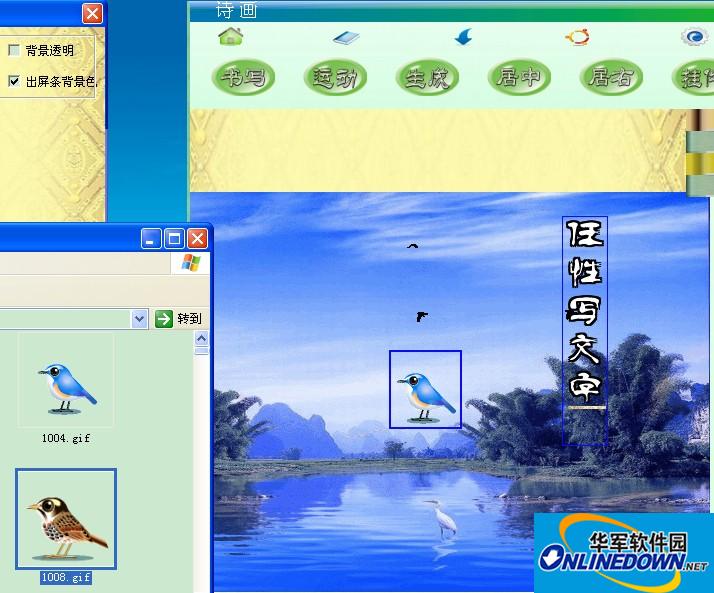
Or drag it directly from QQ;
Some pictures in QQ may not be dragged, so save them as and then drag them in, or copy them to the QQ chat window and then drag them in;
Step 5: Set the running trajectory;
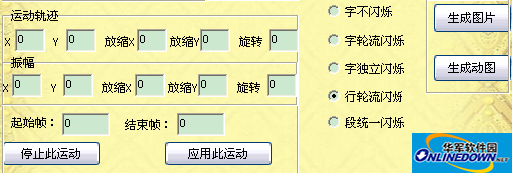
Step 6: Click Generate;
Application 3: Photo synthesis animation
Step 1:
Put the photos to be combined into a separate folder
And name them in order 01 02 .... Otherwise, the order may be different during synthesis.
Such as:

Step 2:
Click Photo Synthesis and select the first image in this folder, so that the photos will start to be combined into an animated image.
Application 4: Frame-by-frame generation
Generate frame by frame. You can design a certain frame, a few frames, or all of them individually.
Step 1: Select the frame-by-frame generation method;
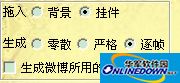
At this time, the "Generate this frame" button will appear in the creation panel.
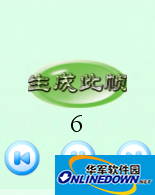
Step 2: Select the pause button in the middle to edit the frame
Step 3: After editing, select the Generate this frame button;
If you want to edit other frames, just select the other frames button;
Finally, click Generate;

Generate animated graphics;
Successor:
Shift+arrow keys Position fine-tuning
Ctrl+arrow keys Angle fine adjustment
When stretching text, press Shift to fine-tune it.
Press and hold a layer to move up and down and adjust the order of layers.
The greatest function of willful poetry and painting
Generate animations from text and poetry;
Add text and animations to photos;
Modify animations and add text;
Production of off-screen animations;











Useful
Useful
Useful