



Similar software
Release Notes
Software address
- Green versionView
- Green versionView
- Green versionView
- Green versionView
How to use
1. After downloading, install the software
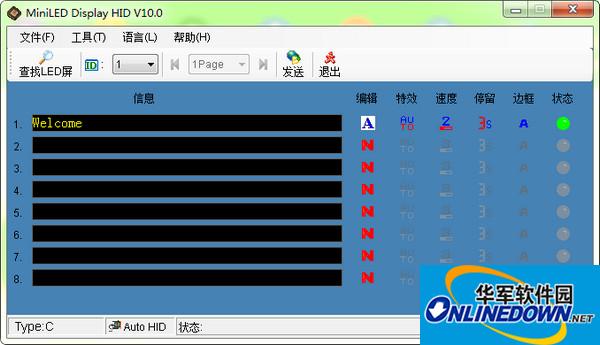
2. Open the program, connect the LED to the computer, and then click Find LED
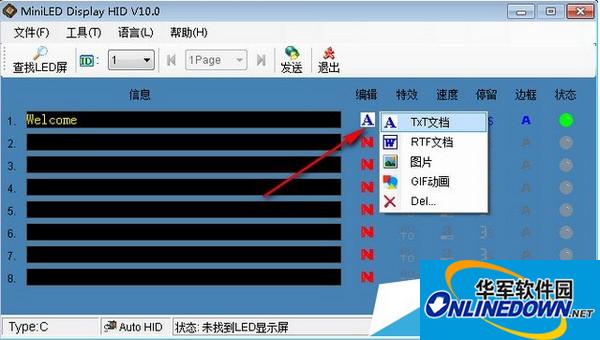
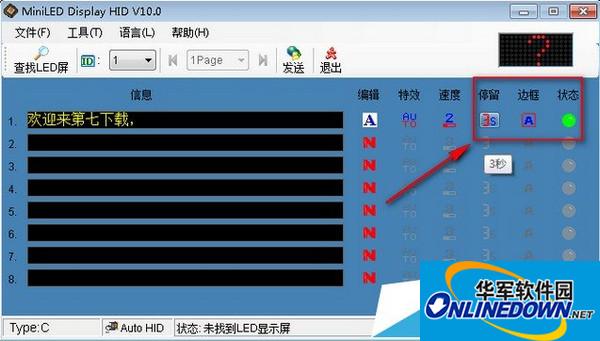
3. Click Edit to enter text.
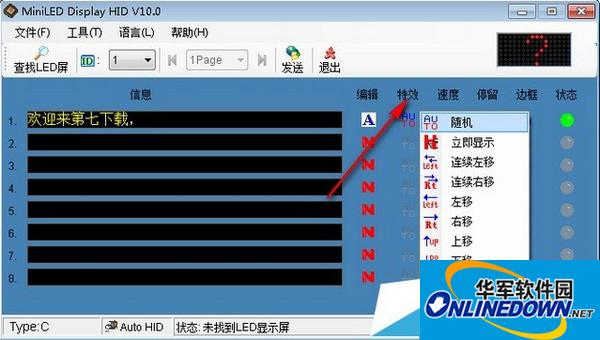
4. Adding special effects
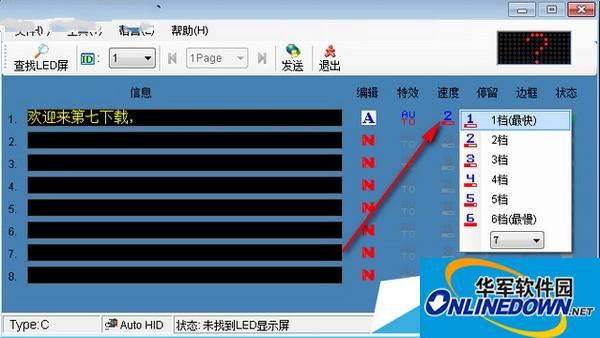
5. Speed adjustment
6. You can also set the dwell time/whether there is a border
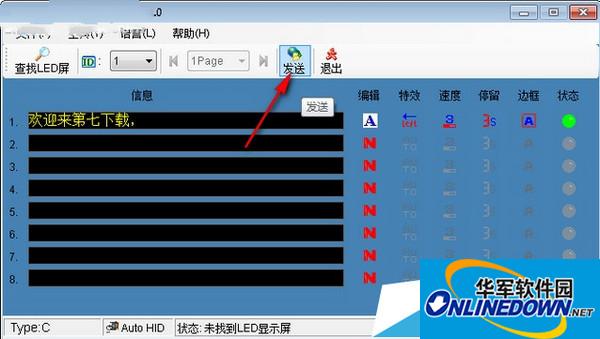
7. After editing, click Send






Useful
Useful
Useful