





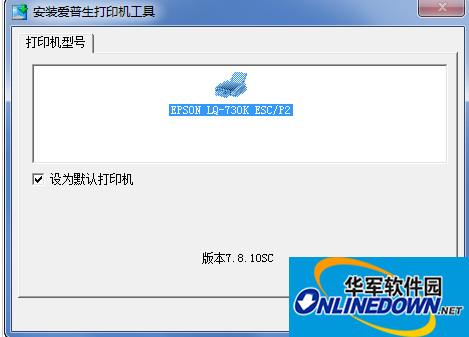
epson Epson LQ730K printer driverSoftware introduction
Epson LQ-730K dot matrix printer is an 80-column push-type dot matrix printer. According to official promotional materials, this product has four advantages in printing speed, stability, use cost and user-friendliness. The new print head technology ensures a life of 400 million hits. The printing speed of 173 Chinese characters and 347 English characters per second also greatly improves work efficiency.Epson Epson LQ730K printer driver installation steps
1. Please turn off the printer before installing the driver;
2. Double-click the downloaded file and the driver will be installed automatically. Just follow the Chinese prompts on the screen;
3. When the screen prompts "Turn on power", turn on the printer;
4. If you cannot print after installing the driver, please replug and unplug the USB cable and use the "copy" printer automatically generated by the system to print. Or try changing the USB cable.
epson Epson LQ730K printer driver update log
1. Optimize content
2. The details are more outstanding and bugs are gone.
Huajun editor recommends:
Epson Epson LQ730K printer driver is professional, easy to operate and powerful. It is one of the leaders in the software industry. You are welcome to download it. This site also providesCanon mf4400 printer driver,Pantum p2506 printer driver,Canon imageCLASS MF4752 driver,Fuji Xerox WorkCentre 7835 driver,Fuji Xerox P355d Printer DriverWaiting for you to download.










Useful
Useful
Useful