
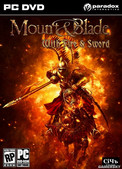



- Green versionView
- Green versionView
- Green versionView
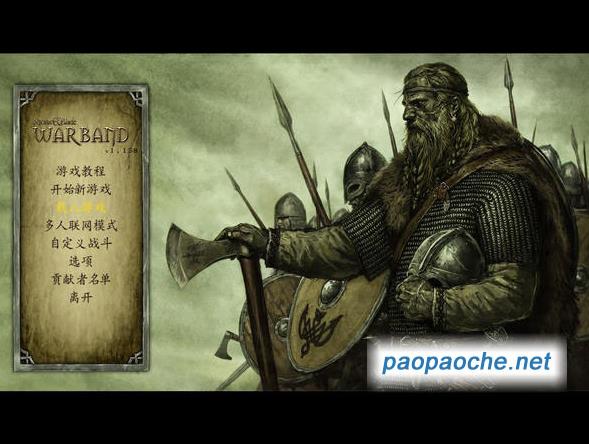
Features of Mount & Blade Fire & Sword Chinese version
1. The game has a storyline adapted from the novel by Ban Award winner Henryk Sienkiewicz.
2. New countries, new weapons such as pistols, muskets, grenades, and other more advanced weapons and equipment
3. Completely customized army: Players can personally configure equipment for their subordinates
4. Additional mission types, newly added colorful camps, and also bring more intrigues and intrigues. There can be countless more magical adventures in the new world
5. New economic system, which includes village and town construction, banking system, and new trade options. Players will have the opportunity to raise funds through loans, use money to make money, and organize and operate large caravans.
6. Multiple endings will surprise players and increase the playability of the game
7. Highly restored historical content
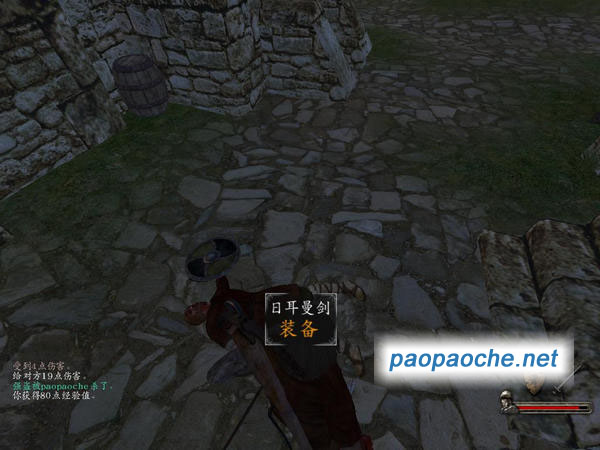
Mount & Blade Fire & Sword Chinese Version Operation Guide
w, s, a, d up, down, left and right
e kick someone
space jump
Pulley weapon switching
r perspective change
123456 Team selection
F1, F2, F3 team instructions
Mount & Blade Fire & Sword Chinese Version Cheats
Chinese version: Run the game => Configure => Turn on cheat mode
Press the following key combinations on the specified interface in the game to get the corresponding effects:
Cheats Function Usage Interface
[Ctrl] + X +1,000 gold coins (one time) Warehouse (item purchase) interface
[Ctrl] + X +1,000 experience (one time) Character interface
[Ctrl] + W All weapon proficiency increases Character interface
[Ctrl] + X Upgrade selected units (once) Troops
[Ctrl] + [Left mouse button] Select prisoners or troops and place them in the castle Troops
[Ctrl] + T Show all tracks and all units on the map (map fully lit) Map
[Ctrl] + [Left mouse button] Teleport map
[Ctrl] + [Space] Time runs out quickly Map
[Ctrl] + H Health Regeneration Combat
[Ctrl] + [Shift] + H Mount health regeneration Combat
[Ctrl] + J Reiner Fight
[Ctrl] + V Instantly find your troops and fight
[Ctrl] + [F3] Knock yourself out and fight
[Ctrl] + [F4] Stun enemy Combat
[Ctrl] + [F6] Stun allies Combat
[Ctrl] + [Alt] + [F4] All enemies are stunned. Combat
[Ctrl] + [Shift] + [F4] Inflict bludgeoning damage to all enemies Combat
[Ctrl] + [Shift] + [F6] Inflict bludgeoning damage to all allies Combat
[Ctrl] + [F5] AI takes over your character (auto-attacks) Combat
[Ctrl] + [F9] On/off slow motion
[Ctrl] + [F11] Pause game




Useful
Useful
Useful