
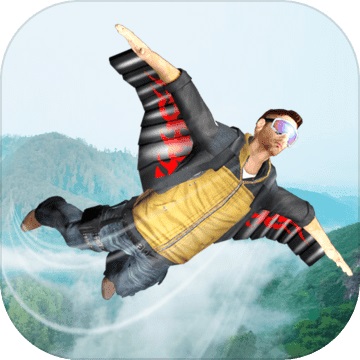



Game features
Customize cool characters and amazing suits as you wish.
2. Around 3 different themes, like desert theme, snow theme and forest theme.
15 extraordinary levels to explore the sky.
Best simulation controls and addictive gameplay.
Game play
Flight Simulator: Fly into the sky and experience the adrenaline.
In Wing Suit Simulator, enjoy the latest sky diving simulation adventure ever! Put on your wing suit, fly and perform paragliding but don't collide with any other objects. View around the world by moving your phone in any direction.
Fly over valleys, hills and feel the wind in the sky lines playing this simulation game! Perform various stunts combined with the thrilling impact of flight simulation games.
Installation steps
Special note: The installation package provided by Huajun Software Park contains the Android emulator and software APK files. For the computer version, you need to install the emulator first and then install the APK file.
1. First download the installation package from Huajun Software Park. The software package contains an Android emulator exe installation program and an APK file and unzip it. First click on the exe program to install the lightning simulator.

2. Double-click "Lightning simulator.exe" file to enter the installation interface. Users can click "Quick Installation" to select the system's default installation address for installation, or click "Custom Installation" to choose the installation path. Custom installation is recommended here.

3. WaitingLightning simulatorAfter the installation is complete, click "Try Now" to open the emulator.

4. Enter the main interface of the lightning simulator and clickRight column APK iconSelect the "Local APK Install" button.

5. In the pop-up window, click on the decompressed APK file, and then click to open.

6. After that, the software will enter the installation process. You need to wait for a moment. After the software installation is completed, it will appear in my software list. Click the icon and double-click to open it. 













Your comment needs to be reviewed before it can be displayed