





 You may like






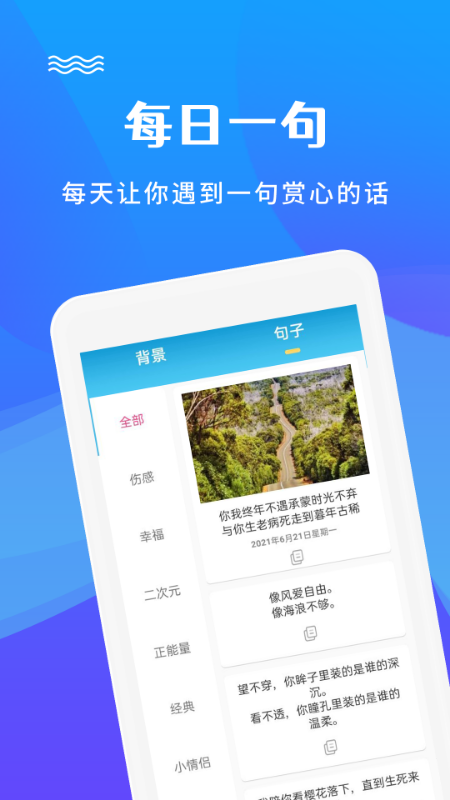
Basic functions of picture editing and text addition
1. Add text to the picture. You can specify the position, size, color, and font of the text, and you can add your own fonts. It can be used to add labels to the picture, or form a picture with both pictures and text;
2. Change the size of the picture according to proportion with one click;
3. All templates can be edited online, downloaded and saved;
4. Collage various stickers into your pictures to form a beautiful sticker effect.
5. Massive templates, support online editing and one-click production of mobile phonesposter, long marketing pictures, official account covers, business cards, new media pictures, catering and food marketing pictures, etc. to meet your design needs in different scenarios.
图片编辑是一款操作简单,功能强大的作图神器,不用懂PS,也能简单在手机做海报做宣传图,轻松搞定你一切的图片设计需求。 Select a template, add text, download and save, and I have high-quality pictures at my fingertips! You can design quickly even with no basic knowledge!
Frequently Asked Questions about Image Editing and Text Adding
Edited pictures cannot be saved
Possible reasons: Insufficient storage space, file system error, APP permissions are restricted.
Solution: Clean up the phone’s storage space; check the file system for errors and fix them; make sure the APP has permission to save pictures.
Unable to share edited image
Possible reasons: The sharing channel is not configured, APP permissions are restricted, or network problems.
Solution: Configure the sharing channel; ensure that the APP has permission to share pictures; check whether the network connection is stable.
Picture editing and text update log
1: Brand new interface, refreshing, simple and efficient
2: Performance is getting better and better
Huajun editor recommends:
This software is powerful and easy to operate. I hope you will like it. In addition, this site also hasJianxin Rongtong,Universal charger,Orange Heart Digital,spring manual,calculatorWaiting for software, welcome to Huajun Software Park to download!













Useful
Useful
Useful