





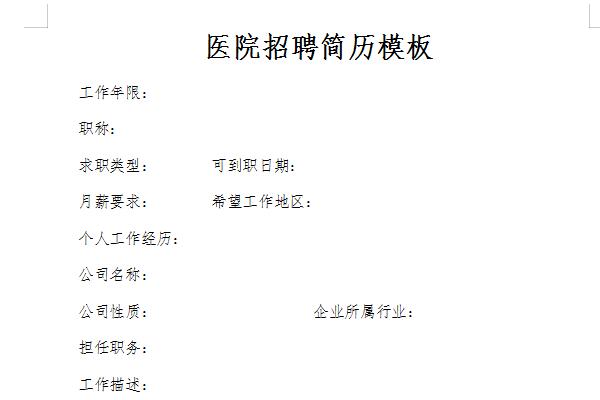
Introduction to Hospital Recruitment Resume Template
Working years:
Job title:
Job Type: Availability Date:
Monthly salary requirements: Desired working area:
Personal work experience:
Company name:
Company nature: Industry to which the company belongs:
Position held:
Job description:
Reason for resignation:
Educational background
Graduation school:
Highest education level: Graduation date:
Major 1: Major 2:
Education and training experience:
Common shortcut keys for hospital recruitment resume templates
Ctrl+C: Copy the selected text to the clipboard.
Ctrl+D: Open the "Font" dialog box to quickly complete various font settings.
Ctrl+E: Center the text on the line where the cursor is.
Ctrl+F: Open the "Find and Replace" dialog box and locate it on the "Find" tab.
Ctrl+G: Open the "Find and Replace" dialog box and locate on the "Going" tab.
Ctrl+H: Open the "Find and Replace" dialog box and locate the "Replace" tab.
Ctrl+I: Make the selected text tilt (press it again to cancel the tilt).
Ctrl+K: Open the "Insert Hyperlink" dialog box.
Ctrl+Shift+L: Add "bullets" to the text on the line where the cursor is located.
The editor recommends:
The hospital recruitment resume template is a free template. You can download the source file for you to edit, modify and replace. Huajun Software Park also providesNurse Recruitment Resume Template,College student recruitment resume templateDownload.













Useful
Useful
Useful