




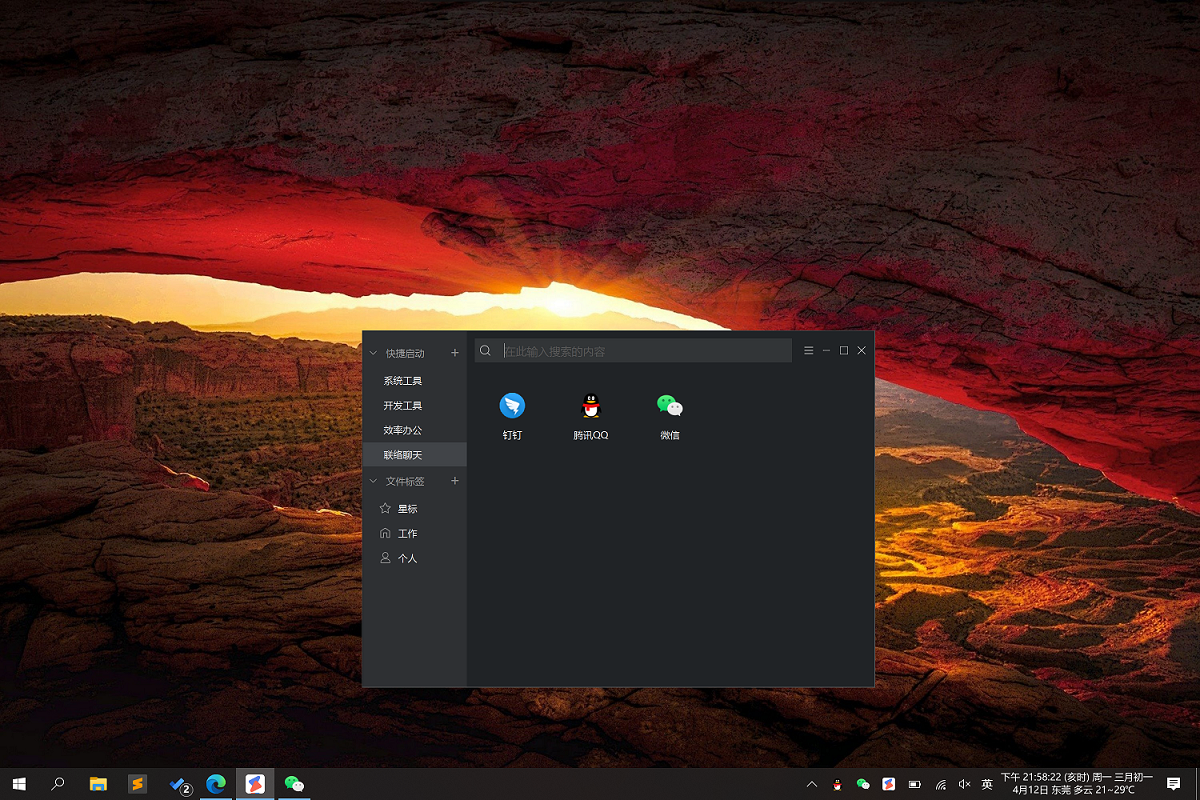
Software features
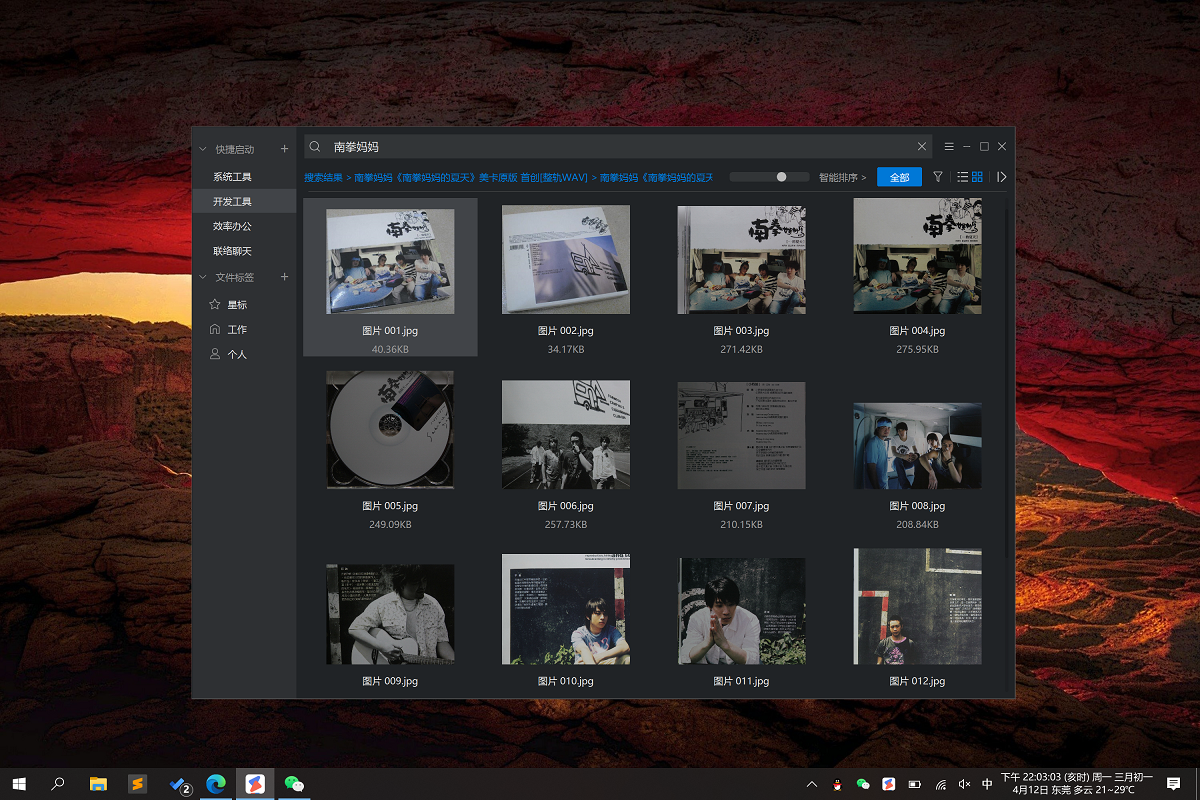
1. Local file search
Create file indexes extremely quickly
Search local files in seconds
Support keyword fuzzy search (for example: evth=everything)
Supports pinyin and initial letter search (for example: yxrl=Excellent Calendar)
File search results support dragging to other windows
For example: To send a file to a friend on WeChat/QQ, ① use the shortcut key to call up the efficient file assistant ② search for the file to be sent ③ drag it to the chat window ④ send it in one go, avoiding the inefficiency of manually selecting the file path and then sending it.
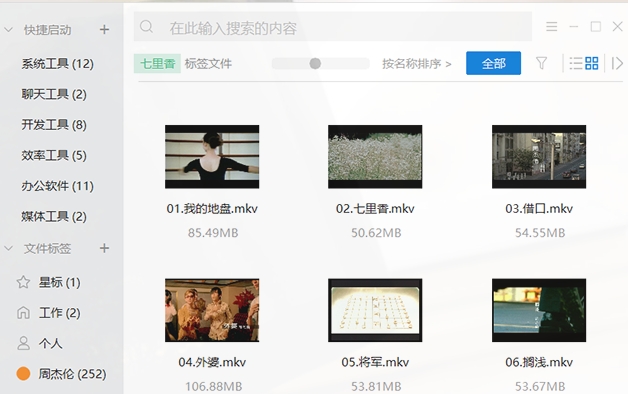
Software function
Seamlessly integrated with the resource manager, supports tagging files through the system right-click menu
Through file tag management, related files can be quickly retrieved, and the same file supports multiple custom tags
Usage scenario introduction: The file names of photos/videos taken by everyone are usually in English, and the desired file cannot be found directly through the file name. At this time, you can select the file and quickly label it to facilitate quick indexing in the future.
For example:
① We took our children to the zoo and took a lot of photos. We can label these photos [parent-child] [zoo].
② Company administration has to process a lot of documents on a daily basis. We can classify documents by tags, such as [Leader] [Report] [Notice] [Important], etc.
3. Quick start of program
Supports custom grouping and classification, program management is easy and no longer confusing
The quick launcher of the program can be added by right-clicking on the system or dragging and dropping, which is fast and efficient.
4. File transfer on the same network
Support files/folders to be quickly sent to friends within the LAN
File search->File sending, all in one go
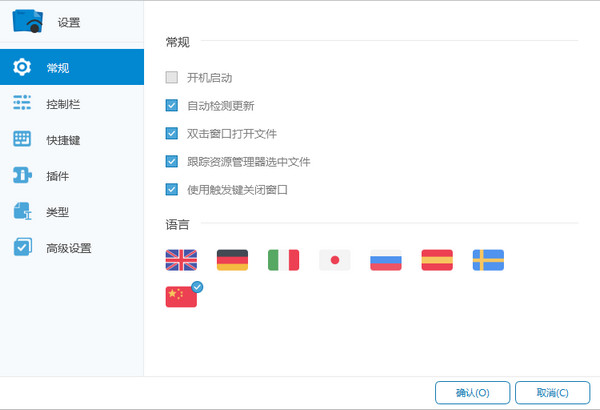
Default shortcut key for awakening: Alt + F (can be modified through settings)
Effective File Assistant update log
1.[New] Quick start supports custom shortcut keys
2.[New] Quick start supports custom icons
3. [New] Quick launch supports adding system UWP applications
4.[New] Offline activation in no network environment
5.[Optimization] Intelligent sorting algorithm for search results
6.[Optimization] Display of search result list icons to reduce latency
7.[Optimization] Border color in dark mode
8.[Fixed] The problem of search lag after file path filtering
9.[Fixed] Other known bugs
Huajun editor recommends:
Excellent File Assistant is a high-performance software that meets everyone's requirements. The software is free and non-toxic. It has absolutely positive reviews. Our Huajun Software Park has the most authoritative software, which is green and free, officially authorized, and similar.Lenovo Filez,PDF Editor Abdio PDF Editor,PocoMaker,Dianju AIP general document processing system,FileLocator Pro, I hope everyone will come to download it!
























Useful
Useful
Useful