




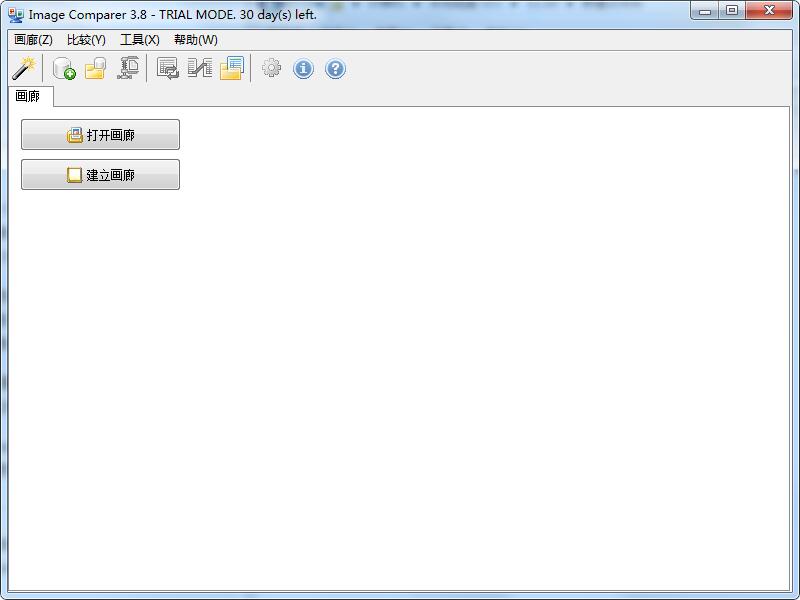
Bolide Image Comparer function introduction
Duplicate image finding tool Comparer) When taking pictures with a digital camera, you will always encounter some junk photos due to various reasons. If they are not cleaned up in time, it will often cause a huge waste of storage space. But it is not an easy task to pull out two identical pictures from the hard drive. Now you can make Image Comparer helps you get out of this dilemma. It can automatically judge digital photos and select duplicate pictures for you.
When taking pictures with a digital camera, you will always encounter some junk photos due to various reasons. If they are not cleaned up in time, it will often cause a huge waste of storage space. But it is not an easy task to pull out two identical pictures from the hard drive. Now you can make Image Comparer helps you get out of this dilemma. It can automatically judge digital photos and select the best-quality digital images for you, and provide you with transfer or delete operations.
Image Comparer It is a duplicate image finder tool that can find all similar images, even if they are in different formats, for example, one is in JPEG format and the other is in the standard Windows bitmap format (BMP), the software can also compare them.
Different from similar software, Image Comparer Rather than simply judging by the appearance of graphics, it analyzes the content information of graphics files and combines multiple files for analysis. You can set the similarity level in the software to achieve more satisfactory judgment results.
Bolide Image Comparer installation steps
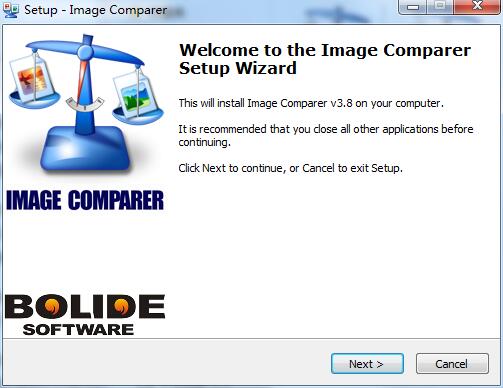
1. Download the Bolide Image Comparer official version installation package from Huajun Software Park. After unzipping, double-click the "exe" file to enter the installation wizard and click Next
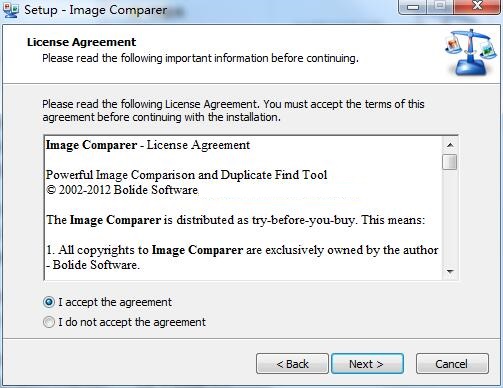
2. Read the license agreement, click "I accept the agreement", and click Next
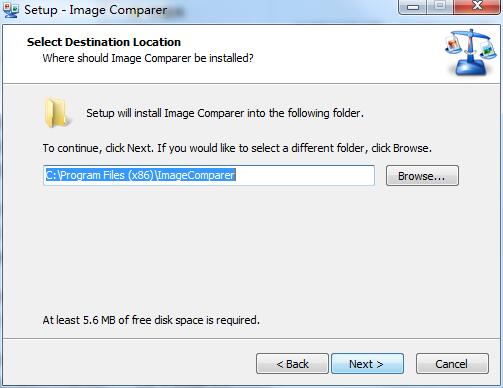
3. Click "Browse" to select the installation location. Generally, the default is C drive. It is recommended to install on D drive. Click Next.
4. Click "Browse" to select the start menu folder and click Next
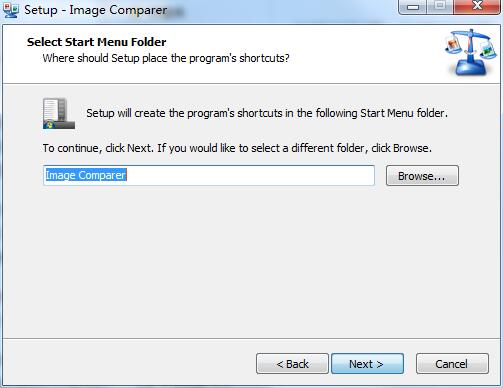
5. Select additional tasks, check the tasks you need, and click Next
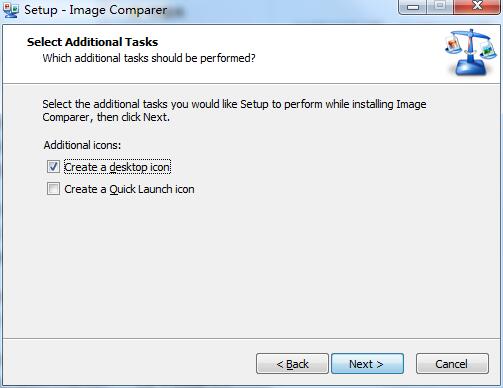
6. The software information is ready, click Install to install
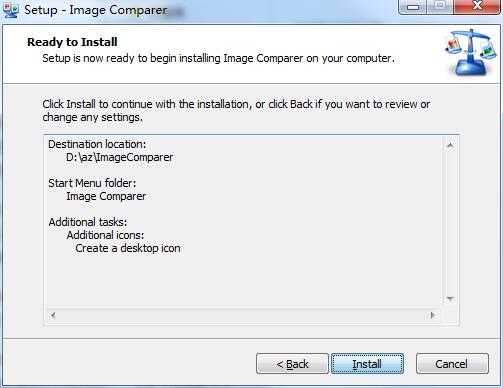
7. The software is being installed, please wait patiently.
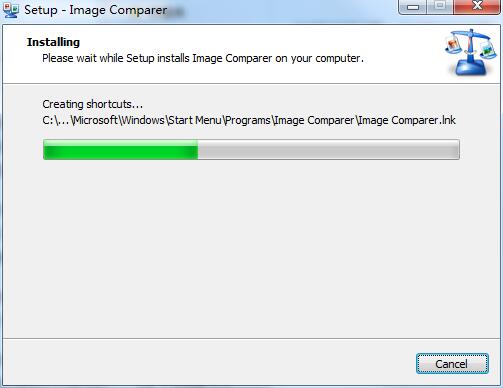
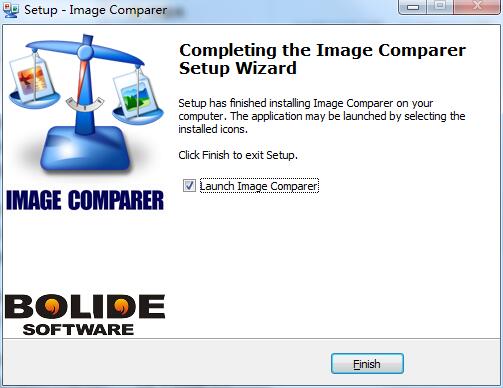
8. Bolide Image Comparer installation is complete, click Finish to exit the installation wizard
Bolide Image Comparer update log
Working day and night just so you can be happier
are all gone!
Huajun editor recommends:
Bolide Image Comparer has always been the most commonly used software by most netizens. Huajun Software Park also hasVueScan (image scanning software),Jinshan Painting King 2006 Free,(ActiveBarcode) Barcode Generator,3A mind map,Image filterIt is also a software that is very popular among netizens. You can download it from Huajun Software Park!




Useful
Useful
Useful