



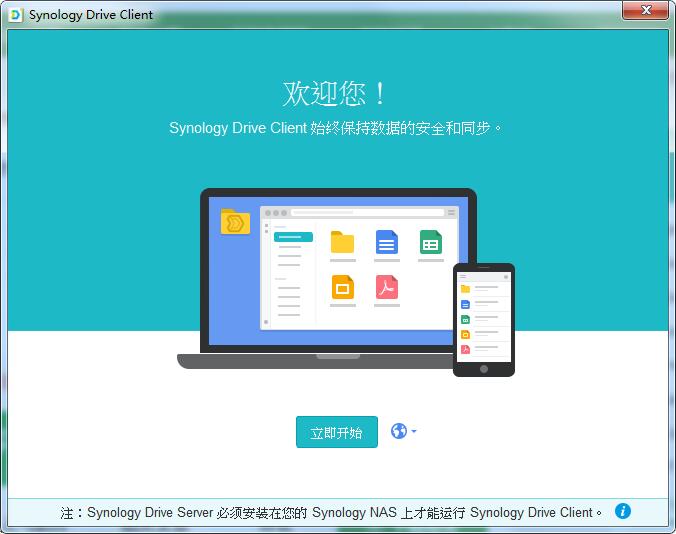
Synology Drive Client software introduction
Product specifications
For Windows environment, up to 64 sync tasks can be created using Synology Drive Client
On-demand sync option reduces computer capacity consumption and overhead on the server (available in Windows 10 version 1809 and above)
By working with Synology Drive Server Sync My Files, Team Folders, and Shared with Me folders on your computer for file access from a file browser on your local computer
Two-way synchronization or one-way upload/download to meet different collaboration needs
Blacklist the file name, file extension and maximum file size
Flexible backup settings with continuous, manual or scheduled modes to meet different backup needs
Monitor and record file operations, including downloading, deleting, renaming, etc.
Restrictions
Synology Drive sync tasks do not support certain file types and drive types (Learn more)
.pst files are not supported as .pst files are not guaranteed to be transferable
Only one backup task can be created for an account
Cannot select a synchronized folder or the ancestor folder or subfolder of a synchronized folder for synchronization task
If the local folder contains folders mounted via other file protocols, the files in this mount point may not be synchronized because Synology Drive Unable to detect file changes in mount point
Sync on demand
无法选择已使用 Synology Drive 的“按需同步”、OneDrive 的“按需文件”或 iCloud Drive Synchronized local folders and their subfolders for "On-Demand Sync" tasks
Root hard drive directories (such as C: and D:) and home directories (such as C:Users) cannot be selected as "Sync on Demand" folders
Synology Drive Client installation steps
1. Download the Synology Drive Client official version installation package from Huajun Software Park. After unzipping, double-click the exe program to enter the installation wizard and click Next
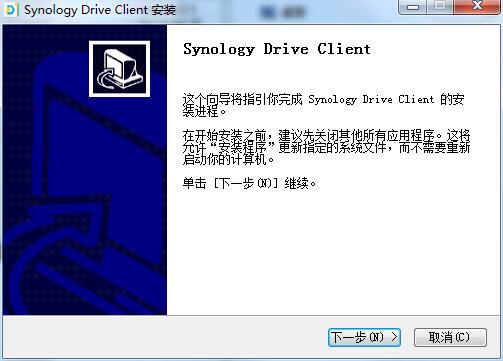
2. Read the license agreement and click I accept
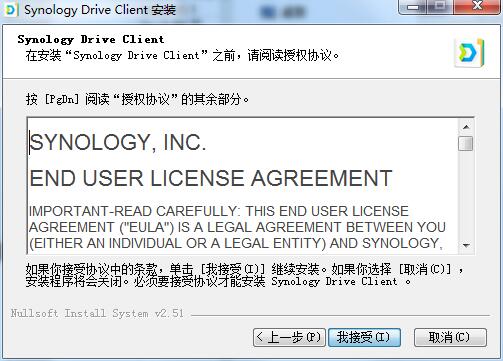
3.Synology Drive Client is being installed, please wait patiently
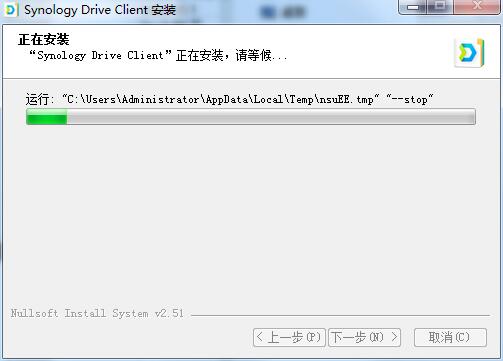
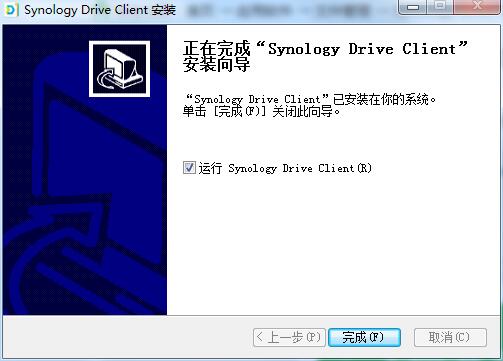
4.Synology Drive Client installation is complete, click Finish to exit the installation wizard
Synology Drive Client update log
Optimize user feedback issues and improve detailed experience
Huajun editor recommends:
After you use Synology Drive Client, I think you may also needLenovo Filez,PDF Editor Abdio PDF Editor,EXCEL merge gadget,PocoMaker,Dianju AIP general document processing systemWaiting for software, come to Huajun Software Park to download and use it!







Useful
Useful
Useful