





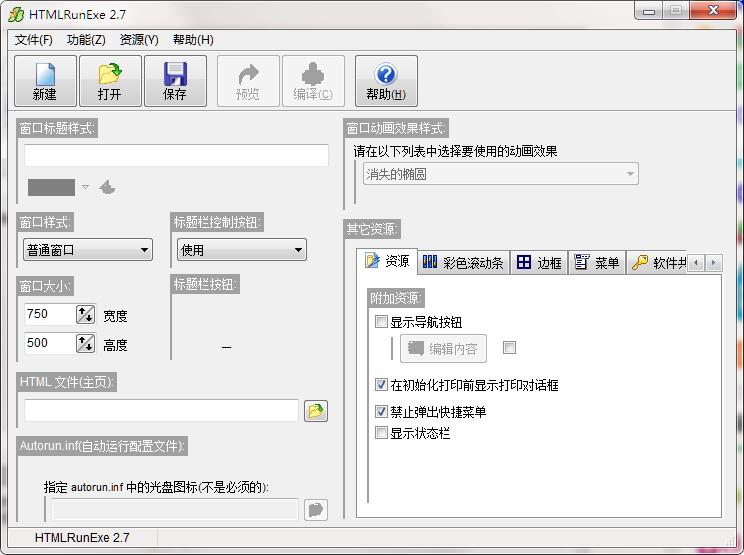
HTMLRunExe software introduction
HTMLRunEXE2.7 is an HTML webpage packaging tool and a software for creating digital books (e-books). Using the Chinese version of HTMLRunEXE2.7, you can quickly package the contents of HTML webpage files into EXE executable program files without cumbersome operations. It can be said to be very powerful.
HTMLRunExe installation steps
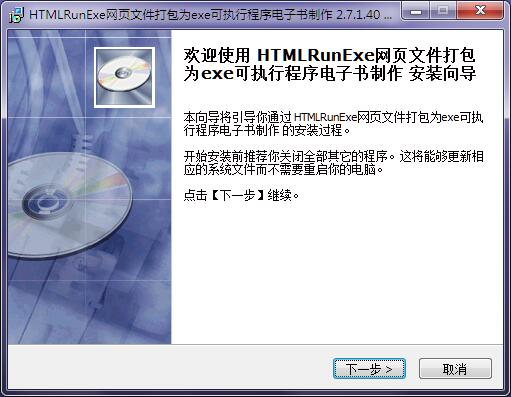
1. Download the official version of HTMLRunExe installation package from Huajun Software Park. After unzipping, double-click the exe program to enter the installation wizard and click Next
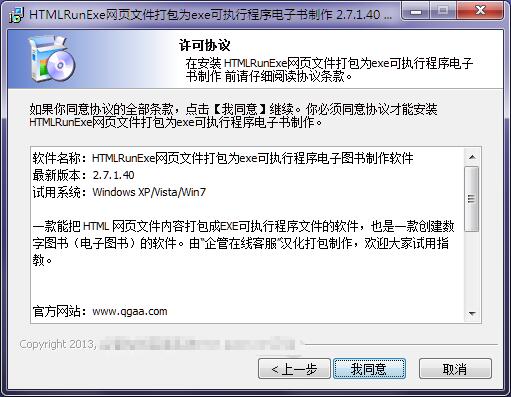
2. Read the license agreement and click I agree
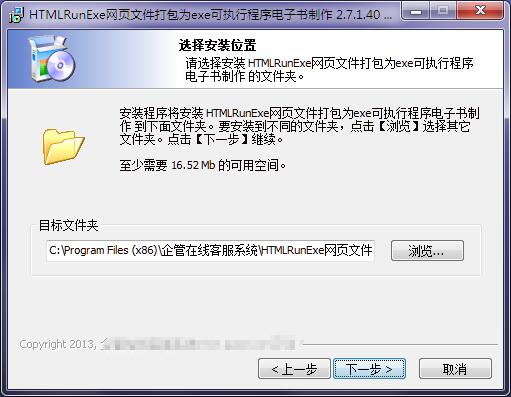
3. Click "Browse" to select the installation folder. Generally, it is installed on the C drive of the computer by default. It is recommended to install on the D drive. Click Next.
4. Select the shortcut folder and click Next
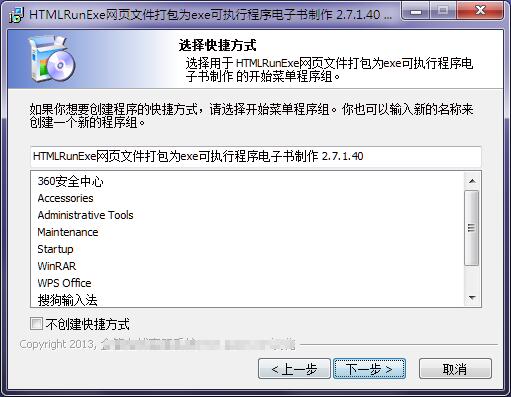
5. Select additional tasks, check Create desktop shortcut, and click Next
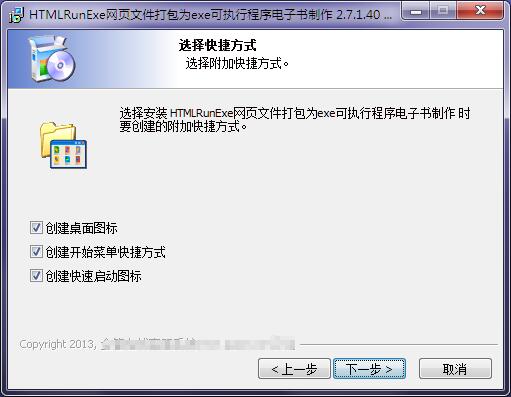
6. The installation program is ready, click Install
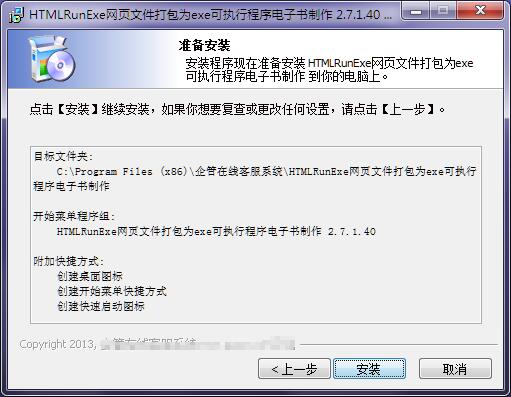
7.HTMLRunExe installation is complete, click Finish to exit the installation wizard
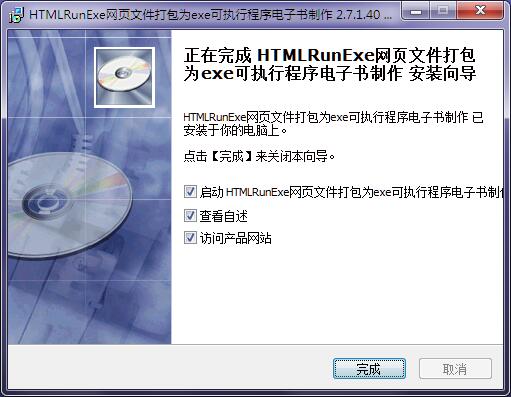
How to use HTMLRunExe
1. First open the program directory, and then double-click to run the html_runexe.exe program.
2. The following introduces the program and template setting steps.
【1】First enter the window title in the window title style.
【2】Then set the size of the course display window in the window size column.
【3】Choose the index.html home page that needs to be created in the download folder.
HTMLRunExe update log
1. Optimize content
2. The details are more outstanding and the bugs are gone.
Huajun editor recommends:
HTMLRunExe is a software that is completely fool-proof and super simple to operate. I also recommend it.Tarma QuickInstall,appmaker,cc3d parameter adjustment software OpenPilot GCS,INF-Tool,YALMIP ToolboxDownload and use related software.




Useful
Useful
Useful