




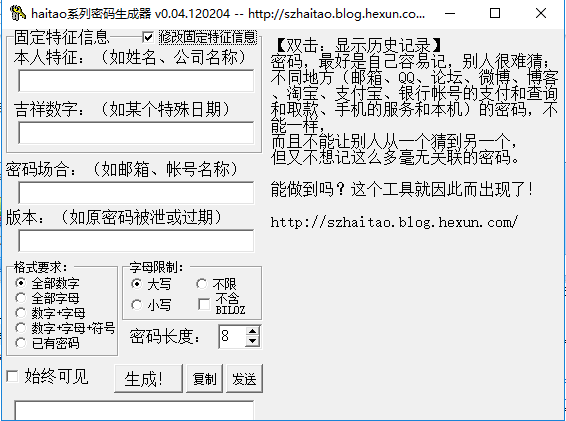
Series password generator software features
Nowadays, passwords are used in more and more places. It is best for passwords to be easy for you to remember and difficult for others to guess. Passwords in different places cannot be the same, and they cannot allow others to guess from one to another. This gives some people a headache. The series of password generators can help you do it easily.
Series Password Generator Features
1. Can randomly generate passwords in batches
2. Password characteristics can be customized
Note:Fixed feature information only needs to be set once and cannot be modified!
Series password generator installation method
1. After downloading the series of password generators from this site, get a compressed package locally on your computer and use360 compressionSoftware decompression.
2. After decompression is completed, double-click the .exe file to open the software.
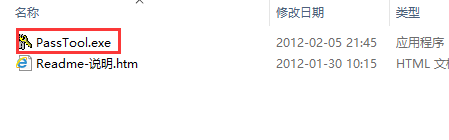
How to use series password generator
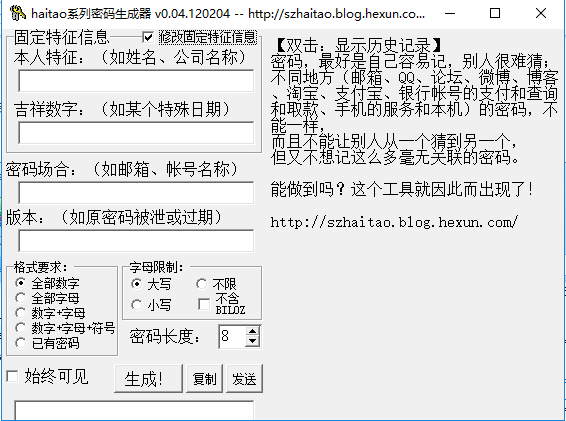
1. Open the series of password generator software downloaded from this site. After opening the software, enter the main interface of the software.
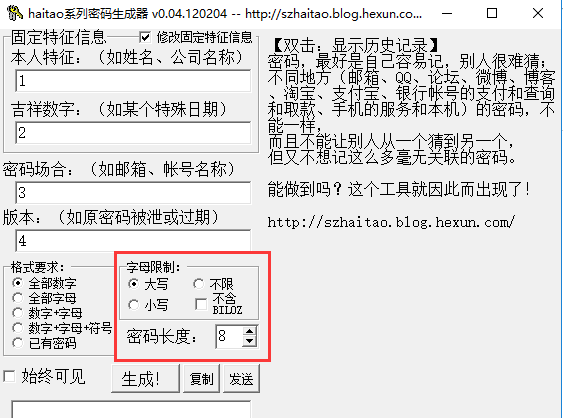
2. Enter the fixed information of the series password generator. After the input is completed, select the requirements for the password you want to use. They are all numbers, numbers + letters, etc. You can choose by yourself.
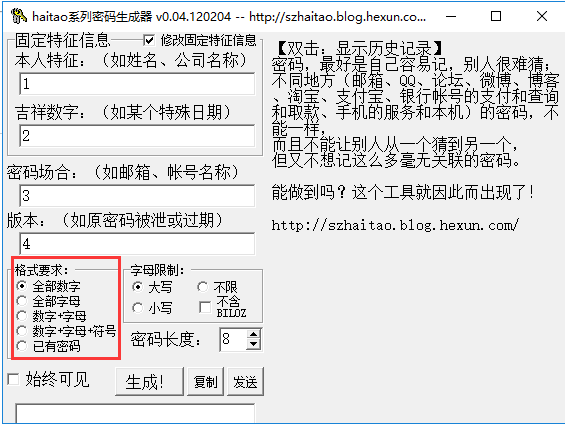
3. You can also modify the letter restrictions, uppercase, lowercase and other options. You can choose the password length yourself. If you want to use a regular password, you can click [▲]. If you want to use a short password, click [▼] to modify it.
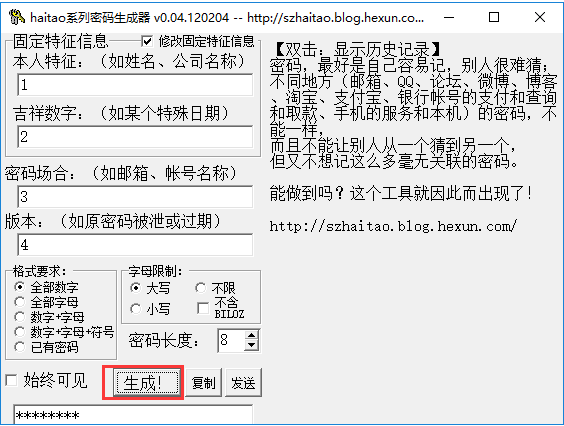
4. Then click the [Generate] button to generate a password. Copy the generated password to another place and you can view the password.
Series password generator update log:
1: Optimized performance
2: We are serious about solving bug problems







Useful
Useful
Useful