



- Green versionView
- Green versionView
- Green versionView
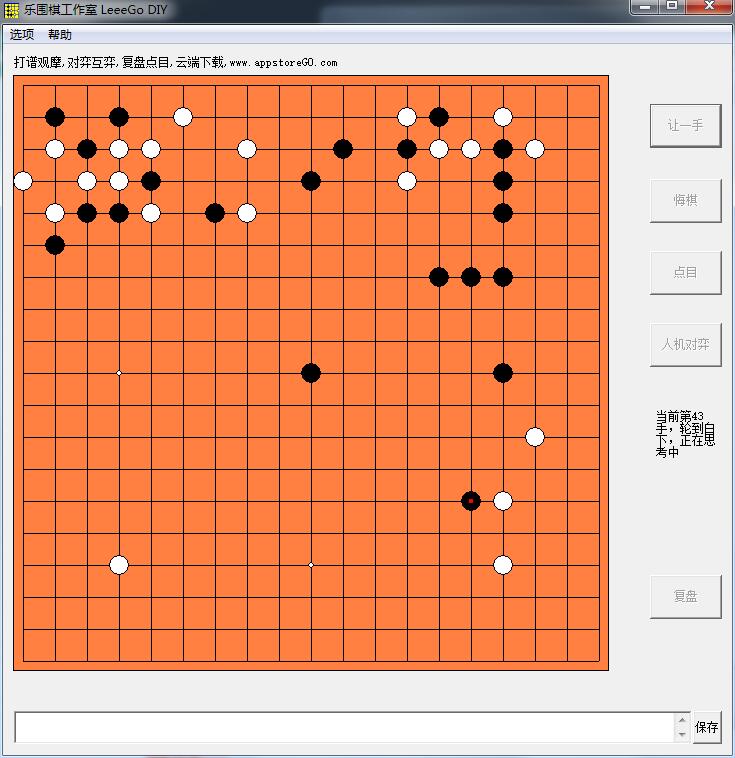
Introduction to LeeeGo DIY game by LeeGo Studio
LeeGo Studio The interface of DIY Go is very simple, but the functions are relatively complete, including common human-machine battles, two-player battles, regret games and other functions. The game also supports saving and loading game records!
LeeeGo DIY installation steps
1. Download the installation package of LeeeGo DIY from Huajun Software Park

2. After downloading, unzip the compressed package into a folder named after this software
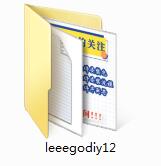
3. Open the folder and double-click the "exe" program
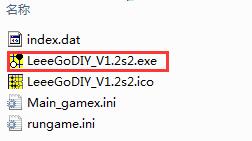
4. LeeeGo DIY is a green software that can be used without installation.
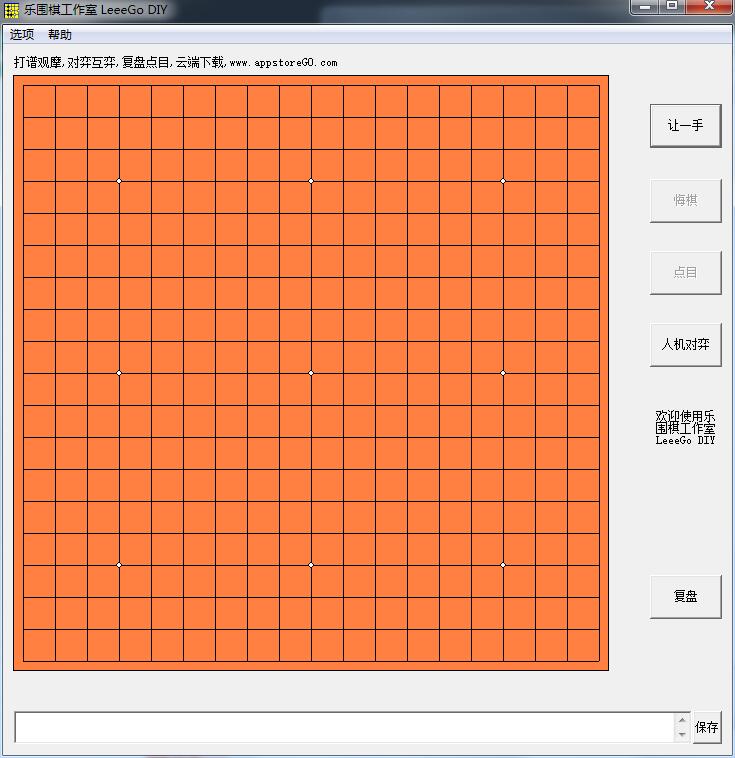
LeeeGo DIY instruction manual
Methods for making chess records: Create a new chess record>Set chess record attributes>Enter opening comments>Move chess>Comfortable hand comment>Move chess>Save the chess record
Open the program: Directly enter the state of human-machine chess. You are black who moves first, and white who moves second.
LeeeGo DIY update log
Working day and night just so you can be happier
are all gone!
Huajun editor recommends:
LeeeGo DIY is a high-performance software that meets everyone's requirements. The software is free and non-toxic. It has absolutely positive reviews. Our Huajun Software Park has the most authoritative software, which is green and free, officially authorized, and similar.Chinese chess,Winlinez(Color linez),MultiGo Go score software,Wangyou Go PC version,chess, I hope everyone will come to download it!




Useful
Useful
Useful