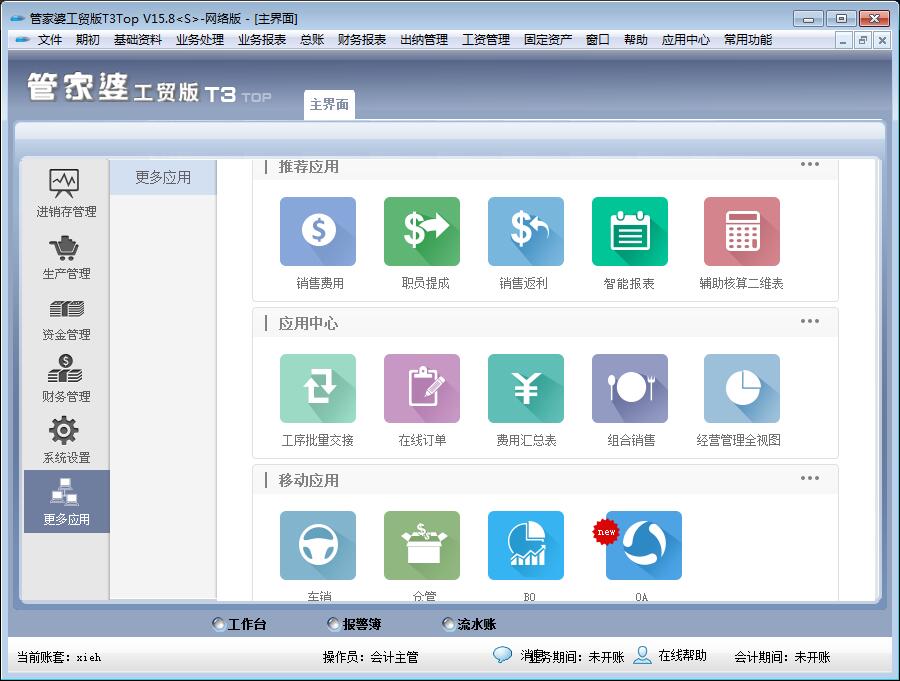
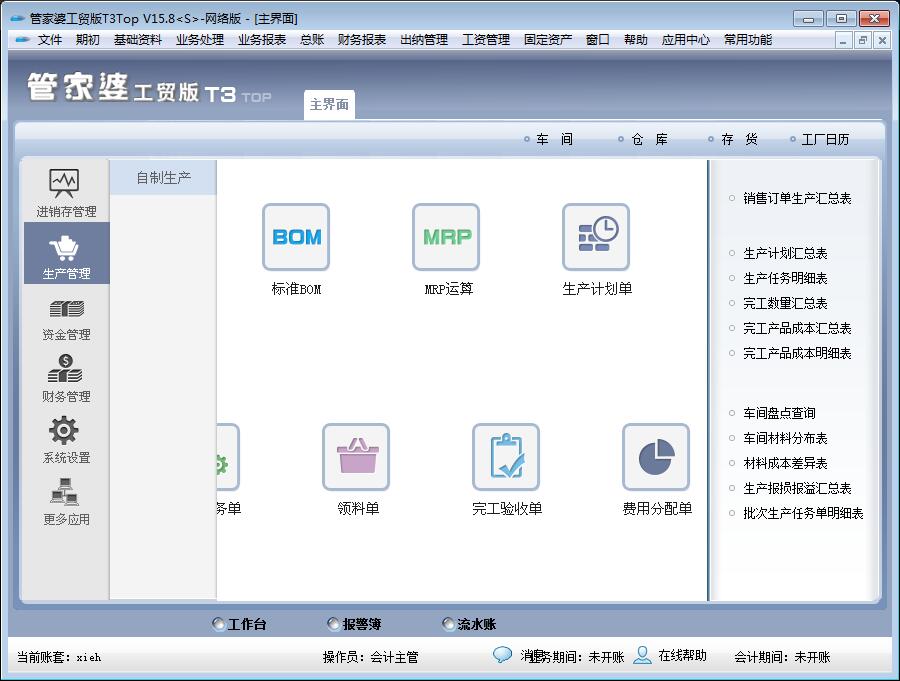
The Guanjiapo Industry and Trade Edition series of software is aimed at domestic small and medium-sized production and processing enterprises, and is the result of integrating ERP management ideas with the experience of hundreds of thousands of Guanjiapo users. This series of software takes financial management as the core and integrates modules such as procurement, sales, inventory, production, wages, fixed assets, and accounting management. By recording, transmitting, tracking, and analyzing information in the entire business process of corporate procurement, sales, inventory, and production, it achieves online dynamic monitoring and all-round management of corporate logistics, capital flow, information flow, and production cost control, thereby integrating and optimizing the company's internal resources, so that the three business links of production, supply, and sales drive each other and maintain a dynamic balance.
Guanjiapo Industry and Trade Edition T3 ·Guanjiapo Industry and Trade Edition T8 (Note: Compared with Guanjiapo T8, T3 does not have an "outsourcing processing" module.)
Applicable objects are applicable to small and medium-sized manufacturing enterprises that produce or process and sell incidental products (including outsourcing processing). Application value: Standardize enterprise business processing processes, so that enterprise data information can be automatically transmitted in the three major business links of sales, production, and supply, forming a value-driven relationship, determining production based on sales, and determining materials based on production, so that the entire enterprise can operate efficiently and orderly. ·
Through the integration of material information through BOM, market sales conditions combined with accurate inventory management help enterprises rationally purchase and arrange production reasonably, and solve the contradiction between missing parts and overstocking that the manufacturing industry is concerned about. ·Inheriting the advantages of Guanjiapo software in purchasing, selling, and inventory, complete and detailed reports provide timely and accurate information on external creditor rights and debt management, internal business, and fund management.
Check various materials on the production line at any time, combined with the current inventory situation, to form a comprehensive control of the inventory and avoid causing sluggishness of materials in the workshop.
Cost reports can trace the detailed costs of each product to help companies effectively analyze cost structures and control costs.
Features of Guanjiapo factory production system·
Practical and sufficient. Although small and medium-sized enterprises are small, they have all five internal organs. They need to manage a little bit of everything, but do not need very powerful and complex functions. Based on the principle of practicality, Guanjiapo Industry and Trade Edition covers the management of production, supply, sales and other business links. ·Simple implementation and application. The management foundation of small and medium-sized enterprises is weak and there is a lack of professional talents. The Guanjiapo Industry and Trade version adheres to the principle of simplicity and ease of use, and its implementation and application are simple. ·The price is more acceptable. The Guanjiapo Industrial and Trade Edition is in line with the practical and affordable values of small and medium-sized enterprises, and its price is more acceptable to small and medium-sized enterprises.
Guanjiapo factory production software functions
material distribution table
The workshop material distribution table reflects the quantity and amount distribution of each inventory in each workshop. Penetrating queries are possible.
Supplier contact inquiry
In the supplier transaction query, the system lists the current supplier's opening amount payable, increase payable, decrease payable, balance payable, etc.
Production picking details list
The "Production Requisition Detailed Table" is used to query the quantity and amount of requisition and use of a certain detailed inventory. Click "Business Report - Production Report - Production Requisition Details" and enter the corresponding query conditions to query the quantity and amount of materials received in the current period, used in the current period, and in production at the end of the period.
Sales order production details
"Sales Order Production Details" is used to query the details of actual production and completion acceptance after the company accepts the sales order. Click "Business Reports - Production Reports - Sales Order Production Details" to perform related queries based on "customer", inventory, sales order number, production order number and time period. The "released production numbers" and "completion acceptance numbers" in the report include data on in-house production and outsourcing processing.
Material loss summary table
After completion acceptance, there may be differences between the planned quantity of component parts consumed and the actual component consumption data. Click "Business Report - Production Report - Material Loss Summary Table" to view the specific material loss situation, learn the specific quantity in a timely manner, and facilitate comparison and analysis with the planned quantity on the original production task order.
Aging analysis of accounts receivable and payable
In the current economic environment, credit sales have become an indispensable way for most companies to enhance market competitiveness and expand market share. However, if the company does not have effective sales credit management, resulting in too many accounts receivable or a long payment period, the company's capital circulation and turnover cannot be completed smoothly, and economic benefits cannot be fully realized, resulting in a "high yield but not good harvest" situation. Therefore, companies should strengthen the management of accounts receivable.
Detailed list of outsourcing expenses
The "Outsourcing Cost Detailed List" is used to display the composition of processing costs for a certain processing unit. Click "Business Report - Outsourcing Processing Report - Outsourcing Expense Details" and enter the corresponding query conditions to query the details of each processing unit and each "Outsourcing Processing Expense Bill".
Customer inquiries
In the customer transaction query, the system lists the current customer's receivable amount, receivable increase, receivable decrease, receivable excess, etc.