
-
XPS Viewer
- Size: 1.09M
- Language: English
- Category: reading tools
- System: Winxp/vista/win7/win8/2000/2003






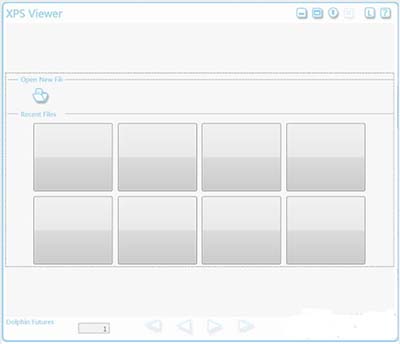
XPS Viewer PC version is a format reader specially built for XPS. Users can read with one click within the software and can open it at any time. The official version of XPS Viewer supports reading xps documents and converting xps documents into pdf. The XPS format is a file based on Zip compression format. Users can download the XPS Viewer software from Huajun.
XPS Viewer function introduction
1. Using XPS Viewer, you can create electronic documents to share with others that cannot be tampered with by others and the printing effect is always consistent with the screen display. Typical examples include contracts, memos, resumes, press releases, and statements.
2. XML Page Specification (XPS) can meet your needs. When you save a document as an .xps file, it retains its original formatting regardless of which program it was created in. In Windows 7, you can create XPS documents in any program that can print, including Notepad and WordPad. Once an XPS document is created, no one can change it.
3. The XPS Viewer function in Windows 7 has been improved and is a supporting tool for opening and managing XPS documents. It has a new simplified look and easier-to-use search and browsing features, including a new thumbnail view for scanning long documents. You can digitally sign a document to verify its authenticity, and set permissions to limit who can view, copy, print, or sign the document.
XPS Viewer software features
XPS viewer is actually an electronic document format introduced by Microsoft to compete with PDF, an old electronic document format. IE7 and IE8 can also view XPS files. Currently, the XPS specification has been integrated into Vista and Win7 systems. Users can directly browse or print the XPS file.
XPS Viewer installation steps
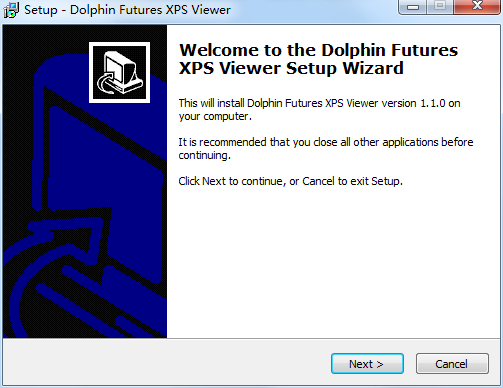
1. Download the compressed package of the computer version of XPS Viewer from Huajun Software Park. After decompression, double-click the exe file to enter the installation interface and click next
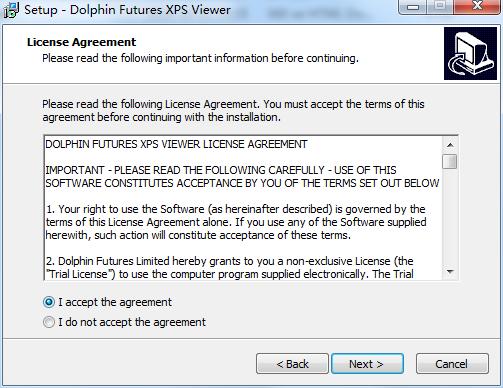
2. View the software license agreement, select i accept the agreement, and click next
3. Select additional tasks, the default is enough, click next

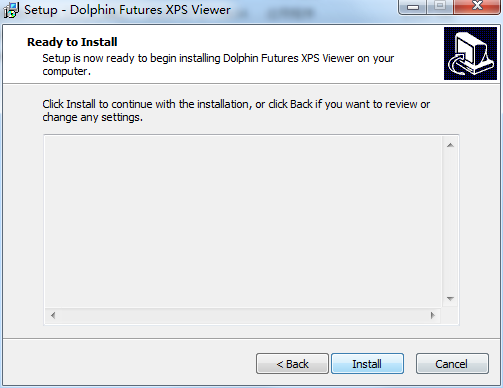
4. When the software installation is ready, click install
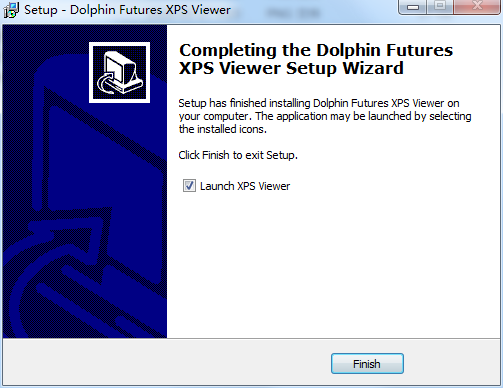
5. The software is installed successfully. Click finish to run the software.
How to use XPS Viewer
Find your XPS file. Generally it cannot be opened.
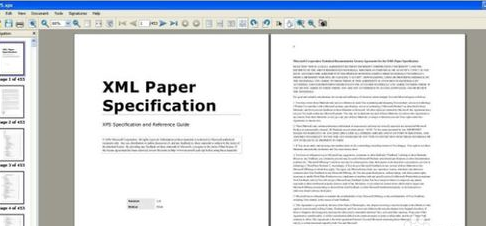
Right-click on the file to see if there is an xps viewer. If so, you can directly select the program to open it.
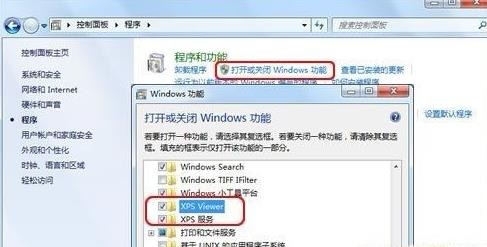
If you don’t have an xps viewer, go to the control panel and install one first.
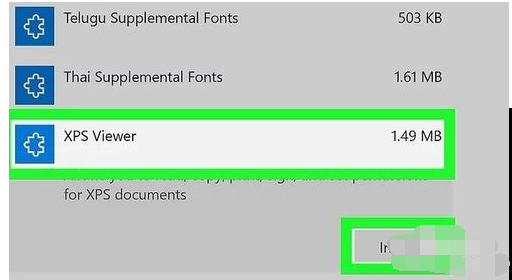
Then go back to the location of your xps document
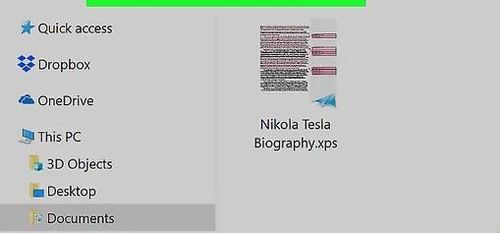
Double-click the document
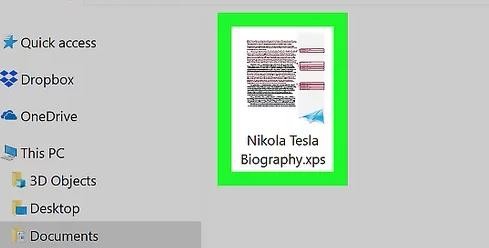
Wait a few seconds to open it

XPS Viewer update log
1: Optimized performance
2: We are serious about solving bug problems
Huajun editor recommends:
XPS Viewer is a free software that supports reading XPS documents and converting XPS documents into PDF. Download it if you need it! This site also has Firefox, Google Chrome, and Cloud Manager for you to download!
Version: 1.1.0 PC version | Update time: 2024-12-31
Similar recommendations




Latest updates




XPS Viewer Review
-
1st floor Huajun netizen 2021-09-24 12:54:48XPS Viewer interface design is easy to use and has rich functions. I highly recommend it!
-
2nd floor Huajun netizen 2021-01-04 05:15:02XPS Viewer is convenient, practical and powerful. The software is very easy to use!
-
3rd floor Huajun netizen 2022-03-10 17:48:15XPS Viewer has comprehensive functions and is very easy to use.
Recommended products







- Diablo game tool collection
- Group purchasing software collection area
- p2p seed search artifact download-P2P seed search artifact special topic
- adobe software encyclopedia - adobe full range of software downloads - adobe software downloads
- Safe Internet Encyclopedia
- Browser PC version download-browser download collection
- Diablo 3 game collection
- Anxin Quote Software
- Which Key Wizard software is better? Key Wizard software collection




