
-
Keyboard touch typing practice
- Size: 20.16M
- Language: Simplified Chinese
- Category: Typing practice
- System:winall






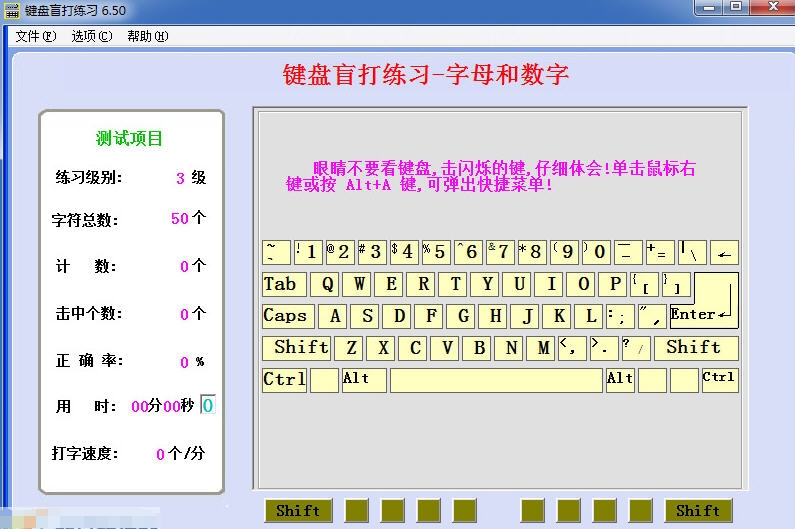

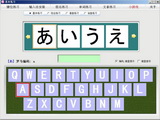
Keyboard touch typing practice software is a training tool specially designed for computer beginners and the need to improve typing efficiency. The software takes standard fingering as the core, locates finger positions through raised marks on the F/J keys, and adopts a ten-finger partition control scheme (the left and right thumbs are responsible for the space bar, and the remaining eight fingers are divided into vertical keys) to help users gradually build muscle memory.
Software features
Scientific staged training system
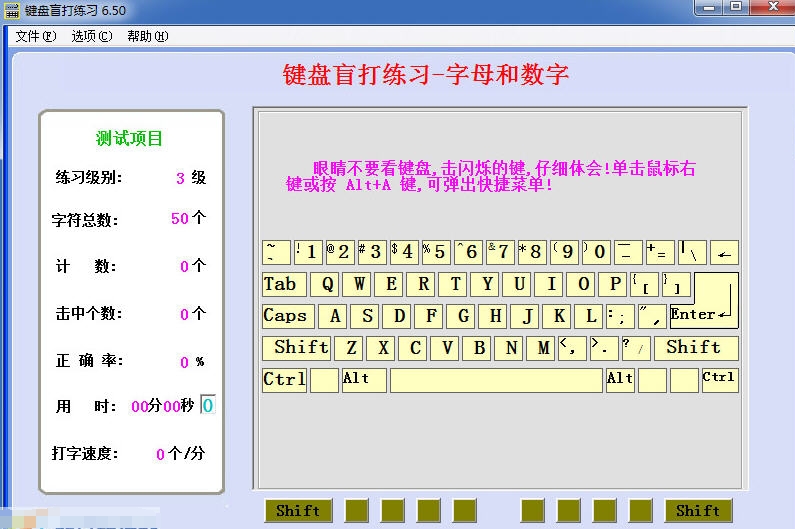
Progressive difficulty design: from the basic key position (ASDF/JKL;) to the full keyboard characters, gradually expand the scope of practice, support 20 levels of difficulty adjustment, and adapt to the needs of users at different stages.
Multi-dimensional feedback mechanism: real-time display of typing speed, accuracy and time, highlighting of incorrect characters, and fingering animation demonstrations to help users quickly correct wrong habits.
Special support for Wubi: Built-in Wubi 86/98 version switching module, providing root encoding tips and hollow character stroke assistance, lowering the threshold for Wubi learning.
Immersive learning experience
Voice and music assistance: real-person voice key reporting, Wubi formula background music and keystroke sound effects make practice more interesting and reduce boredom.
Interface personalized customization: supports keyboard display/hide, character case switching and multiple interface style selections to meet user personalized needs.
Interference-free learning environment: pure green software, no advertising plug-ins, focus on typing training itself.
Full scene compatibility
Strong system compatibility: supports a full range of systems from Windows 9x to Win10, covering old equipment and new models.
Flexible hardware adaptation: Adaptable to mechanical keyboards, membrane keyboards and other input devices without the need for additional peripherals.
Convenient offline use: You can practice without being connected to the Internet, suitable for non-network environments or privacy protection needs.
Software function
Core training module
Reference key position practice: Position your fingers through the raised marks on the F/J keys to strengthen the "ASDF/JKL;" reference key position memory.
Full character expansion training: covers letters, numbers, symbols and uppercase and lowercase switching, and supports vertical key expansion (for example, the little finger is responsible for the three rows of Q/A/Z keys).
Wubi special training: Provides root encoding tips, hollow word stroke assistance and 86/98 version switching, and supports listening and speaking exercises for phrases and articles.
Intelligent auxiliary tools
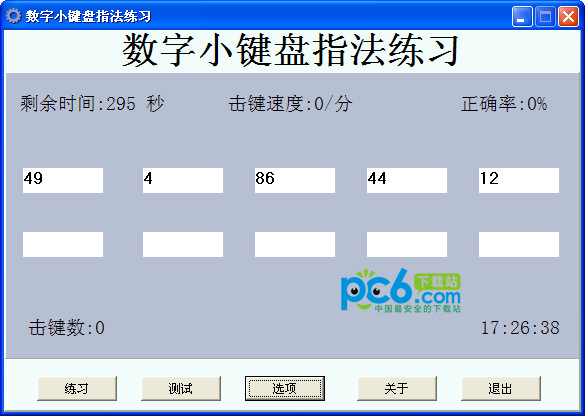
Real-time data statistics: display typing speed (WPM), accuracy, time and keystroke frequency, and generate personal training files.
Error analysis report: records the distribution of error-prone characters, provides statistical heat maps of fingering, and optimizes fingering in a targeted manner.
Customized exercise content: Supports importing text files (such as texts, code snippets) for special training.
Practical extensions
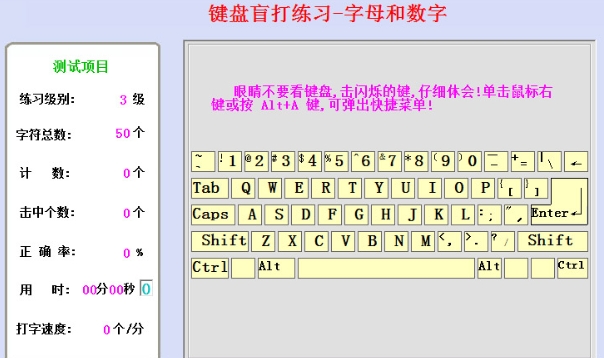
Shortcut key operation: supports Alt+A to start exercises with one click, and the right-click menu of the mouse to quickly adjust settings.
Background music and sound effects: Built-in Wubi formula background music, customizable keystroke sound effects and error warning sounds.
Multi-language support: Compatible with English letter and Chinese Pinyin recognition training, suitable for bilingual learners.
FAQ
Problem description:
There is no improvement in speed/accuracy after long-term practice.
The touch typing experience is poor in fragmented input scenarios (such as search, shortcut commands).
Solution:
Set clear goals: Set speed (such as increasing from 40WPM to 60WPM) and accuracy (such as increasing from 85% to 95%) goals in stages.
Timed and quantitative training: Practice for 15-30 minutes every day, and use the "timed test" function in the software to track progress.
Simulate real scenarios: Select work-related texts (such as code snippets, business emails) for practice to improve scenario adaptability.
Muscle memory strengthening: Consolidate key memory through "alphabet practice" or "random article test".
Keyboard touch typing practice update log:
Sweep the bug out and carry it out to the end
Optimize user feedback issues and improve detailed experience
Huajun editor recommends:
Keyboard touch typing practice can help you solve many problems. I believe that as long as you dare to use it, you will definitely fall in love with it. We also recommend you Pumpkin Typing Practice Machine, electronic version of Chinese Idiom Dictionary, and Writing Words 2017.
Version: 8.60 | Update time: 2025-07-09
Similar recommendations





Latest updates


Pixel Naruto online play entrance-Pixel Naruto web version online play-Huajun Software Park
How to add background music in python-How to add background music in python
How to configure environment variables in python - How to configure environment variables in python
How to run python - How to run python
How to create a project in python - How to create a project in python
How to make a blue sky background with scratch-How to make a blue sky background with scratch
Keyboard Touch Typing Practice Review
Recommended products







- Diablo game tool collection
- Group purchasing software collection area
- p2p seed search artifact download-P2P seed search artifact special topic
- adobe software encyclopedia - adobe full range of software downloads - adobe software downloads
- Safe Internet Encyclopedia
- Browser PC version download-browser download collection
- Diablo 3 game collection
- Anxin Quote Software
- Which Key Wizard software is better? Key Wizard software collection




