
-
Shutter Pro
- Size: 2.9M
- Language: Simplified Chinese
- Category: Note management
- System:winall






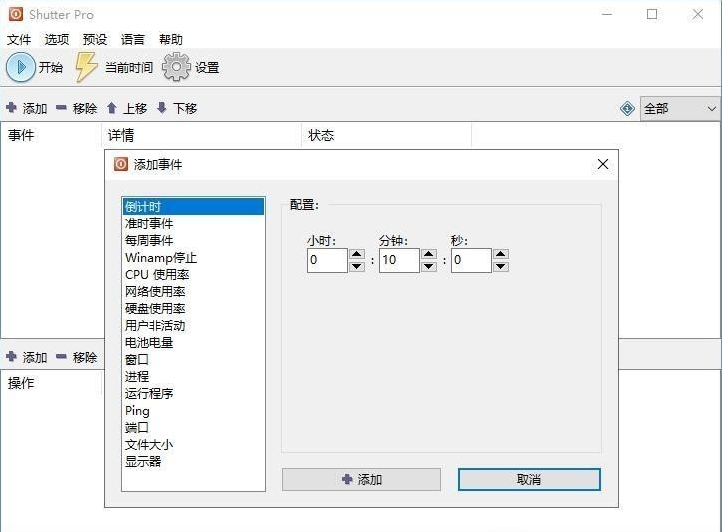
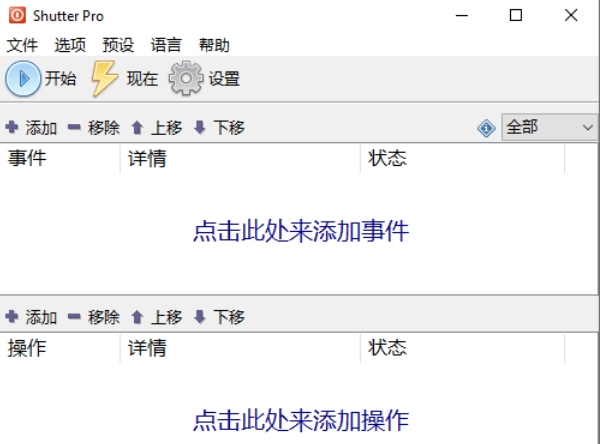
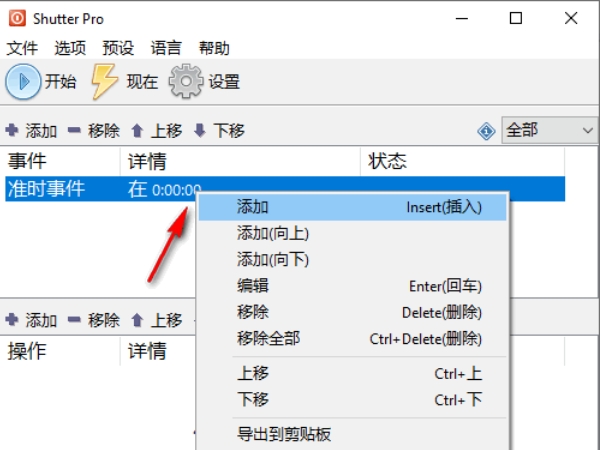
Shutter Pro is a powerful scheduled task execution and system management tool, specially designed to improve user operation efficiency and automation needs.
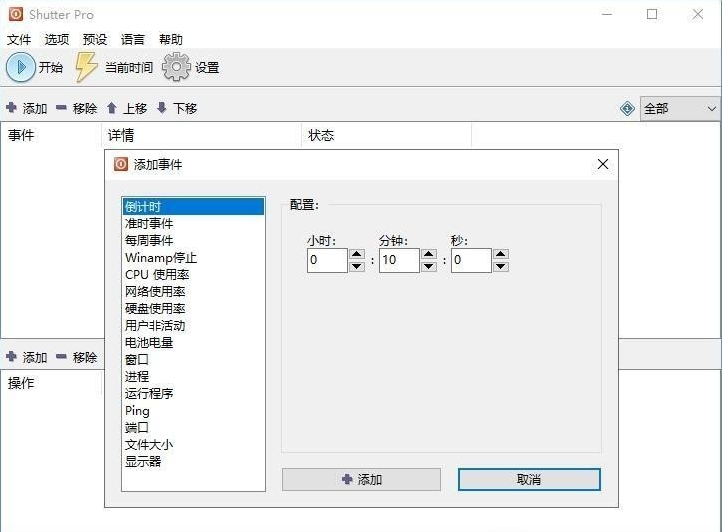
Software features
Multi-platform compatibility: supports Windows platform and adapts to various system environments.
Easy to operate: The interface is divided into three parts: events, operations and start. Users only need to add events and operations to quickly perform tasks.
Feature-rich:
Scheduled tasks: Support countdown, specific time, weekly execution or power change triggers.
System management: shutdown, restart, lock screen, hibernate, adjust volume, play music, etc.
Program control: Start, close, end specified applications, and even handle hidden processes in the system tray.
File operations: regularly delete, copy, move files, or open pictures, documents, videos, etc.
Remote control: Remotely execute tasks through the web interface and view computer runtime information (such as logged in user, time, process list, desktop screenshots, etc.).
Lightweight and portable: The software is small in size (approximately 3MB), no installation required, just click on it and use it.
Highly customizable: supports custom time trigger conditions, preset actions, and can create shortcut links on the desktop to directly execute tasks.
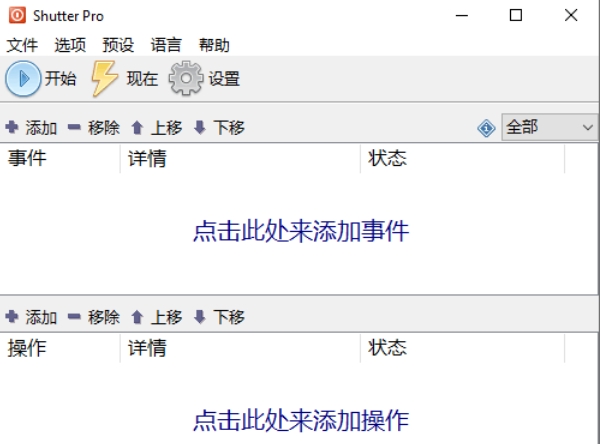
Software function
scheduled tasks
Set countdown, specific time, weekly cycle or battery changes to trigger tasks.
Example: Open the specified file after 3 hours and automatically shut down at 23:00 in the evening.
System management
Shut down, restart, lock screen, hibernate, sleep.
Adjust system volume and play custom sounds.
Lock the desktop and activate the screen saver.
Program control
Start, close, and end specified applications (including hidden processes in the system tray).
Example: regularly close browsers or download tools running in the background.
File operations
Delete, copy, and move files regularly.
Open pictures, documents, videos, scripts and other files.
Remote management
Execute tasks remotely through the web interface.
View computer runtime information (logged in user, time, process list, desktop screenshots, etc.).
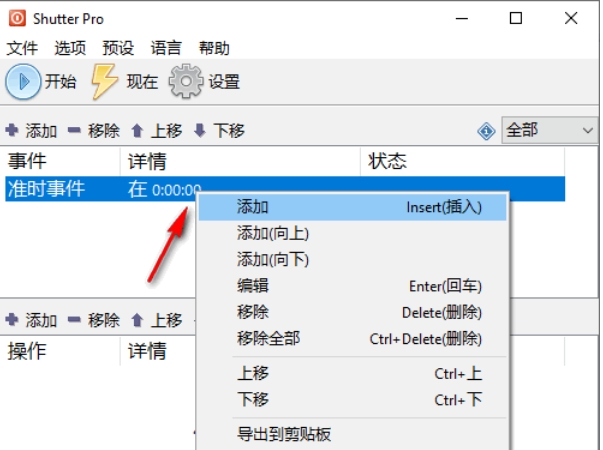
FAQ
Accidentally touching "Current Time" results in immediate execution
Problem: When setting a task, the "Current time" option was mistakenly selected, resulting in immediate shutdown and other operations.
Solution: Check the time options carefully when setting tasks to avoid accidentally touching them.
Shutter Pro update log:
1. Sweep the bug out and carry it out to the end
2.The most stable version ever
Huajun editor recommends:
After many updates and optimizations, Shutter Pro has become more user-friendly and easier to operate. The editor of Huajun Software Park personally tested it and recommends it to everyone to download. Interested friends can also download Memo, Hanwang attendance management system, and Aimo Brain Map.
Version: 4.6 | Update time: 2025-04-11
Similar recommendations





Latest updates



Shutter Pro Review
Recommended products
-

Windows software packages
-

Evernote
-

Mini timed reminder tool
-

Performance Memo
-

Logistics warehouse visitor registration management system software
-

Time-based one-card cashier management system software
-

Memo (desktop memo)
-

Employee points system management work task management system
-

Visitor Management System Software
-

URNotes Desktop Notes
- Diablo game tool collection
- Group purchasing software collection area
- p2p seed search artifact download-P2P seed search artifact special topic
- adobe software encyclopedia - adobe full range of software downloads - adobe software downloads
- Safe Internet Encyclopedia
- Browser PC version download-browser download collection
- Diablo 3 game collection
- Anxin Quote Software
- Which Key Wizard software is better? Key Wizard software collection




