
-
Navicat for MySQL For Mac
- Size: 49.92M
- Language: English
- Category: application
- System: Mac OS X






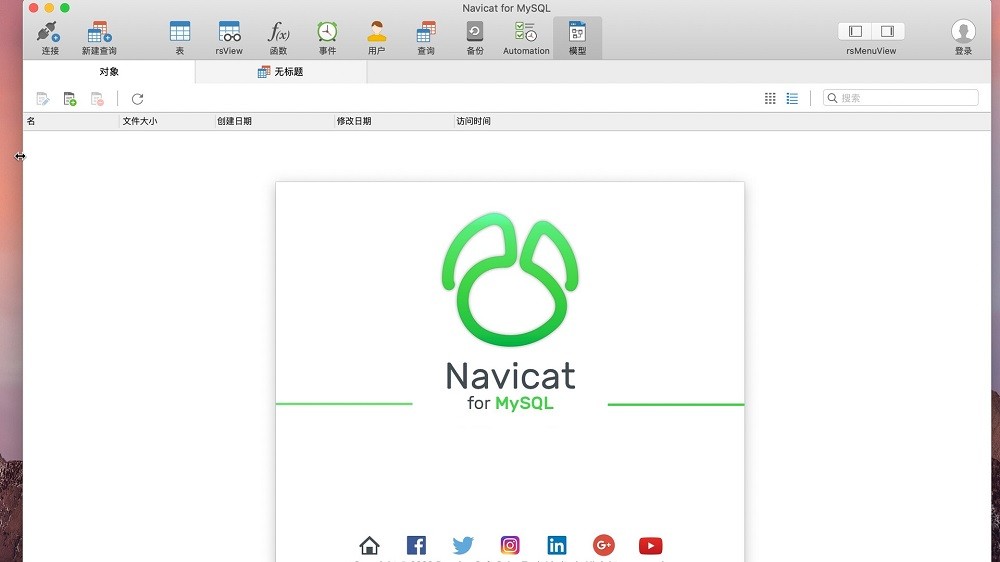
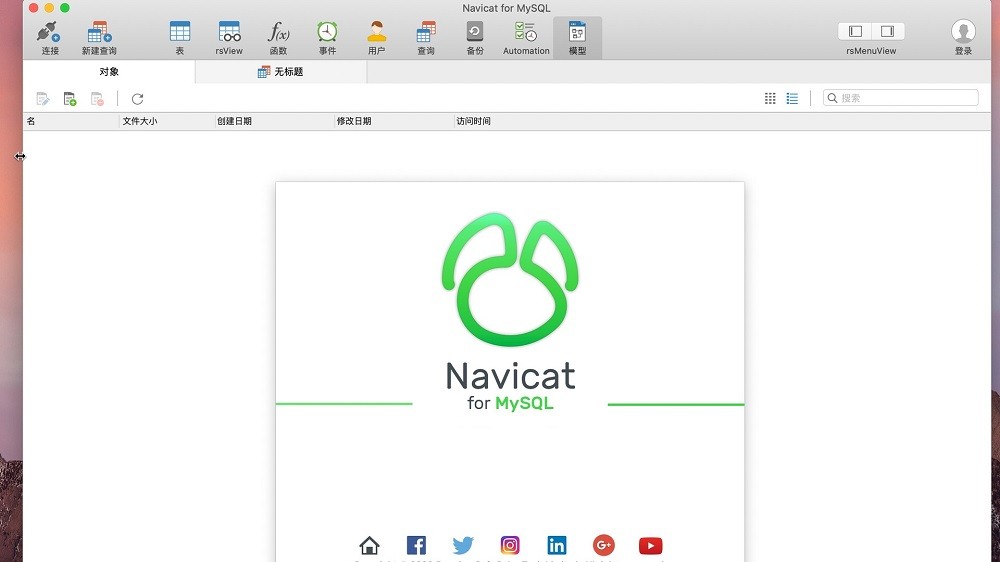
The latest version of Navicat for MySQL For Mac is a powerful database management tool. Navicat for MySQL The Mac version supports data management, data synchronization and other functions, which can help users easily design database structures, run SQL queries, etc. Navicat for MySQL software provides users with complete database management solutions and improves development efficiency.

Things to note:
inmacWhen downloading and installing software, you will generally encounter the following three error situations. Now the editor of Huajun will give you the answers. If you encounter errors, please read them carefully:
1."...The software is corrupted and cannot be opened. You should move it to the Trash"
2."Can't open...software because it comes from an unidentified developer"
3."Can't open...software becauseAppleUnable to check if it contains malware"
When encountering the above three situations, we should:
1. First set:Open any source
2, most software settings can be downloaded and installed normally after opening any source; a small number of softwareiosRestrictions on unsigned application permissions require the execution of command line code to bypass application signature authentication. Therefore it is necessary to:Execute command bypassiosnotarizationGatekeeper.
3. If none of the above operations can solve the problem, then you need to:CloseSIPSystem integrity protection.
Navicat for MySQL For Mac software introduction
Navicat for MySQL for Mac is MySQL / The ideal solution for MariaDB administration and development. This is a single application that allows you to connect to both MySQL and MariaDB databases. With Amazon RDS, Amazon Cloud databases such as Aurora, Oracle Cloud and Google Cloud are compatible. This turnkey front-end provides an intuitive and powerful graphical interface for database management, development and maintenance.
Navicat for MySQL For Mac function introduction
- Visual database designer
Data modeling tools allow you to create graphical representations of relational databases. Reverse Engineer allows you to create and edit a database model from an existing database, or create a model and generate a database to support it.
Navicat Data Modeling also allows you to compare and synchronize between models and databases, and generate SQL/DDL scripts.
- Query building tool
Navicat for MySQL Chinese version allows you to build complex queries without knowing SQL syntax. Quickly build SQL statements in the SQL Editor using code/word completion. All that is required is to select from the drop-down list.
- Data import and export
Navicat for MySQL Chinese version provides a variety of file formats to insert and extract data from the database. Create new tables or update existing tables using formats such as XLS, XML, CSV, TXT and DBF.
- Data manipulation tools
Advanced data transfer brings higher reliability to data transfer between databases. navicat for mysql Sync tools for Mac help you centralize your data and keep your databases up to date so that every repository contains the same information.
- Navicat Cloud
Sync your connection settings, models, queries, and virtual groups to the cloud so you can access them in real time, anytime, anywhere. With Navicat for MySQL With the Mac cracked version, you can create, organize and share files/projects with your colleagues anytime, anywhere on any device.
Navicat for MySQL For Mac software features
Seamless data migration
Data transfer, data synchronization and structure synchronization help you migrate data easier and faster, thus reducing overhead. Provides detailed step-by-step guidance for transferring data across databases. Compare and synchronize databases using data and structure synchronization. Set up and deploy comparisons in seconds and get detailed scripts to specify the changes to be performed.
Diverse operating tools
Use the Import Wizard to transfer data from different formats to the database, or transfer from ODBC to the database after establishing a data source connection. Export data from tables, views or query results to Excel, Access, CSV and other formats. Add, modify and delete records using our spreadsheet-style grid view and a range of data editing tools to make your editing easier. Navicat provides you with the tools you need to manage your data effectively and ensure a smooth process.
Simple SQL editing
Visual SQL Builder will help you create, edit and run SQL statements without worrying about command syntax and correct usage. Get keyword suggestions quickly and remove duplication from your coding using code completion and customizable code snippets.
Intelligent database designer
Create, modify and manage all database objects using our professional object designers. Transform databases into graphical representations using sophisticated database design and modeling tools to easily model, create, and understand complex databases.
Increase your productivity
Our powerful local backup/restore solution guides you through the backup process and reduces the possibility of errors. Compile professional-quality reports in minutes using an interactive design interface and efficient workflows, and set up automation for recurring deployment processes such as report generation, database backups, and script execution at specific times or dates. No matter where you are, you can always get the job done.
Make collaboration easy
Sync your connection settings, models, queries and virtual groups to our Navicat Cloud service so you can access them in real time and share them with colleagues anytime, anywhere. Use Navicat Cloud, you can use every minute of your day to maximize your productivity.
Advanced secure connection
Establish secure connections through SSH tunneling and SSL to ensure the security, stability and reliability of each connection. Supports different database server authentication methods, such as PAM authentication. Navicat 12 provides more authentication mechanisms and a high-performance environment so you don't have to worry about connecting over an unsecured network.
Navicat for MySQL For Mac software features
1. Main window
Intuitive and well-designed graphical user interface simplifies database management and development
2. Object Designer
Use the sophisticated object designer to manage all database objects
3. Data operation
Insert, edit, delete, copy or paste data records into the spreadsheet-style data editor
4. Charts
Convert your database data into visual objects to gain clear insights through charts and graphs
5. Data transmission
Version 15 releases a new data transfer method. The new design has an intuitive interface that can be used to customize fields and specify transfer software.
6. sql creation tool
We have designed a new mechanism to improve the user experience of SQL creation tools and the overall efficiency of query writing
7. Model
Use sophisticated database design and model creation tools to visualize and edit databases
8. Dark mode
Version 15 update supports dark mode, setting a dark background theme to protect eyes from the traditional dazzling computer white
9. Native Linux
Version 15 adds native Linux support, and you can enjoy an interface that is more in line with the Linux system user experience.
Navicat for MySQL For Mac update log
1: Optimized performance
2: We are serious about solving bug problems
Huajun editor recommends:
Navicat for MySQL For Mac is a software that does not require learning to use. It is a very simple tool. Users in need can download and use it from the Huajun Software Park to ensure your satisfaction. In addition, there are many similar software of the same type available for download, such as: eZip, .NET, Batch Butler, etc.
Version: 12.0.9 latest version | Update time: 2024-12-23
Similar recommendations







Latest updates





How to create a folder on Thunder Cloud Disk - How to create a folder on Thunder Cloud Disk
How to take screenshots in Video Pioneer? -How to take screenshots in Video Pioneer
Stickman War Legacy web version entrance-Stickman War Legacy online play
How does kimi generate PPT? -Kimi’s operation process for generating PPT
Peace Elite instant play entrance-Peace Elite web version online play entrance without login
Navicat for MySQL For Mac Review
-
1st floor Huajun netizen 2022-01-05 13:17:23Navicat for MySQL For Mac is very useful, thank you! !
-
2nd floor Huajun netizen 2022-02-15 07:30:47Navicat for MySQL For Mac software is very easy to use, the download speed is very fast, and it is very convenient!
-
3rd floor Huajun netizen 2022-02-09 13:37:13The overall feeling of Navicat for MySQL For Mac is good, I am quite satisfied, the installation and operation are very smooth! It went very smoothly following the installation step-by-step instructions!
Recommended products








- Diablo game tool collection
- Group purchasing software collection area
- p2p seed search artifact download-P2P seed search artifact special topic
- adobe software encyclopedia - adobe full range of software downloads - adobe software downloads
- Safe Internet Encyclopedia
- Browser PC version download-browser download collection
- Diablo 3 game collection
- Anxin Quote Software
- Which Key Wizard software is better? Key Wizard software collection




