
-
Compressor
- Size: 1.82M
- Language: Simplified Chinese
- Category: Compression and decompression
- System: win7 and above






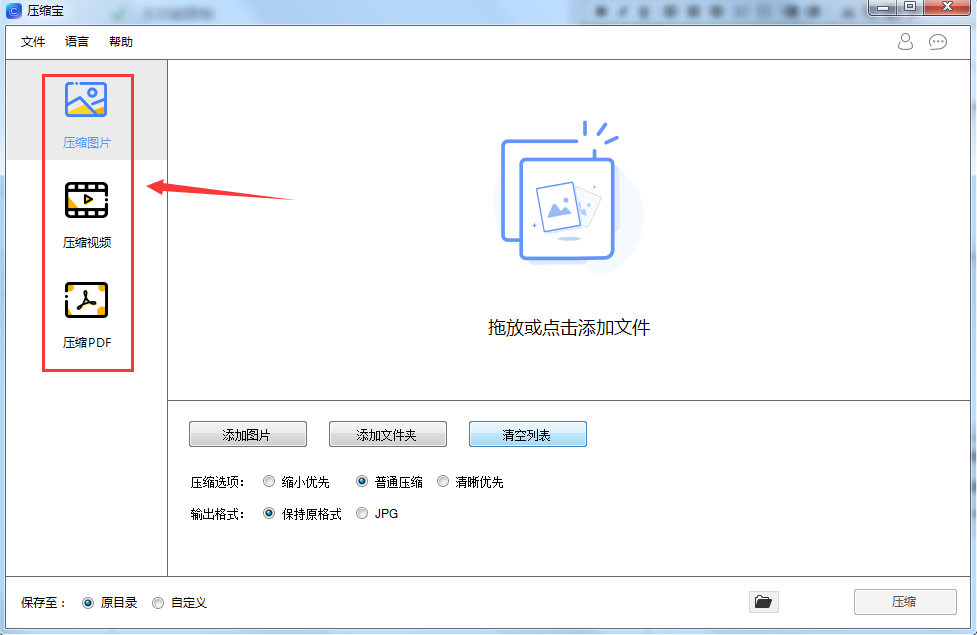


Compression treasure official versionIt is a very powerful video, picture, and PDF file compression tool. The official version of Compressor is small and practical, which can help users easily compress pictures, videos, and PDF files into smaller sizes. The software provides a "reduction priority" compression mode, which can compress files to the smallest size. The software also supports "normal compression", which compresses according to the normal mode and supports clarity priority. Huajun Software ParkCompression treasure official versionDownload the official version and the latest version. Friends in need come to Huajun Software Park to download and experience it!
Compressor software functions
1.PDF compression
You can set parameters such as DPI and compression quality, and freely choose the quality and size of compressed PDF files. You can also batch compress hundreds of PDF files at one time, and support compressing protected PDF files.
2. Image compression
It can batch compress images in JPG/JPEG/GIF/PNG/BMP and other formats. The compressed image size may be only 1/10 of the original size, but at the same time, the image will remain high-definition and flawless, so there is no need to worry about damage and other issues.
3.Video compression
It can compress videos in various formats, such as mp4, avi, flv, m4v, mkv, mov, wmv, etc. It has a high compression rate, compresses the video size to the maximum extent, and ensures clear images, helping you free up hard drive space.

Compression treasure features
1. The official version of Compressor can make your file size smaller, making it easier to save
2. Some software has requirements on file size and cannot load large files.
3. Use this compression tool to quickly compress images
4. You can add multiple pictures from the folder to the software for compression
5. Select the normal compression method to process large images.
6. You can also add multiple videos to the software compression to obtain smaller videos
Compressor installation instructions
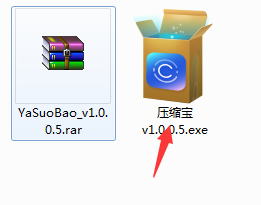
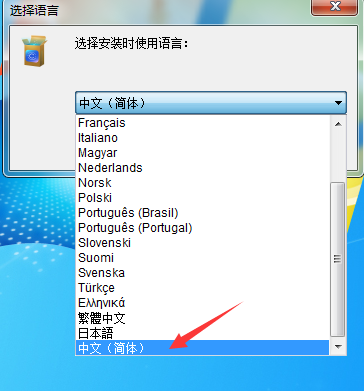
1. Unzip the official version of the Zipbao software package downloaded from our Huajun Software Park. Find the Zipbao v1.0.0.5.exe program and double-click it to start the installation. Select the language and select Chinese.

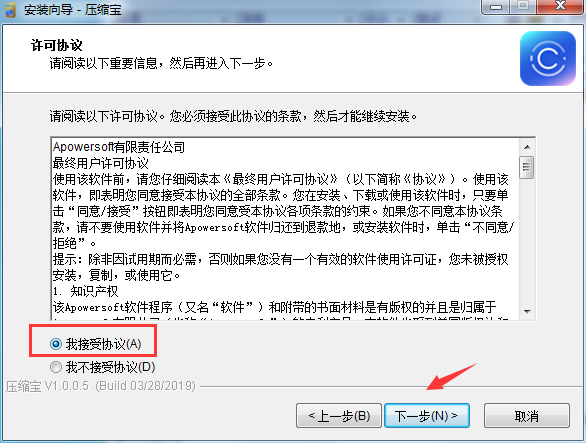
2. Read the software license agreement, select "I accept the agreement", and click "Next" to continue the installation.
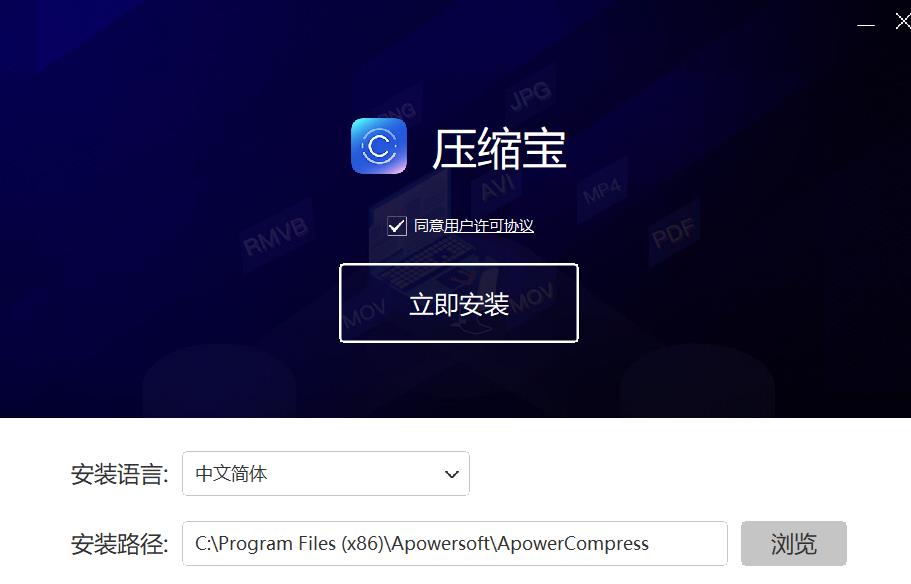
3. Select the installation location. The software is installed in C:Program Files (x86)ApowersoftApowerCompress by default. Huajun editor chose D:3 to download ApowerCompress. Select the installation location and click "Next"

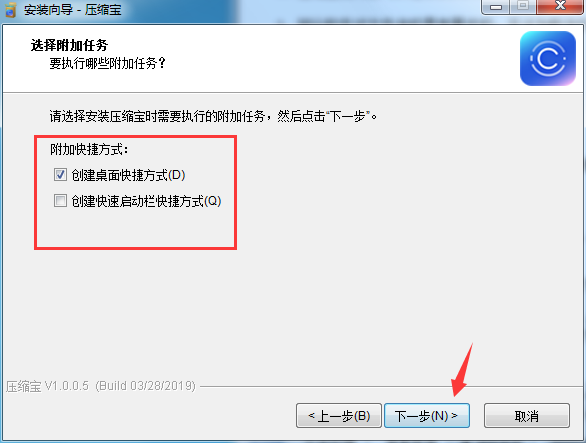
4. Choose whether to create desktop shortcuts and quick launch bar shortcuts
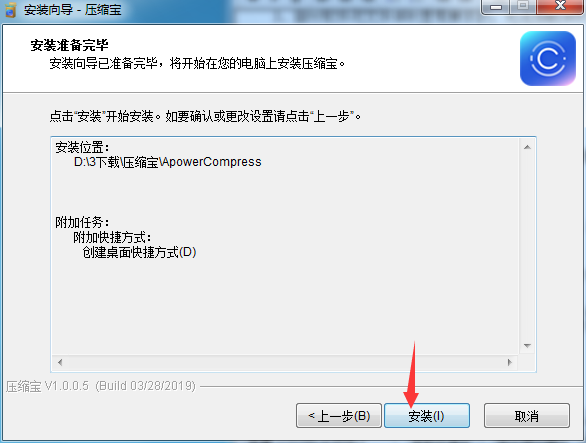
5. Confirm the installation settings and click "Install"
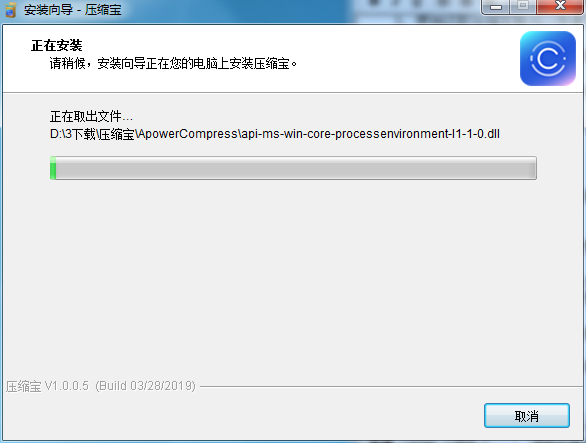
6. Waiting for installation
7. When the installation is complete, choose whether to check Run Now as needed. Click "End" to close the installation wizard

Compressor Instructions for Use
1. Click the desktop shortcut to open the Compressor software

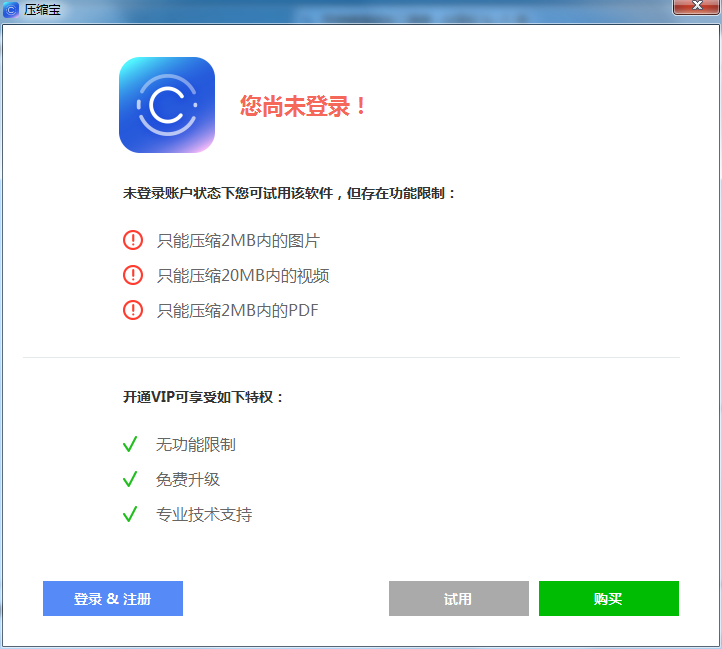
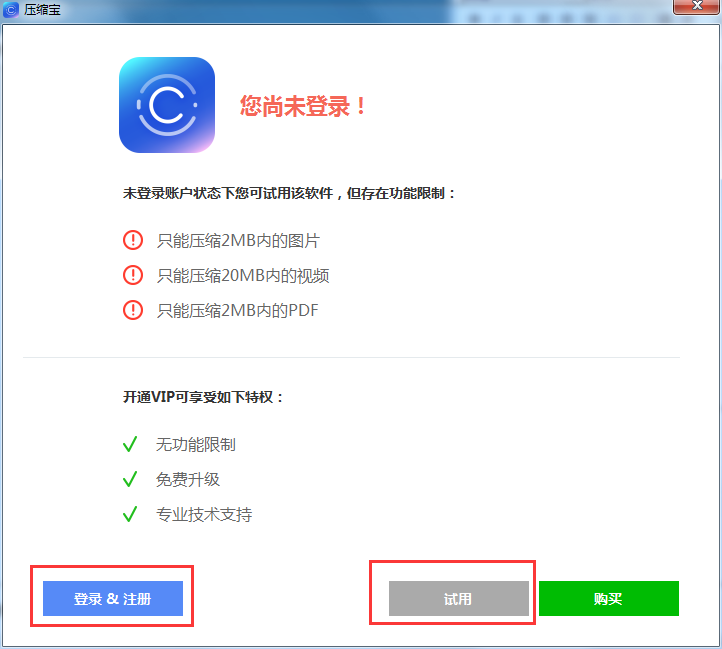
2. After opening the software, it shows that you are not logged in. We can choose to trial or register the software.
3. The software supports 3 compression functions. We can choose to compress pictures, compress videos, and compress PDF.
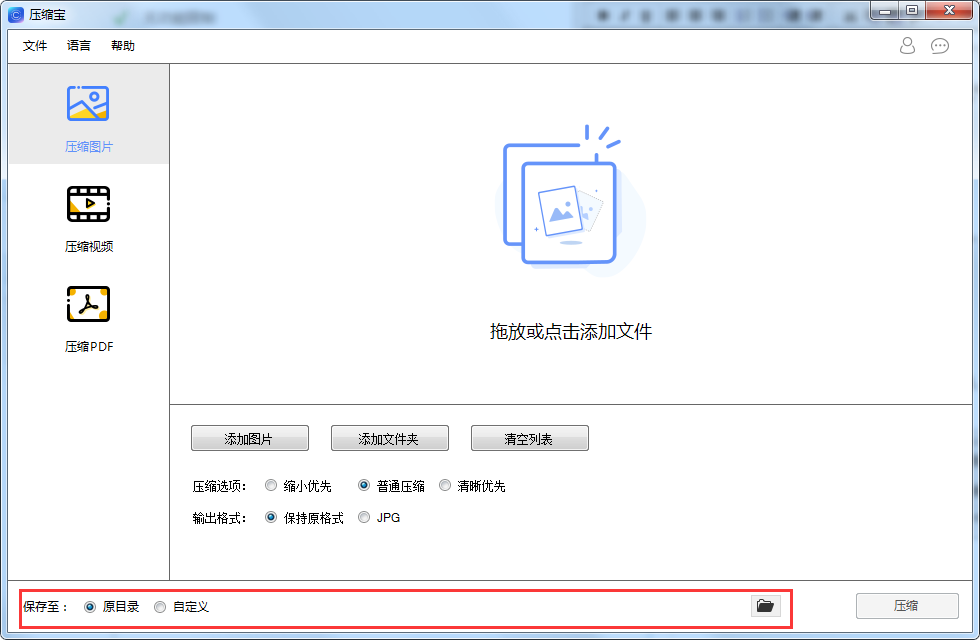
4. The software supports saving compressed files in the original folder, and you can also customize the save location.
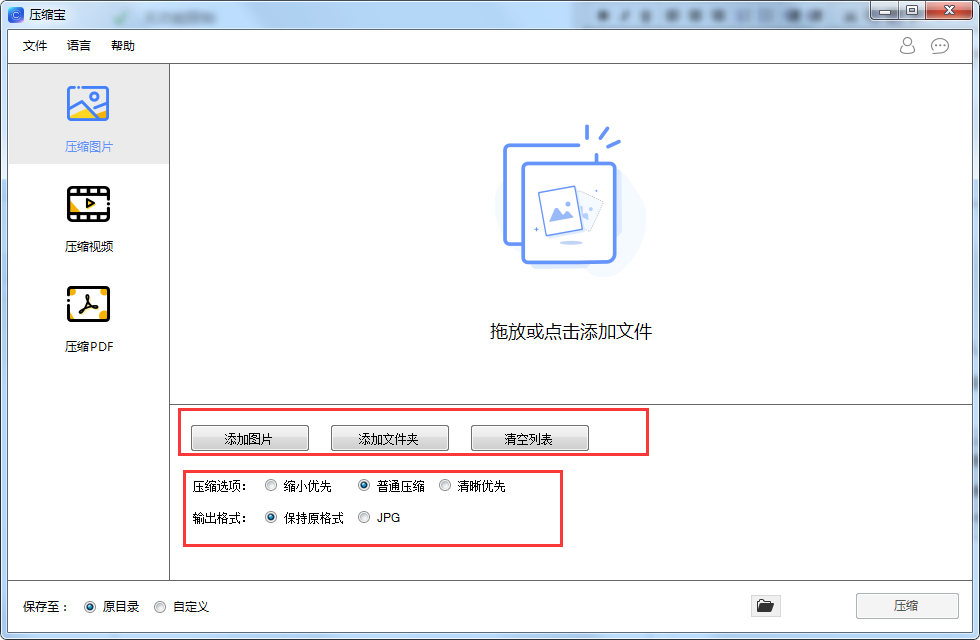
5. Click the button below the software to add files and set compression options, output format, etc.
Compression treasure update log:
Sweep the bug out and carry it out to the end
Optimize user feedback issues and improve detailed experience
Huajun editor recommends:
Don't miss it when you pass by. If you miss Compressor, you will never experience such a good service again. This site also recommends you 360 Compression 2018, 7Zip decompression software, .NET
Version: 1.1.0.9 Official version | Update time: 2024-12-30
Similar recommendations



Latest updates





Compressor Review
-
1st floor Huajun netizen 2021-12-28 00:34:48The interface design of Compressor is easy to use and has rich functions. I highly recommend it!
-
2nd floor Huajun netizen 2022-03-29 05:29:29Compressor software is very easy to use, the download speed is very fast and very convenient!
-
3rd floor Huajun netizen 2021-10-30 11:28:37The overall feeling of Compressor is good and I am quite satisfied with it. The installation and operation are very smooth! It went very smoothly following the installation step-by-step guide!
Recommended products








- Diablo game tool collection
- Group purchasing software collection area
- p2p seed search artifact download-P2P seed search artifact special topic
- adobe software encyclopedia - adobe full range of software downloads - adobe software downloads
- Safe Internet Encyclopedia
- Browser PC version download-browser download collection
- Diablo 3 game collection
- Anxin Quote Software
- Which Key Wizard software is better? Key Wizard software collection




