
-
Qitu Flash Assistant
- Size: 5.38M
- Language: Simplified Chinese
- Category: system tools
- System: Android
- Manufacturer:Shenzhen Driving Life Software Technology Co., Ltd.


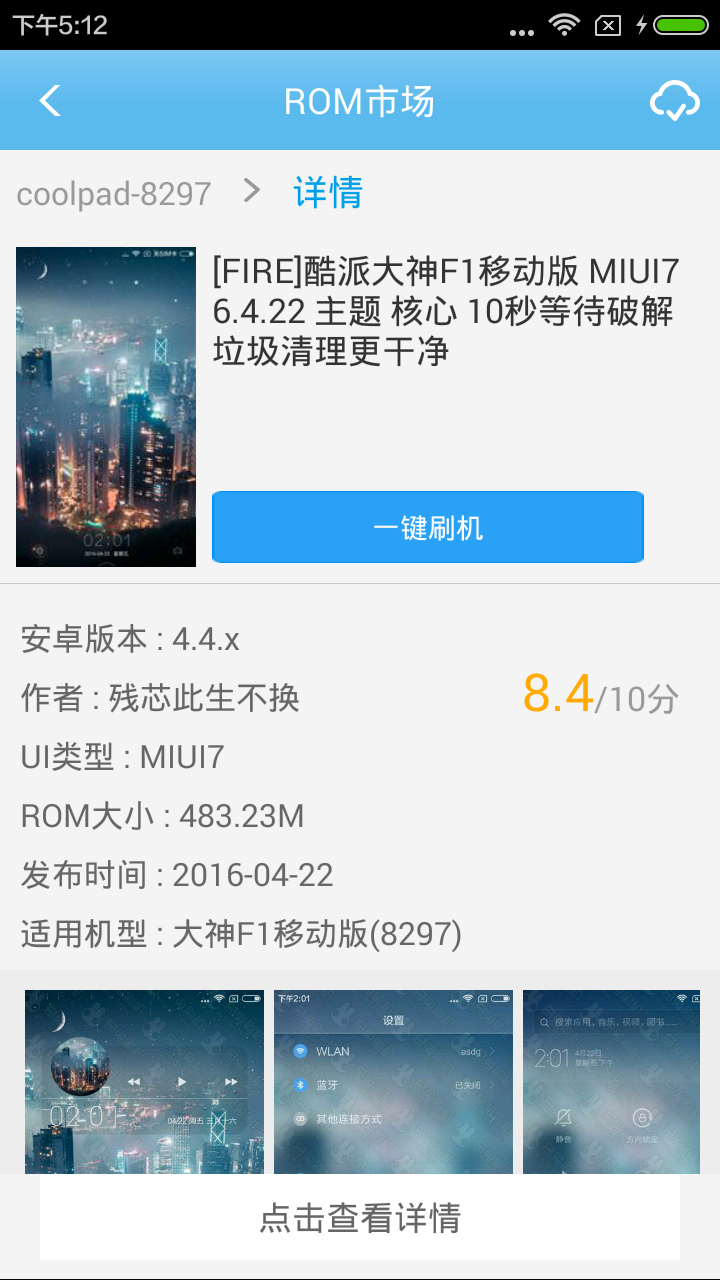
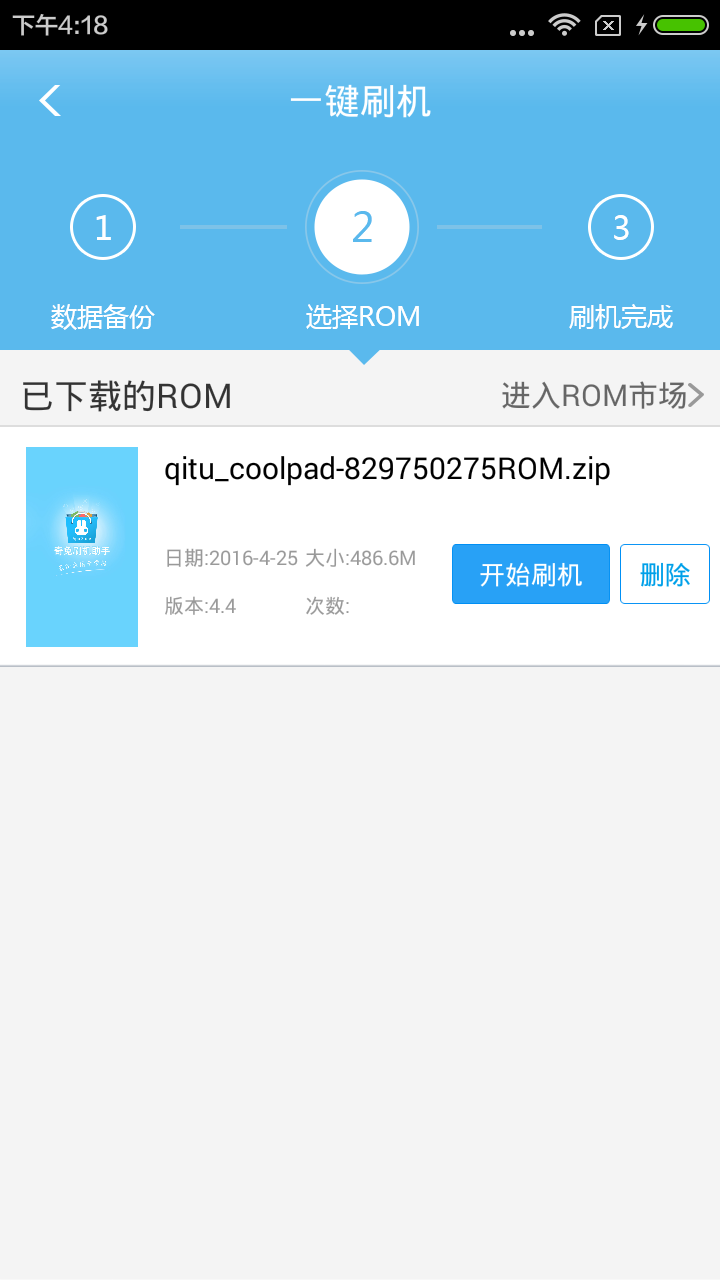
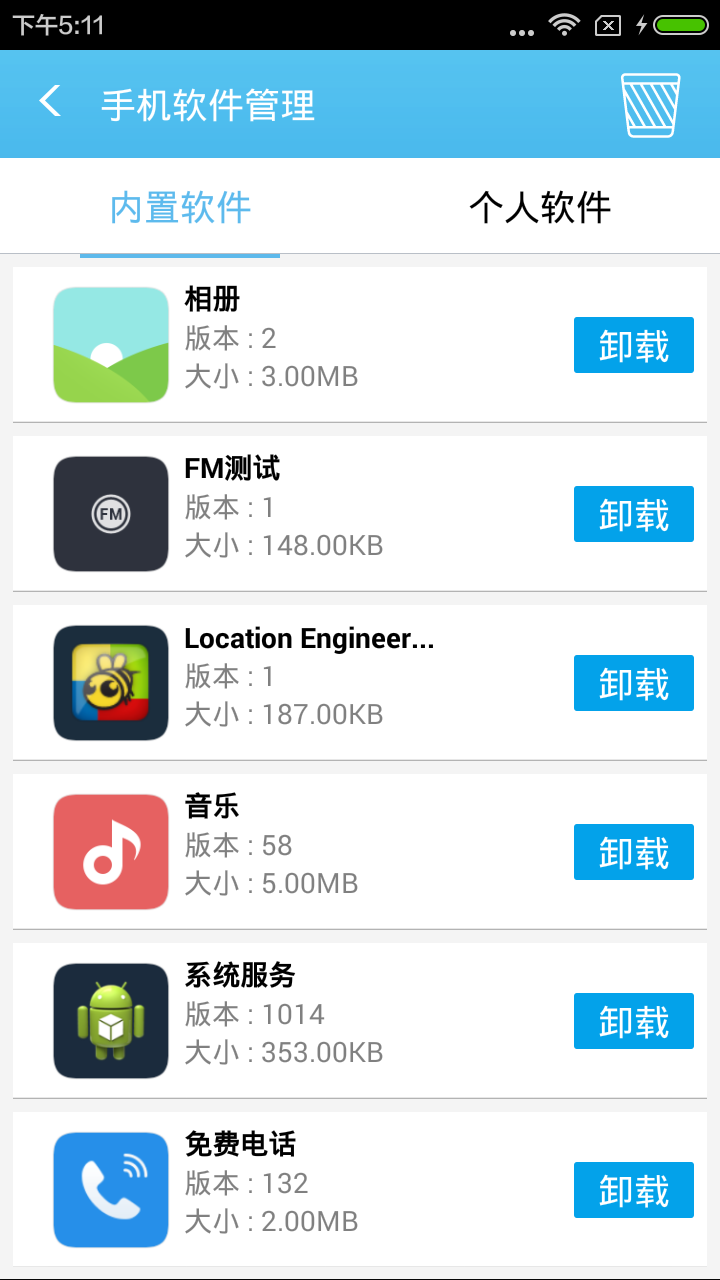
Qitu Flash (formerly: Qitu Treasure Box) is an Android phone flash tool that enables a true one-click operation experience and guides users to quickly complete the flash process. Massive high-quality ROM resources, easy and fast download. Easily back up your system and all data and restore with one click at any time, safe and risk-free. Easily back up your system and all data and restore with one click at any time, safe and risk-free. Huajun Software Park provides you with the download of Qitu Flash Assistant, come and experience it!
Features of Qitu Flash Assistant Software
One-click minimalist operation
Intelligent boot process: Users only need to connect the phone, select the ROM package, and click "One-click flash", and the software automatically completes driver installation, flash package verification, and system switching, without manual intervention in the entire process.
Automated brick rescue: The built-in brick rescue repair module can solve problems such as the device being unable to boot and a black screen. The system can be restored through the original firmware, with an industry-leading success rate.
Massive resources and compatibility
ROM Market: Includes official original firmware and exclusive customized ROM packages from all over the network, supports automatic streamlining of pre-installed applications, and achieves pure flashing.
Thousands of models supported: Covering mainstream models from Huawei, Samsung, Xiaomi and other brands, and providing special brushing tools for niche devices such as Nikon NX and Bee2A.
Data security and privacy protection
Multiple backups and restores: Supports backup of key data such as system, applications, IMEI serial numbers, etc., and can be restored with one click after flashing to avoid information loss.
Privacy file classification: Automatically classify sensitive information during data transmission to prevent privacy leaks.
Advanced feature integration
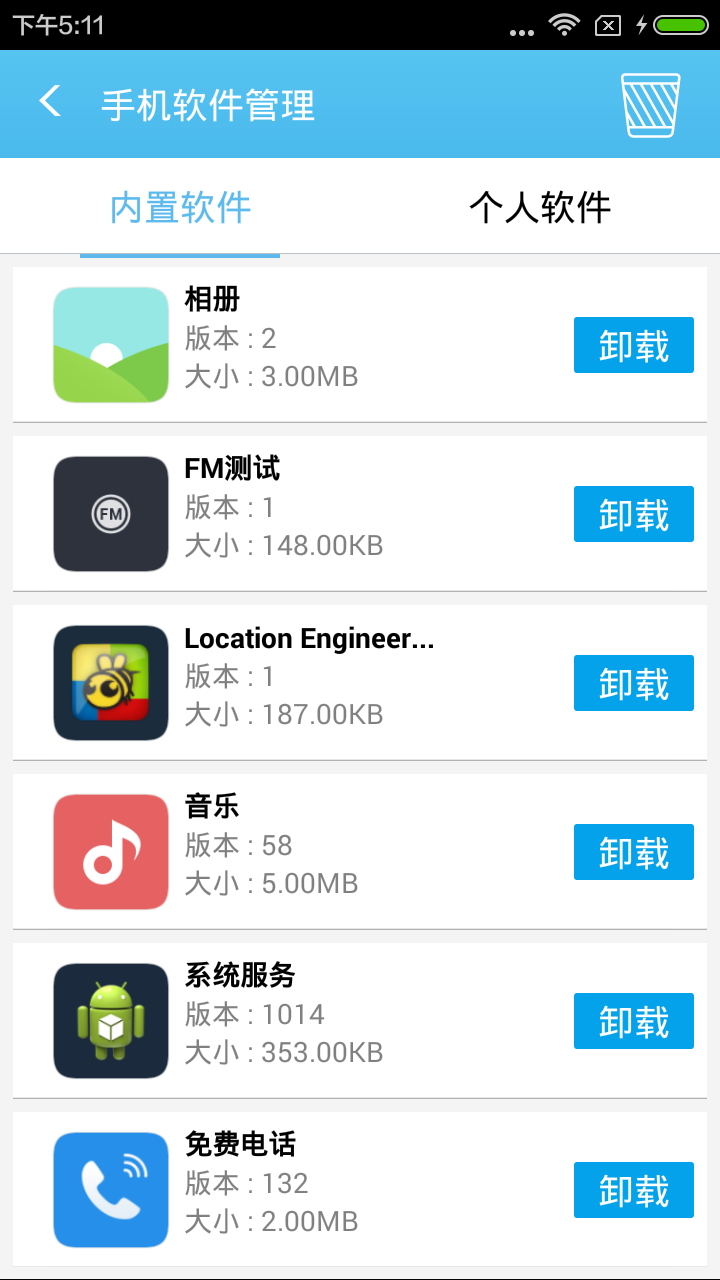
One-click ROOT: Quickly obtain super permissions, support operations such as uninstalling system built-in applications, custom recovery flashing, etc.
Hardware toolbox: Provides practical functions such as baseband repair, battery calibration, and partition adjustment to meet the needs of advanced users.
Qitu flash assistant software functions
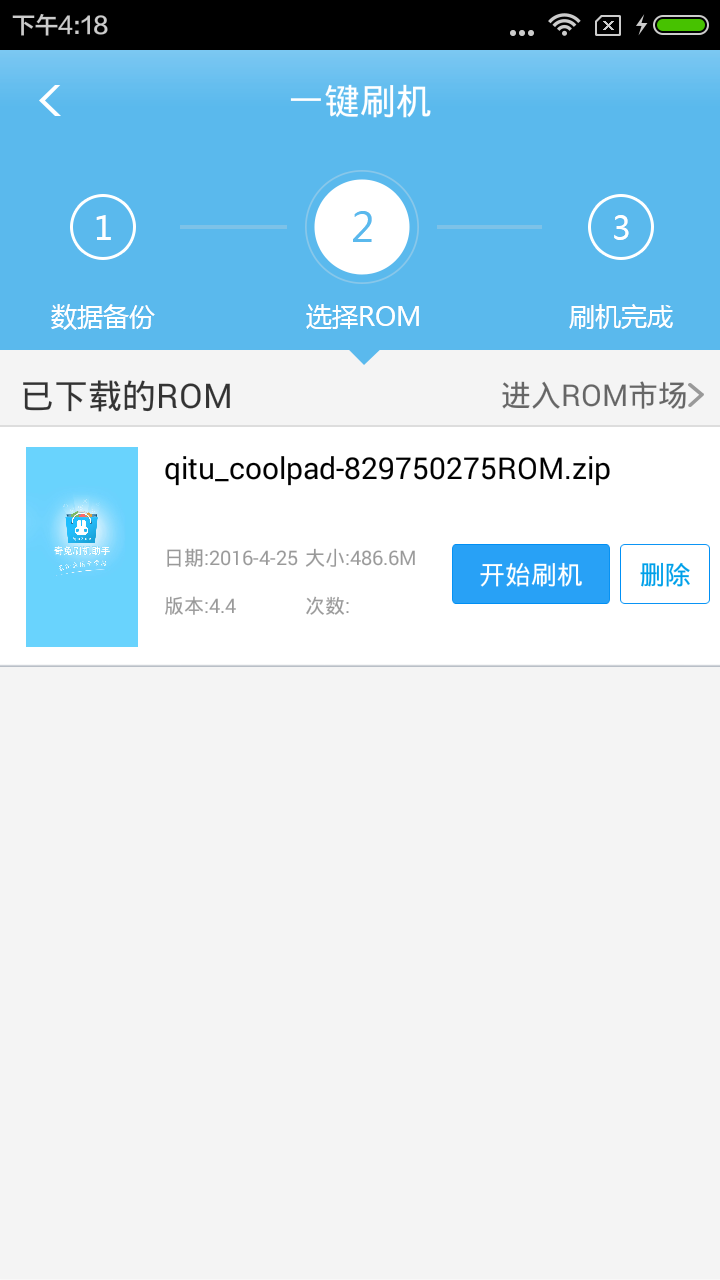
8. Back up the main data on your phone. Help you easily recover after flashing
FAQ
Flashing failed or stuck
Reason: The ROM package is incompatible, the phone does not enter the correct mode (such as Fastboot), and the battery is insufficient.
Solution:
Confirm to download the ROM package corresponding to the model and Android version.
Manually enter Fastboot/Recovery mode (press and hold the Volume Down + Power keys after shutting down).
Keep the battery of your mobile phone above 50% to avoid power outage midway.
Driver recognition exception
Reason: Original driver conflict or USB interface failure.
Solution:
Uninstall the original mobile phone driver and reinstall the universal driver package provided by Qitu.
When replacing the USB interface or data cable, give priority to using the rear interface (desktop computer).
Qitu Flash Assistant update log
1. The details are more outstanding!
2. BUG gone without a trace
Huajun editor recommends:
Qitu Flash Assistant has always been a common system tool for most netizens, and its dominant position in the minds of netizens can be seen. We strongly recommend users to download Qitu Flash Assistant. Come to Huajun Software Park to download it. In addition, Dumpling Cloud Game, TFun Game, and Cloud Machine Manager are available for download.
Version: 2.0.4.8 | Update time: 2025-10-23
Similar recommendations






Latest updates





How do I view my collection in Movie Paradise? -How to view collections in Movie Paradise
How to cancel the account in Movie Paradise? -How to cancel your account in Movie Paradise
How to back up the Flash Wizard - How to back up the Flash Wizard
How to clear the cache of Movie Paradise? -How to clear the cache of Movie Paradise
How to check the privacy policy of Movie Paradise? -How to view the privacy policy of Movie Paradise
How to give feedback on Movie Paradise? -How to give feedback to Movie Paradise
How to give feedback on Movie Paradise? -How to give feedback to Movie Paradise
Qitu Flash Assistant Review
-
1st floor Huajun netizen 2020-05-13 08:17:21Qitu Flash Assistant has been installed and it is indeed the latest version.
-
2nd floor Huajun netizen 2021-06-26 17:53:42Recently, many people recommended Qitu Flash Assistant, and it was pretty good after I tried it.
-
3rd floor Huajun netizen 2020-12-12 22:09:27The Qitu Flash Assistant downloaded here can be used by my friends and I on different Android phones, and it’s highly praised!
Recommended products










- Diablo game tool collection
- Group purchasing software collection area
- p2p seed search artifact download-P2P seed search artifact special topic
- adobe software encyclopedia - adobe full range of software downloads - adobe software downloads
- Safe Internet Encyclopedia
- Browser PC version download-browser download collection
- Diablo 3 game collection
- Anxin Quote Software
- Which Key Wizard software is better? Key Wizard software collection




