
-
bluestack simulator
- Size: 0.78M
- Language: Simplified Chinese
- Category: Android emulator
- System:winall






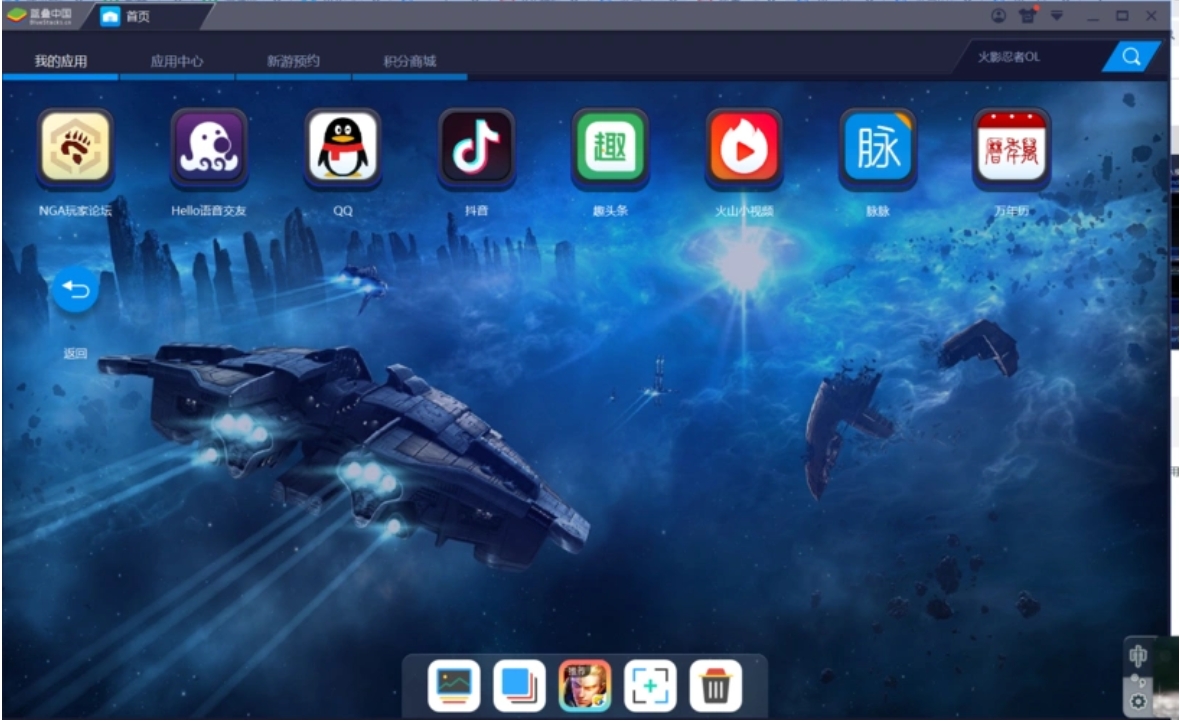
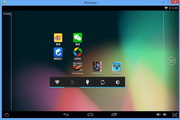
Bluestack Emulator is a powerful, highly compatible, and easy-to-use Android emulator software that allows users to easily run Android applications and games on Windows or Mac systems.
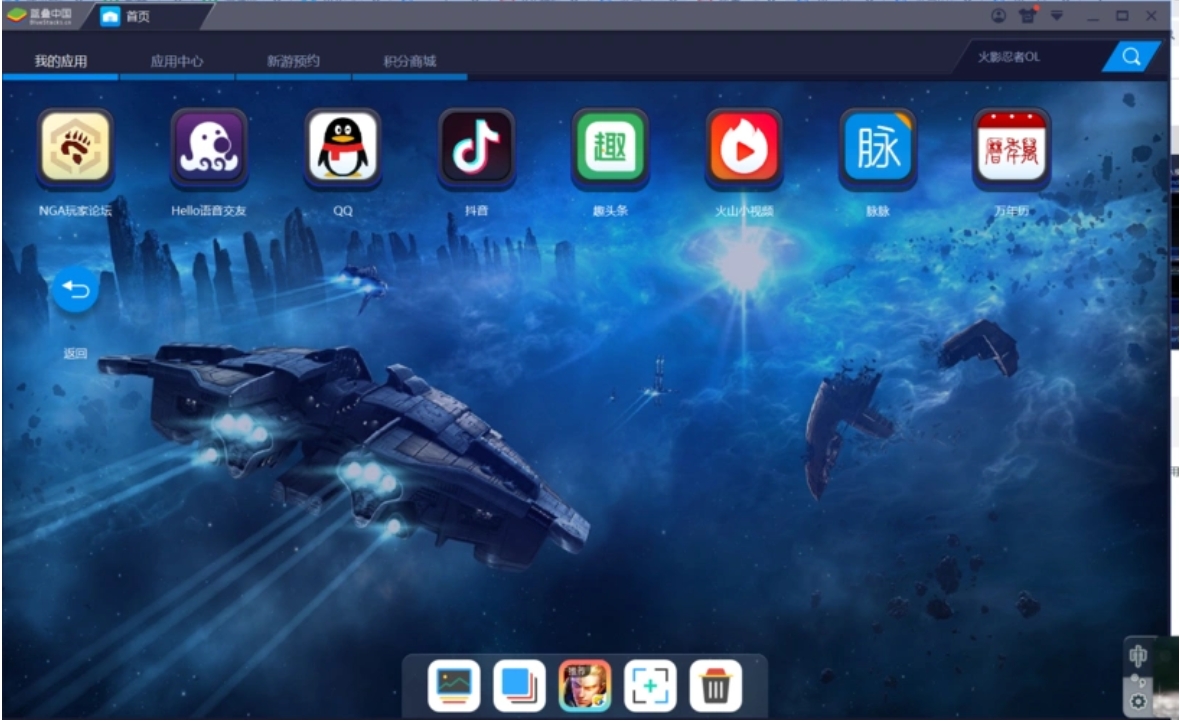
Features of BlueStacks Simulator
High compatibility:
Machine compatibility: BlueStacks emulator has a smart engine HD+, which allows low-end PCs to run Android applications smoothly, while high-end PCs can exert more powerful performance.
Application compatibility: Bluestack Simulator regularly tests the running success rate of applications and is committed to maintaining compatibility that is higher than that of similar products in the same period.
Deeply optimize the game experience:
Special optimizations are made for popular games, such as the LOL style operation optimization of Honor of Kings, the extreme multi-open optimization of Ragnarok RO, etc.
Provides general game settings, such as support for game peripherals such as controllers, boss keys, DPI settings, game screenshots, etc.
Highlights of Bluestack Simulator
Essential tools for game anchors:
Turn on the game live broadcast function with one click, and directly integrate Douyu TV, Panda TV, Huya Live and other platforms into the BlueStack simulator.
Massive games to choose from:
BlueStacks emulator provides game recommendation function, so users can experience new games as soon as possible.
Supports Android cross-end data interoperability. Users can scan the QR code on the BlueStack client or the official website to download the game package to their mobile phones to realize the interoperability of BlueStack and mobile game data.
Official PC version customization:
BlueStacks Simulator provides official PC version customization for popular games, such as Girls' Frontline, Azur Lane, Ragnarok RO, etc.
Voice while gaming:
Supports voice communication during the game to improve game interactivity.
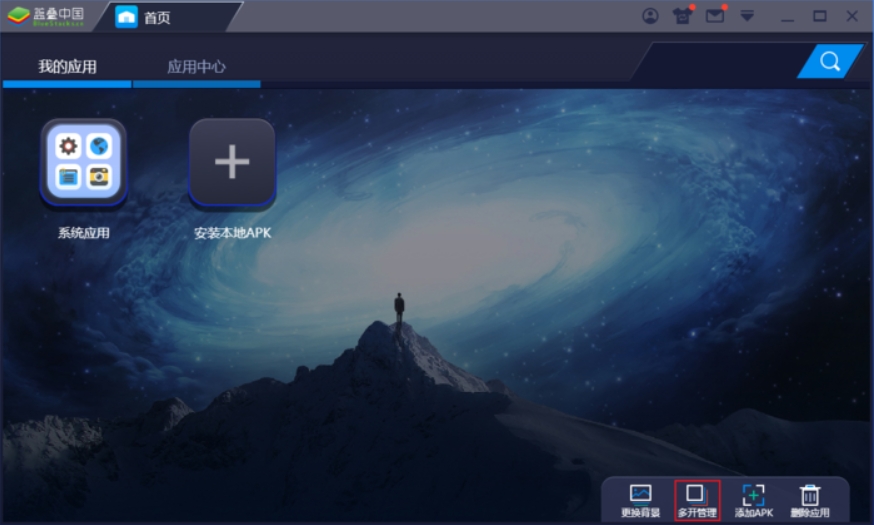
Bluestack simulator function
High compatibility: BlueStack emulator is an Android emulator with good compatibility on the market and can basically be installed and run on all computers. It is compatible with various mobile phone models and software configurations, providing players with a stable gaming environment.
Fast startup speed: Compared with BlueStack 4, the startup speed of BlueStack 5 is increased by at least 50%, making you ready for the game instantly.
Low CPU Usage: The BlueStacks 5 emulator has a lower CPU usage, allowing the game to maintain stable FPS during long runs.
Memory usage optimization: The memory usage of BlueStack 5 is reduced by 50%, providing players with a faster and smoother gaming experience.
Security Guarantee: BlueStacks Simulator provides a certain degree of security protection to ensure the safety of players’ game accounts and data.
Trusted by global users: BlueStacks emulator covers 180 countries and regions and is trusted by more than 500 million game players around the world.
Bluestack Simulator FAQ
Simulate location issues
Problem description: Some mobile games require access to location information to run, but the user wants to change the location information.
Solution:
In the BlueStacks simulator, positions can be simulated through settings. Specific steps include opening the software, logging in to your Google account, clicking the "Set Location" icon on the right sidebar or pressing the Ctrl + Shift + K buttons on the keyboard, selecting or entering the desired address on the map and setting it as a new location.
Note that the BlueStacks simulator can only change location information. If you need to create virtual routes or use other functions, you need to install a location spoofing app from the Play Store on the BlueStacks simulator.
Bluestack Simulator update log:
Developer GG said there are really no bugs this time~
Huajun editor recommends:
The software BlueStack Simulator is completely fool-proof and super simple to operate. In addition, the editor also recommends downloading and using related software such as the world-famous baby naming software, .NET, and Cloud Machine Manager.
Version: v5.22.0.6508 | Update time: 2025-08-25
Similar recommendations





Latest updates




How to use the controller of BlueStack Simulator - Tutorial on how to use BlueStack Simulator
How to adjust the resolution of BlueStack Simulator - BlueStack Simulator usage tutorial
How to hide the buttons in BlueStack Simulator - BlueStack Simulator usage tutorial
How to install applications for BlueStack Simulator - Tutorial for using BlueStack Simulator
How to record video with BlueStack Simulator - BlueStack Simulator usage tutorial
How to open more BlueStacks simulator - Tutorial on how to use BlueStacks simulation
BlueStacks Simulator Review
Recommended products









- Diablo game tool collection
- Group purchasing software collection area
- p2p seed search artifact download-P2P seed search artifact special topic
- adobe software encyclopedia - adobe full range of software downloads - adobe software downloads
- Safe Internet Encyclopedia
- Browser PC version download-browser download collection
- Diablo 3 game collection
- Anxin Quote Software
- Which Key Wizard software is better? Key Wizard software collection




