-
CAD mobile phone viewing
- Size: 9.59M
- Language: Simplified Chinese
- Category: Mobile audio and video
- System: Android
- Manufacturer:Chengdu Qi Qi Intelligent Technology Co., Ltd.
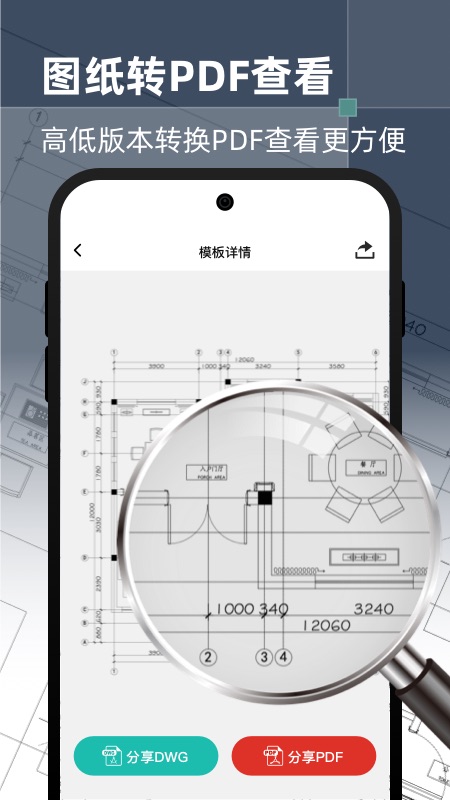
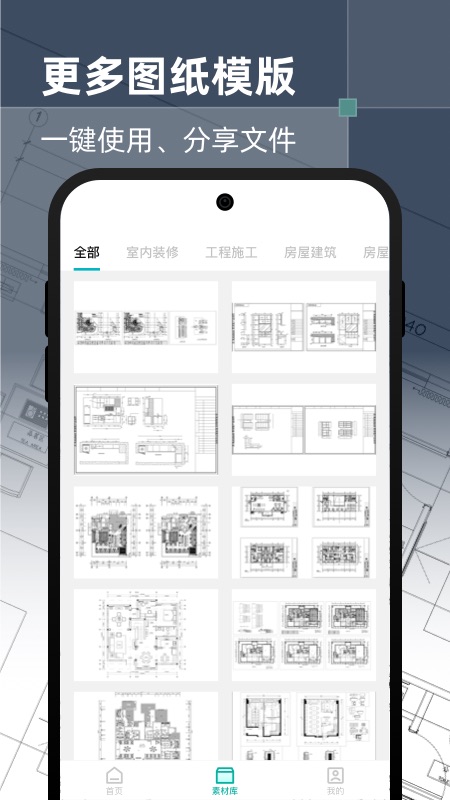
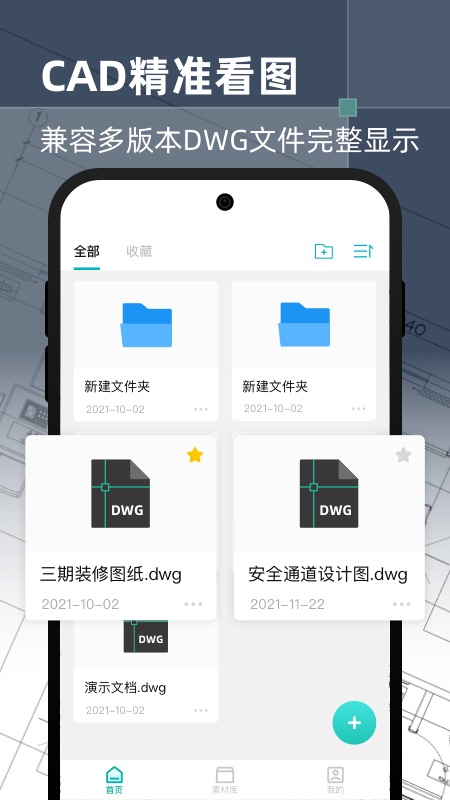
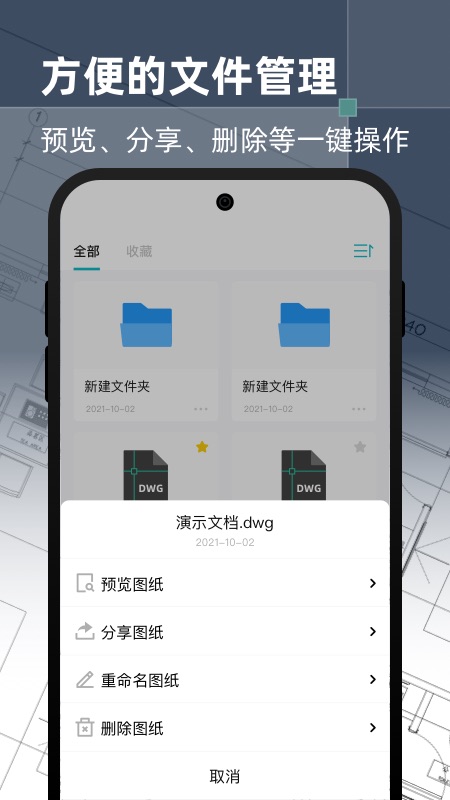
CAD mobile phone viewing combines advanced drawing and extremely fast drawing viewing, and supports the perfect display of domestic and foreign CAD drawings such as AutoCAD and Tianzheng Architecture. Accurate drawing and measurement, convenient search and replacement, truly realize the browsing and editing functions of computer CAD software on mobile phones and tablets. The expandable cloud storage space and network disk (Baidu Cloud Disk, Dropbox, etc.) function help you share CAD drawings anytime, anywhere, and can be synchronized to the cloud for permanent storage with one click. With its professional products and services, CAD Mobile Viewing has won awards such as the Annual Recommended Mobile Viewing Software and the Best Efficiency Office Software, with a cumulative user base of more than 25 million worldwide. Huajun Software Park provides you with CAD mobile picture viewing app download, come and experience it!
CAD mobile phone picture viewing software functions
1. Compatible with all formats, open drawings extremely quickly
Supported formats:
Covers 20+ mainstream engineering formats such as AutoCAD (DWG/DXF), DWF, Revit (RVT), SketchUp (SKP), SolidWorks (SLDPRT), etc., and can be viewed directly without conversion.
Compatible with higher version drawings (such as AutoCAD 2024) to avoid garbled characters or inability to open problems caused by version mismatch.
Extremely fast rendering engine:
Using a lightweight core, even very large drawings (such as building master plans and mechanical assembly drawings) can be loaded within 3 seconds and can be zoomed and panned smoothly.
Supports layer isolation display. You can close/display a layer independently to quickly locate key information (such as pipelines, structures, annotations).
2. Accurate viewing and intelligent interaction
Multi-view simultaneous viewing:
Supports multi-view linkage of plan, elevation, and section views. Clicking on a certain area automatically synchronizes the corresponding positions of other views to assist in understanding three-dimensional space.
Provides 3D model rotation/zooming/perspective functions (drawings required to support 3D data), allowing all-round observation of design details (such as mechanical parts, architectural appearance).
Smart measurement tools:
Distance measurement: Click two points to automatically calculate the straight line distance and diagonal length, and supports millimeter/cm/meter/inch unit switching.
Area calculation: Frame a closed area and display the area and perimeter in real time. It is suitable for land planning, indoor layout and other scenarios.
Coordinate positioning: Enter longitude, latitude or XY coordinates to quickly jump to the location specified in the drawing to assist construction positioning.
3. Light editing and efficient collaboration
Basic editing functions:
Graphic drawing: Supports the addition of basic graphics such as straight lines, circles, rectangles, and polylines for temporary modification or supplementary explanations (such as marking construction errors).
Text annotation: Add text description freely, adjust font, size, color, support mixed input of Chinese and English, and comply with engineering specifications.
Lead marking: Use arrows to point to key parts and add detailed notes (such as material specifications, construction requirements) to improve communication efficiency.
Annotation and version management:
Multi-person collaborative annotation: Invite team members to join the drawing review through a link or QR code, the annotation content is synchronized in real time, and @designated person reminder is supported to avoid missing information.
Version comparison: Upload the old and new drawing versions, automatically highlight the differences (such as modified walls, newly added pipelines), and generate a comparison report to reduce manual comparison time.
4. Cloud storage and cross-platform synchronization
Multi-cloud storage support:
Integrated with mainstream cloud services such as Baidu Netdisk, Tencent Weiyun, Alibaba Cloud Disk, and Google Drive, drawings are automatically backed up to the cloud to prevent loss.
Supports enterprise-level private cloud deployment, meets the data security requirements of construction companies and design institutes, and ensures that sensitive information is not leaked.
Seamless connection across devices:
Drawings marked on the mobile phone can be synchronized to the computer (such as AutoCAD, ZWCAD) to continue in-depth editing; drawings modified on the computer can also be pushed to the mobile phone for viewing in real time, realizing "mobile-desktop" full-process collaboration.
Features of CAD mobile picture viewing software
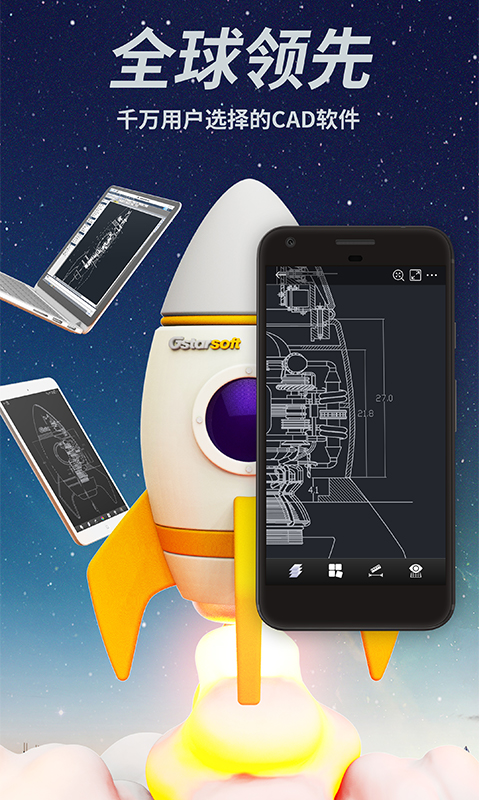
1. Quickly and efficiently open full version 2 and 3D drawings of AutoCAD and Tianzheng Architecturally smoothly;
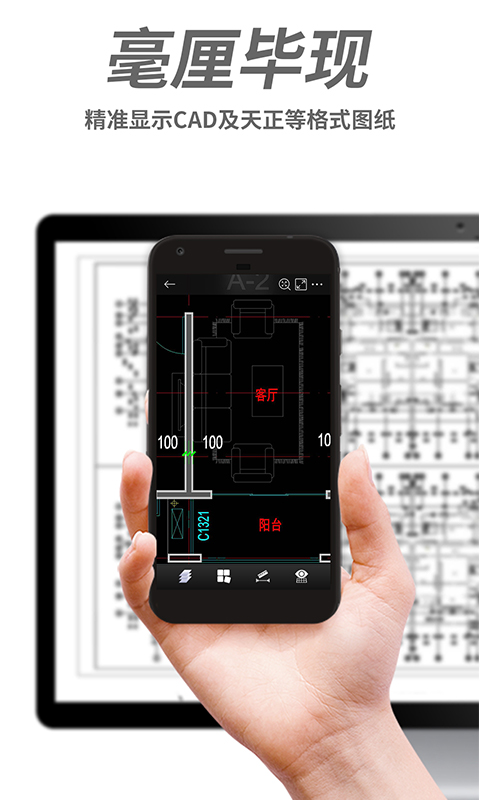
2. Perfect display, the first cloud font technology to accurately display CAD drawing information, say goodbye to the trouble of garbled characters;
3. Drawing tools, real CAD drawing drawing, measurement, annotation, search, capture and other editing functions;
4. One-click synchronization, expandable cloud storage space, easy synchronization of CAD drawings on mobile phones and computers;
5. Easily share and support social tools such as WeChat, QQ, Weibo, etc., making communication of CAD drawings hassle-free;
6. Instant feedback, professional CAD customer service online Q&A and quick feedback.
Frequently Asked Questions about CAD Mobile Phone Viewing
Drawing cannot be opened problem
Reason:
The drawing format is incorrect and should be in .dwg or .dxf format.
The drawing is damaged and needs to be checked with computer CAD software first.
The mobile phone has insufficient storage and the drawing is too large or complex.
There are decimal points in the names of Android phone drawings.
Solution:
Confirm that the format of the drawing is correct. If it is in bak format, you can modify the suffix name.
Use computer CAD software to open the drawing, execute the PU clean command and save it.
Close other background applications to free up memory, or split large drawings.
Modify the drawing name and remove the decimal point.
CAD mobile phone picture viewing update log:
Developer GG said there are really no bugs this time~
Huajun editor recommends:
CAD mobile phone picture viewing, word-of-mouth software, guaranteed to solve all your problems! The editor highly recommends it! This site also has similar software such as 360 Movies and TV Series, Dumpling Cloud Game, and Voting Brushing Expert. If you are interested, you can download it!
Version: v3.0.2 | Update time: 2025-08-28
Similar recommendations







Latest updates





How to cancel the account in Kuai Technology? -How to cancel your account in Kuai Technology
How to submit feedback on Kuai Technology? -How to submit feedback on Kuai Technology
How to send a private message to Toutiao today? -How to send private messages to Toutiao today
How to change Toutiao password? -How to change password in Toutiao
How to set the font for Toutiao today? -How to set font in Toutiao
How to register for Toutiao? -How to register for Toutiao
How does Toutiao publish news? -How to publish news in Toutiao today
How to find the cover of Toutiao today? -How to find the cover of Toutiao today
Comments on CAD mobile phone viewing
Recommended products










- Diablo game tool collection
- Group purchasing software collection area
- p2p seed search artifact download-P2P seed search artifact special topic
- adobe software encyclopedia - adobe full range of software downloads - adobe software downloads
- Safe Internet Encyclopedia
- Browser PC version download-browser download collection
- Diablo 3 game collection
- Anxin Quote Software
- Which Key Wizard software is better? Key Wizard software collection




