
-
Quick translation
- Size: 2.70M
- Language: Simplified Chinese
- Category: Office software
- System: Win






Quick translationA collection of document translations,Picture translation, voice translation and other translation modes, support translation of common Chinese, English, French, Russian, German and other languages, and come with ticket recognition,Image conversion, document compression, PDF conversion and other common document processing functions, it is not only a multi-functional translation software, but also a good helper for dealing with common document problems. Huajun Software Park provides you with fast translation downloads, come and experience it!
Swift translation software features
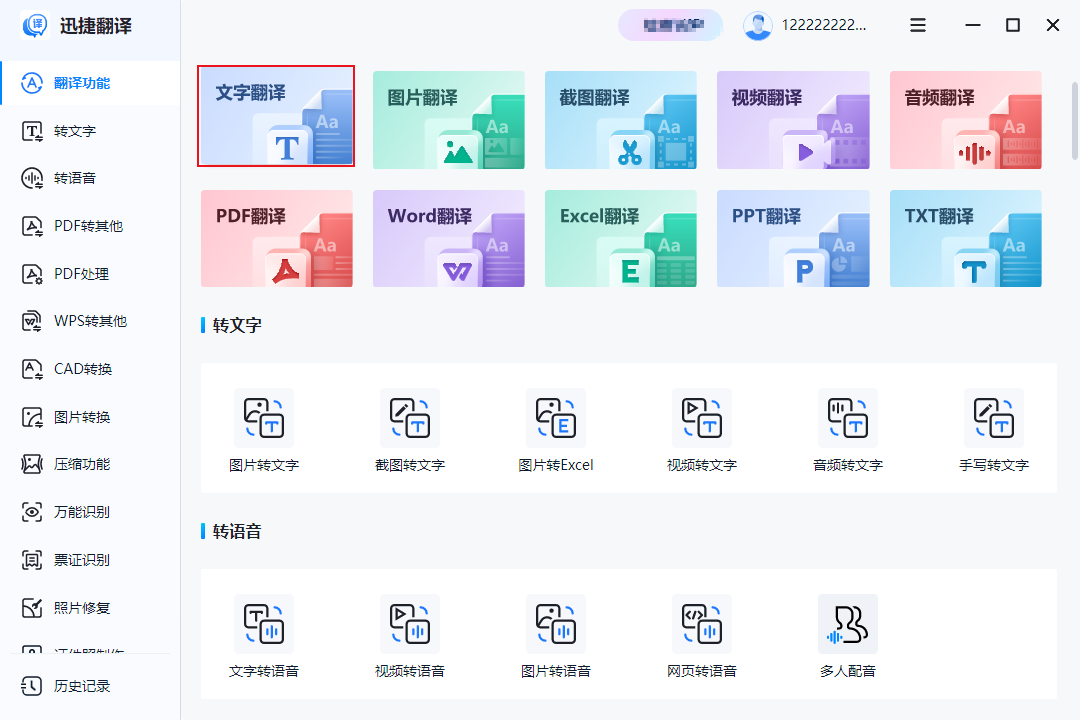
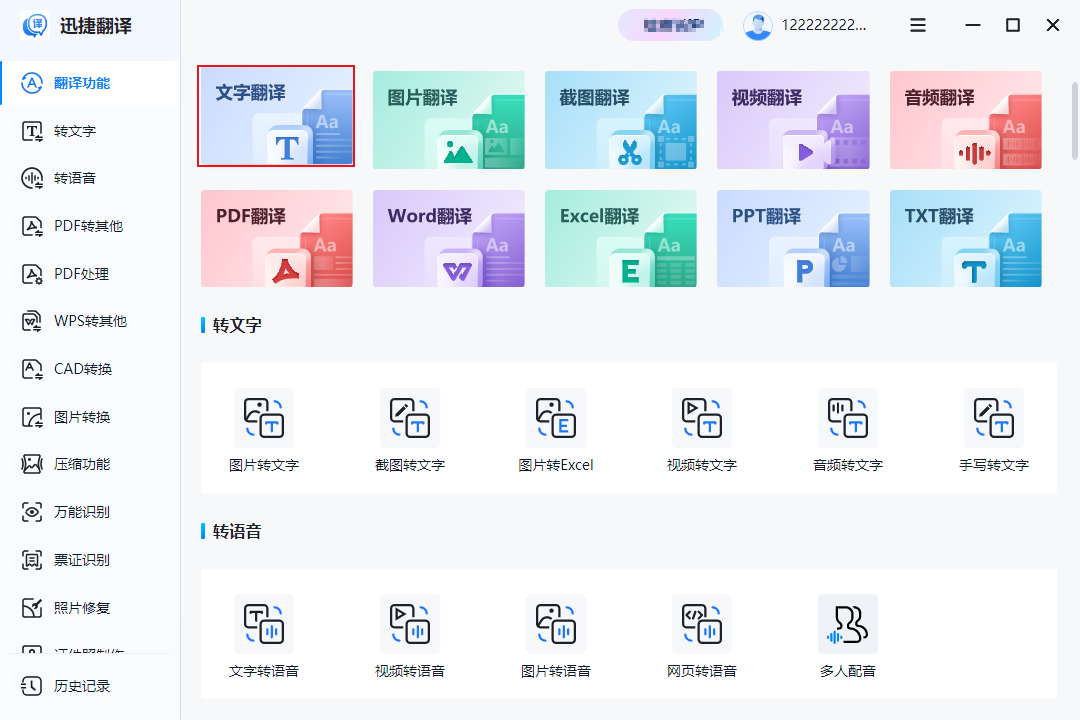
1. Translation function: text translation, picture translation,screenshotTranslation, video translation, audio translation, PDF translation, Word translation, Excel translation, PPT translation, TXT translation;
2. PDF conversion & PDF editing function: Convert PDF to Word, Excel, PPT, TXT, CAD, pictures and other files. Supports PDF merging, splitting, encryption, decryption, compression, picture extraction, watermarking, etc.;
3. Convert text function: Supports converting pictures to text, screenshots to text, videos to text, audio to text, handwritten pictures to text, etc.;
4. Speech-to-speech function: supports text-to-speech, video-to-speech, picture-to-speech, webpage-to-speech, multi-person dialogue dubbing, etc.;
5. CAD toolset: supports CAD version conversion, CAD to picture conversion, DWG and DXF conversion, and CAD to DWF;
6. Other functions include: image format conversion, audio and video file compression, ID photo production, identification of all things, photo repair, WPS file conversion and more than 100 practical functions.
Highlights of Swift Translation
Multimodal translation support
It supports translation in various forms such as text, voice, pictures, videos, documents, etc., covering common formats such as PDF, Word, Excel, PPT, etc., to meet the diverse translation needs of users.
It provides real-time voice translation, video subtitle synchronization, screenshot translation and other special functions, which is suitable for international conferences, academic research, travel directions and other scenarios.
Translation optimization in professional fields
For the translation of professional terminology, it can be combined with domain dictionaries for secondary proofreading to ensure the rigor of the content. It is especially good at the translation of academic documents, business contracts and other professional documents.
Offline Translation and History
It supports offline translation function and can be used without an Internet connection; it provides translation history records to facilitate users to view and manage translation content at any time.
Quick translation help
1. Download software
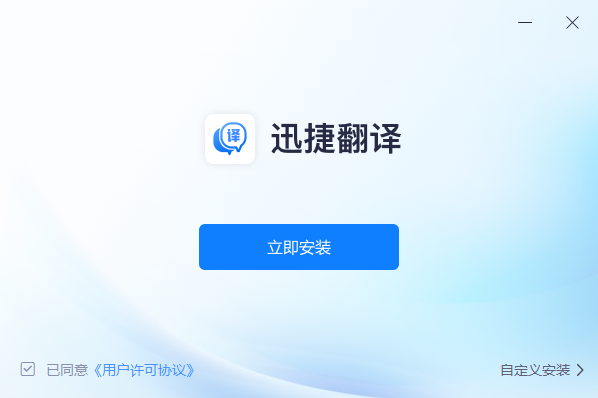
Click to enter the official website of Swift Translation Software. Click to download the software and open it.
2. Select function
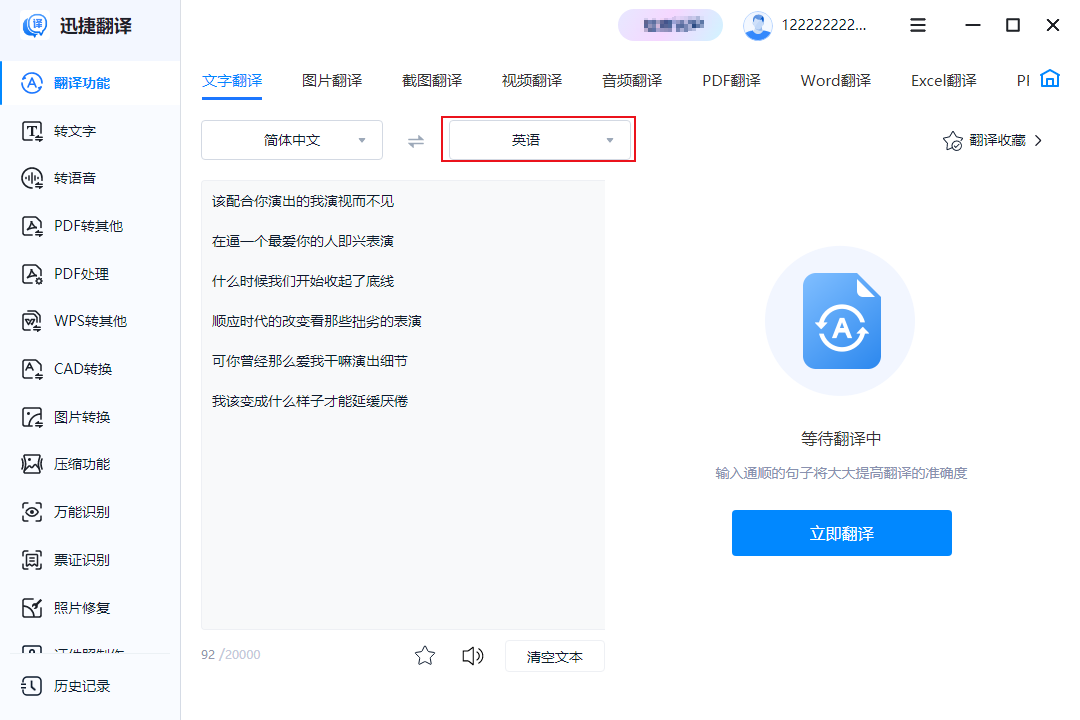
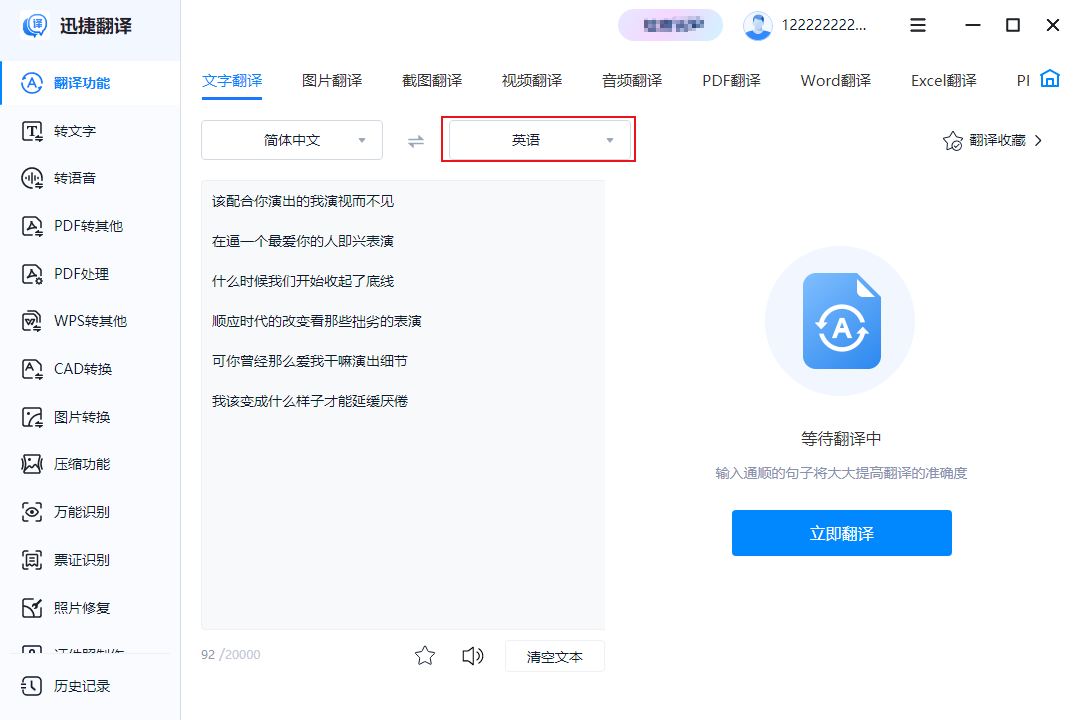
After opening the software, select the text translation function or other functions on the right
3. Enter text
After the function is turned on, you can click to enter the text that needs to be translated and the language that needs to be translated.
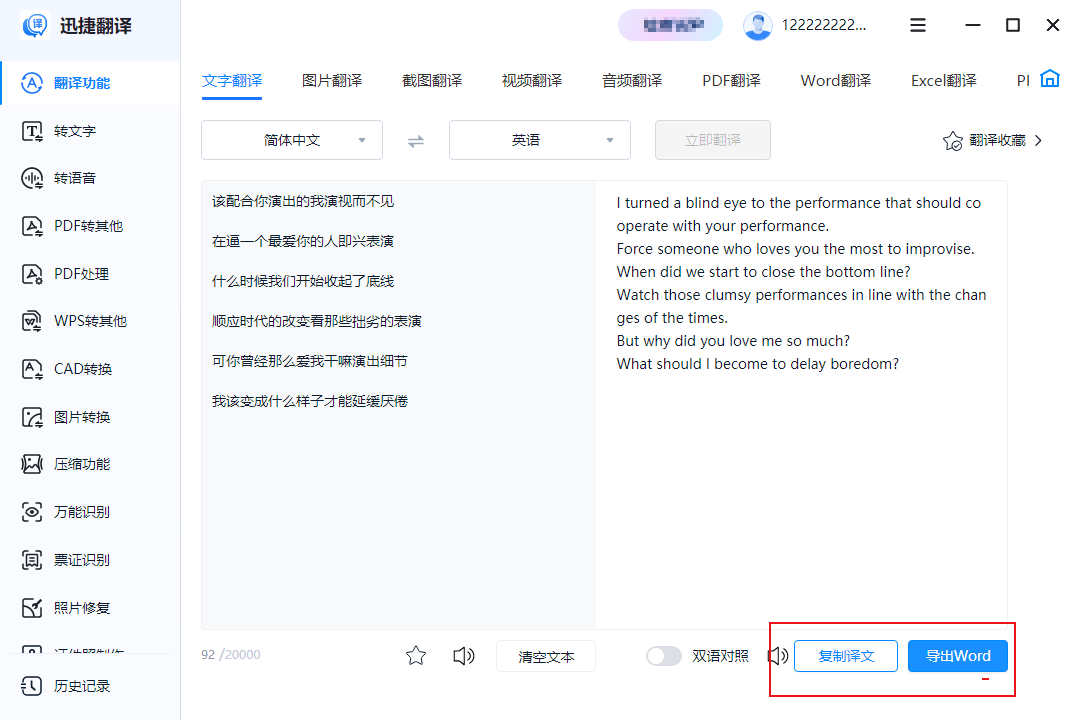
4. Translate immediately
After the settings are completed, click the Start Translation button on the right to complete the translation.
FAQ
How effective is the translation software?
Swift translation software uses advanced translation technology and algorithms to provide users with high-quality translation services. At the same time, the software also supports multiple languages and file formats, meeting the translation needs of users in different scenarios.
How to optimize software performance?
Users can regularly clean software caches and temporary files to release system resources and improve software operating efficiency. At the same time, closing unnecessary background programs and services can also reduce system resource usage, thereby improving software performance.
Swift translation update log
1. Modify user-submitted bugs
2.Add new features
Huajun editor recommends:
Swift Translation is a software that is easy to operate, powerful and easy to use. You can download it and give it a try. Everyone is welcome to download. This site also provides Jinding, Jinding, Hanwang attendance management system, etc. for you to download.
Version: 1.7.9 | Update time: 2025-08-08
Similar recommendations






Latest updates





How to download movies from Video Pioneer? - How to download movies from Video Pioneer
How to search for videos on Video Pioneer? - How to search for videos by Video Pioneer
How to delete history in Video Pioneer? -How to delete history records by Video Pioneer
How to set the skin for Video Pioneer? -How to set skin for Video Pioneer
Swift Translation Review
Recommended products









- Diablo game tool collection
- Group purchasing software collection area
- p2p seed search artifact download-P2P seed search artifact special topic
- adobe software encyclopedia - adobe full range of software downloads - adobe software downloads
- Safe Internet Encyclopedia
- Browser PC version download-browser download collection
- Diablo 3 game collection
- Anxin Quote Software
- Which Key Wizard software is better? Key Wizard software collection




