
-
School sports meeting automatic reporting system
- Size: 6.2M
- Language: Simplified Chinese
- Category: Printing tools
- System: Win






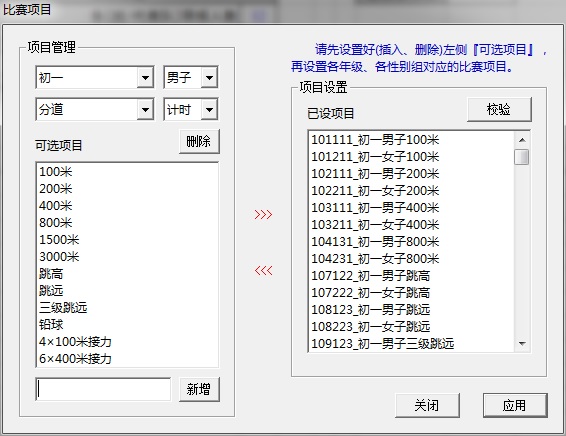
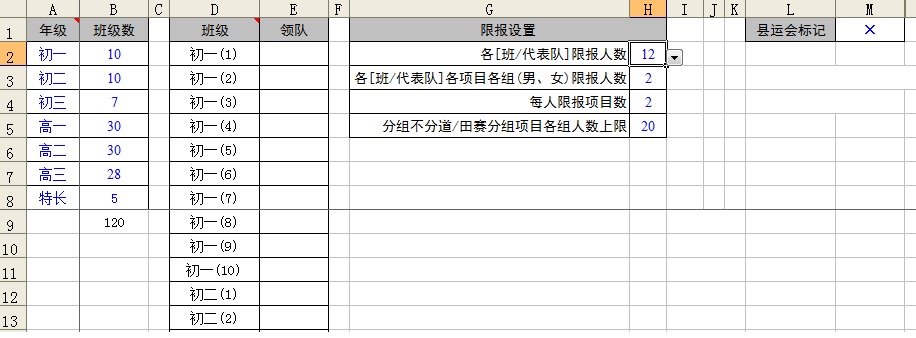
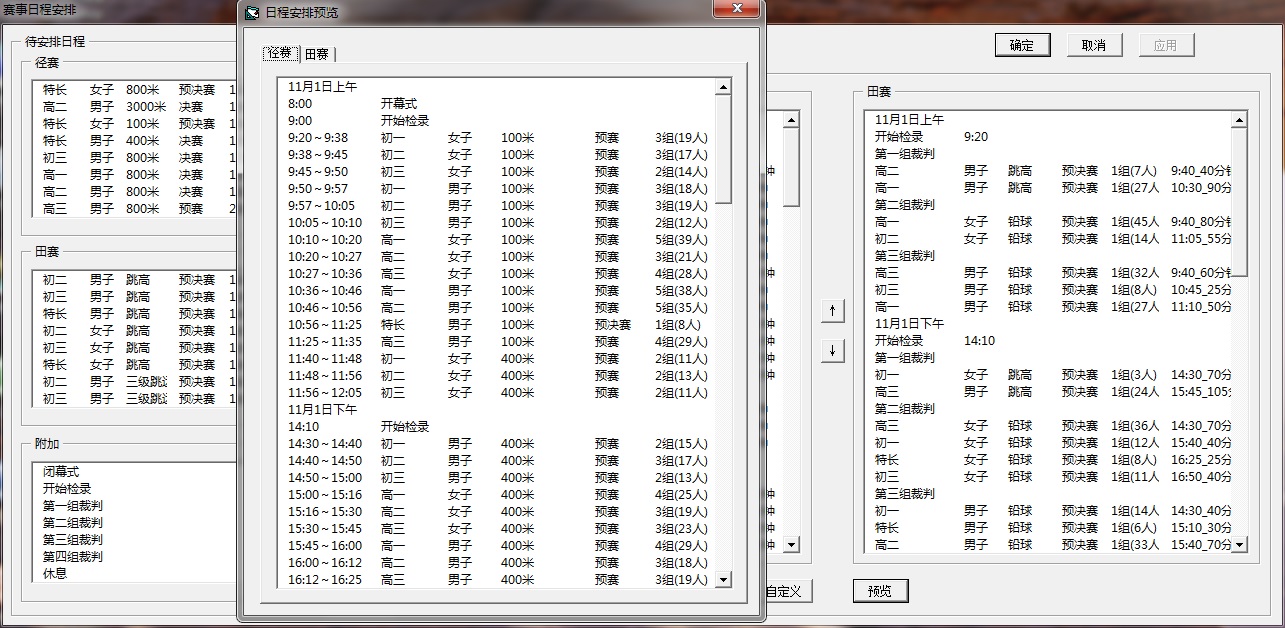
The school sports meeting automatic report system software covers the preparation of the sports meeting order book, in-game performance management and the generation of post-game certificates and honorary certificates. The main functions include: simulated registration, import, export and printing of data, automatic numbering of athletes and summary of events, automatic random grouping of athletes in each competition event (balanced grouping, intelligent empty lanes), generation of number comparison tables and grouping and lane arrangement tables, creation of performance record tables, schedules, and the setting and generation of post-match certificates. Huajun Software Park provides you with a free download of the school sports meeting automatic reporting system. Friends who like the school sports meeting automatic reporting system, please come to Huajun Software Park to download and experience it!

Features of the school sports meeting automatic reporting system software
Technical features: simple operation, easy to learn and use, automated processing, standard typesetting and printing, and relatively complete functions.

School sports meeting automatic reporting system software functions
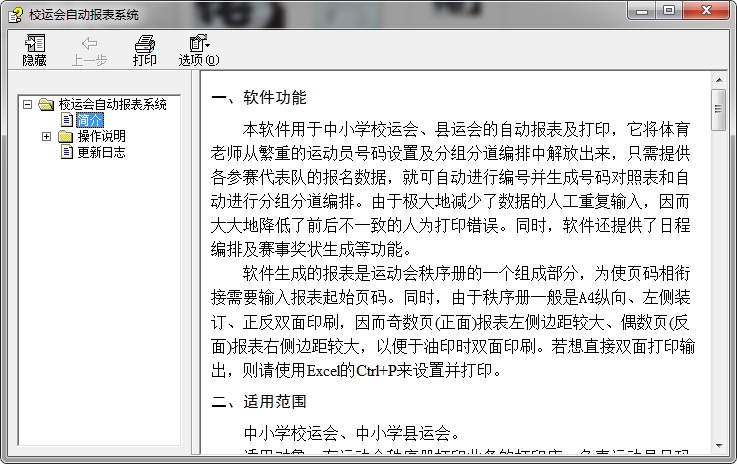
This software is used for automatic reporting and printing of primary and secondary school sports games and county sports games. It frees physical education teachers from the heavy task of setting athlete numbers and grouping lanes. They only need to provide the registration data of each participating team, and it can automatically number and generate a number comparison table and automatically perform group lanes arrangement. Since manual repeated entry of data is greatly reduced, inconsistent human printing errors are greatly reduced. At the same time, the software also provides functions such as schedule planning and event certificate generation.
The report generated by the software is an integral part of the sports meeting schedule. In order to connect the page numbers, you need to enter the starting page number of the report. At the same time, since the order books are generally A4 portrait, bound on the left, and printed on both sides, the left margin of the report on the odd pages (front) is larger, and the right margin of the report on the even pages (reverse) is larger to facilitate double-sided printing during mimeographing. If you want to print directly on both sides, please use Excel's Ctrl+P to set and print.
Scope of application of the school sports meeting automatic reporting system
Primary and secondary school sports meets, primary and secondary school county sports meets.
Applicable objects: Printing shops with sports event order book printing business, unit personnel responsible for athlete numbers and group lane arrangement (such as physical education teachers).
Must-have software for sports event planning!
School sports meeting automatic reporting system support environment
1. Software: In Wps Office2016/2019, MS The test passed on Office 2003/2007 (the VBA component needs to be installed); some windows use Microsoft Yahei fonts, and the certificates use Founder Weibei, Chinese Xingkai, Lishu and other fonts.
2. Hardware: Install a printer driver that supports A4&B4 format..
School sports meeting automatic reporting system update log
Version 1.1.76 update:
1. Added a prompt code;
2. Improved the certificate setting function;
3.Updated the relevant templates;
4. Further enhanced compatibility;
5.新增了注册申请自动提交功能;
6. Updated the help description.
Huajun editor recommends:
The school sports meeting automatic report system is a software that is simple to operate, powerful, and easy to use. You can download it and try it. Everyone is welcome to download. This site also provides Lodop printing control, .NET, batch manager, etc. for you to download.
Version: 1.1.76 Official version | Update time: 2025-11-25
Similar recommendations






Latest updates





Comments on the school sports meeting automatic reporting system
Recommended products







- Diablo game tool collection
- Group purchasing software collection area
- p2p seed search artifact download-P2P seed search artifact special topic
- adobe software encyclopedia - adobe full range of software downloads - adobe software downloads
- Safe Internet Encyclopedia
- Browser PC version download-browser download collection
- Diablo 3 game collection
- Anxin Quote Software
- Which Key Wizard software is better? Key Wizard software collection




