
-
baby english
- Size: 46.32M
- Language: Simplified Chinese
- Category: Education and teaching
- System:winall







Baby English PC version is an English learning software specially created for preschool children. The latest version of Baby English adopts the interactive teaching mode of children clicking bubbles to help children establish the foundation for learning English. Baby English PC version can help children increase their sense of English and vocabulary skills. It can adapt to the learning needs of children of different ages and help babies learn English easily.
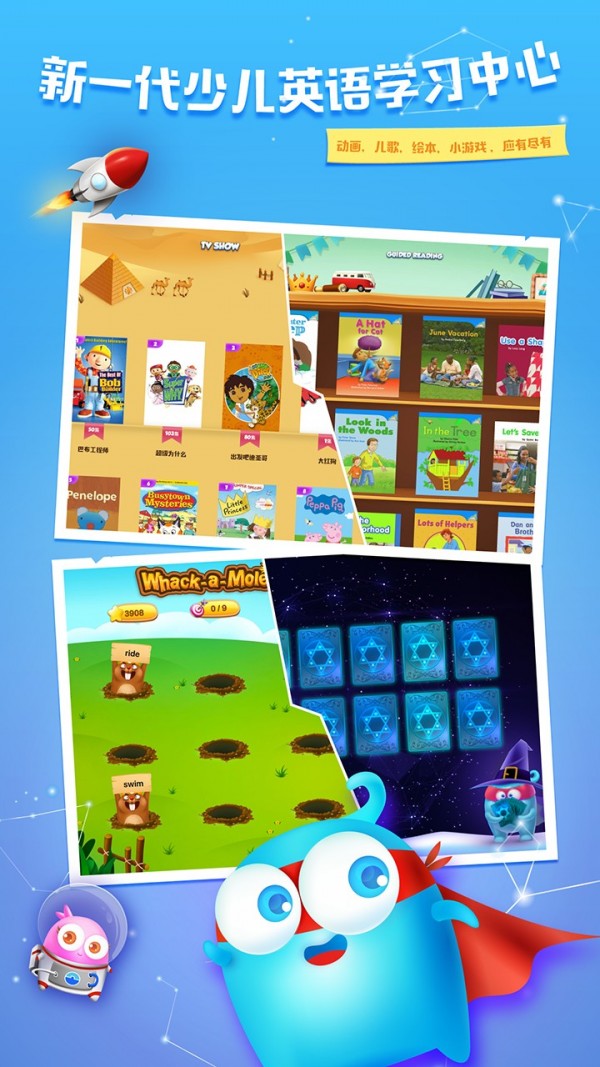
Features of Baby English software
1. The QLL series of products has a user base of more than 3.5 million, with an average rating of four and a half stars. It is the best series of educational products in Taiwan.
2. Use familiar fairy tales to allow children to practice listening and vocabulary, and receive bilingual language sense training. The goal of QLL is to allow parents to easily teach children to learn multiple languages and become more competitive in the future.
3. Our children’s app has more than 3.5 million downloads, with an average star rating of over 4.5.
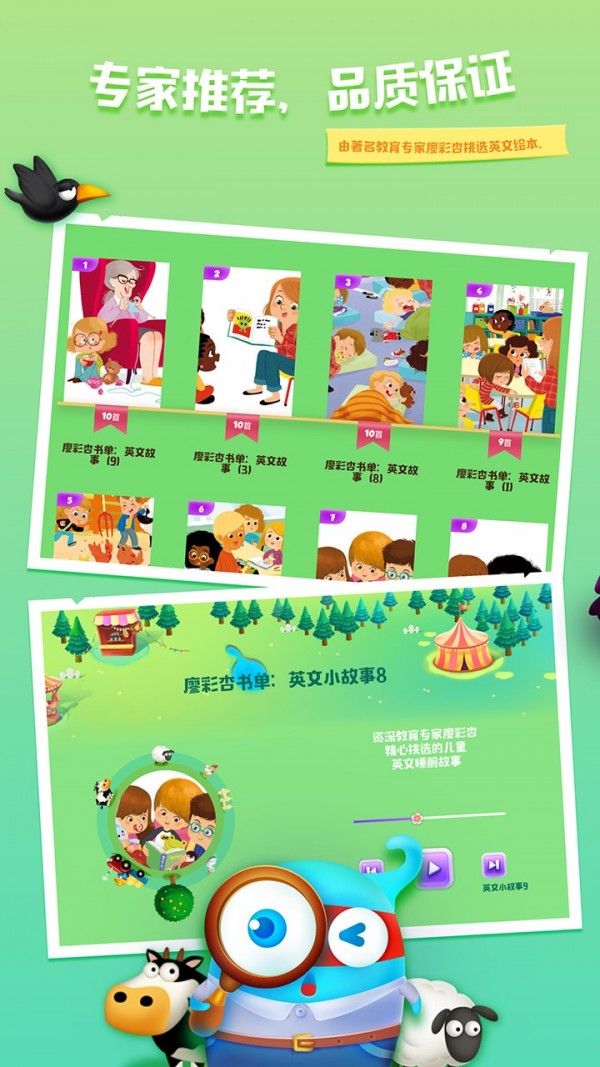
Introduction to baby English functions
1. All recordings are performed by professional foreign personnel in top-notch recording studios.
2. The letters are oversized and the illustrations are very cute! My children have played with it - they like it very much! My mother has played with it - and she also likes it very much!
3. Fully interactive, children can click the bubbles themselves and watch the letter sounds made when the bubbles burst.
4. Can be played automatically or operated manually. You can control the number of times you read a new word, and you can even play it in a permanent loop.
5. Bilingual function, word by word, first in English and then in Chinese, experts have proven it to be the most effective way to practice English listening
6. Gesture support, you can slide your finger to quickly turn pages
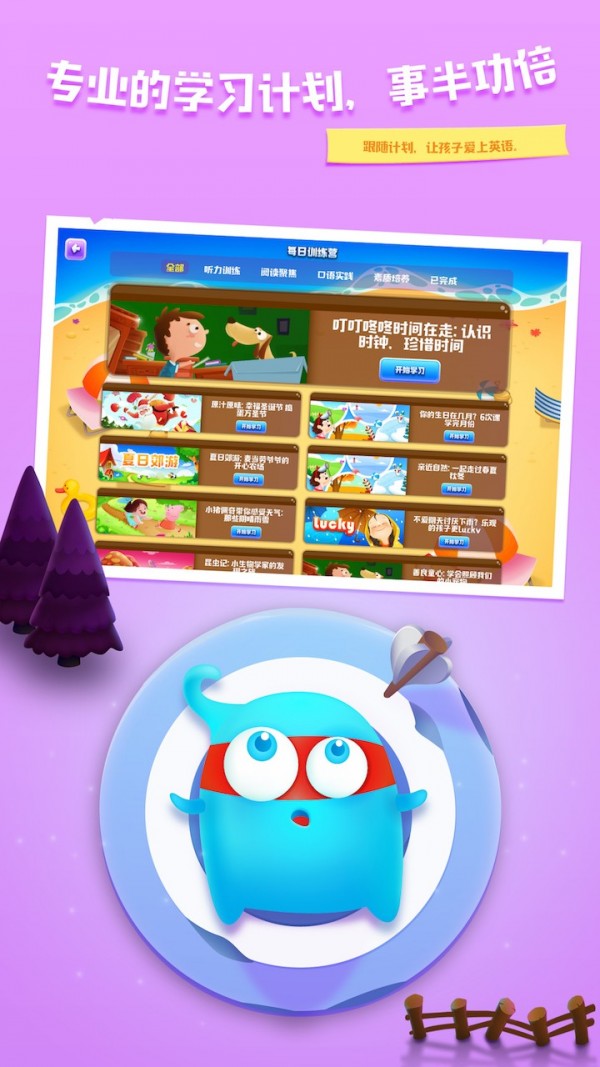
Installation steps
Special note: The installation package provided by Huajun Software Park contains Android emulator and softwareAPK file, the computer version needs to install the emulator first, and then install the APK file.
1. First download the installation package from Huajun Software Park. The software package contains an emulator exe installation program and an APK file and unzip them. First click on the exe program to install the emulator.

2. Double-click the "Tencent Mobile Game Assistant.exe" file to enter the installation interface. Users can click "Install" to select the system's default installation address for installation, or click "Custom Installation" to select the installation path. Custom installation is recommended here.

3. Wait for the Tencent Mobile Game Assistant emulator to be installed, and then click "Start Now" to open the emulator.

4. Enter the main interface of the simulator, click the icon in the upper right corner and select the "Local APK Installation" button.

5. In the pop-up window, click the decompressed APK file, and then click Open.

6. Afterwards, the software will enter the installation process. You need to wait for a moment. After the software installation is completed, it will appear in my software list. Click the icon and double-click to open it.

Baby English update log
1. Optimized some functions
2. Solved many unbearable bugs
Huajun editor recommends:
As a free education and teaching tool with wide application and powerful functions, Baby English has received unanimous praise from many netizens for its functions. It is strongly recommended for everyone to download and use it. In addition, Seewo Academy, .NET, and Cloud Machine Manager are also recommended for everyone to download and use.
Version: PC version v3.1.0 | Update time: 2024-12-30
Similar recommendations




Latest updates




How to set the font for Toutiao today? -How to set font in Toutiao
How to register for Toutiao? -How to register for Toutiao
How does Toutiao publish news? -How to publish news in Toutiao today
How to find the cover of Toutiao today? -How to find the cover of Toutiao today
How to choose self-pickup in Xiaomi Mall? - Choose the self-pickup method in Xiaomi Mall
How to pay in installments at Xiaomi Mall? -How to pay in installments in Xiaomi Mall
How to check Xiaomi Mall User Agreement? -How to view the Xiaomi Mall User Agreement on Xiaomi Mall
Baby English Review
-
1st floor Huajun netizen 2022-01-29 17:56:09Baby English can be downloaded for free from Huajun. You can use it immediately after downloading, and it is well received.
-
2nd floor Huajun netizen 2021-07-20 00:57:59You can't find English for babies anywhere else, but fortunately it is available here.
-
3rd floor Huajun netizen 2021-06-27 12:49:45Baby English is very smooth to install and use, thank you. It is free to install and runs smoothly after downloading.
Recommended products
-

Beijing Primary and Secondary School Students Plant Cultivation Competition Computer Version
-
Beijing Primary and Secondary School Students Plant Cultivation Competition Computer Version
-

Computer version of Confidential View
-
Computer version of Confidential View
-
Computer version of Confidential View
-

Computer version of Confidential View
-
Computer version of Confidential View
-
Computer version of Confidential View
-

Zhixue.com Teacher Terminal
-
Zhixue.com Teacher Terminal
- Diablo game tool collection
- Group purchasing software collection area
- p2p seed search artifact download-P2P seed search artifact special topic
- adobe software encyclopedia - adobe full range of software downloads - adobe software downloads
- Safe Internet Encyclopedia
- Browser PC version download-browser download collection
- Diablo 3 game collection
- Anxin Quote Software
- Which Key Wizard software is better? Key Wizard software collection




