Win11 23H2 64-bit free office version is a lightweight and optimized version based on Microsoft’s official Windows 11 23H2 official version, specially designed for office scenarios. Integrating Microsoft's latest patches and packaging offline to eliminate virus risks, it is suitable for enterprise batch deployment or personal reinstallation. Next, let Huajun editor explain to you how to install Win11 23H2 64-bit free office version and how to install Win11 23H2 64-bit free office version!
Installation steps
Start the installer
Insert the USB flash drive → Restart the computer → Press F12/F8/Esc to select the USB flash drive to boot (the keys are different for different motherboards).
When the Windows installation interface appears, select the language, time and keyboard layout, and click "Next".
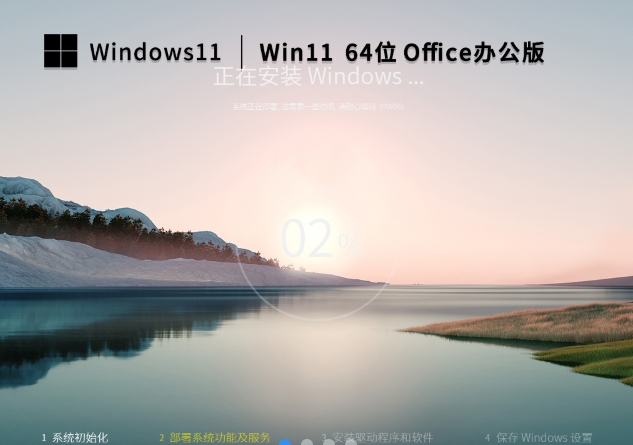
Select installation type
Upgrade installation (keep files):
If the original system is Win10/11, select "Upgrade this computer" to retain personal files and applications (but old system garbage may remain).
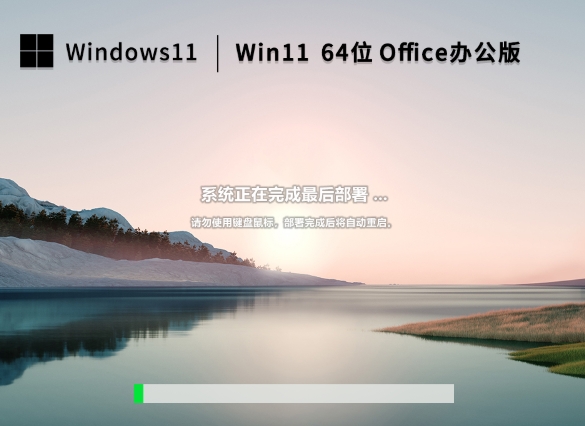
Fresh installation (recommended):
Select "Custom: Install Windows only", delete all partitions and create a new primary partition (formatted as NTFS).
Installation process
The system automatically copies files → restarts multiple times → enters OOBE (out-of-box experience).
Key settings:
Region/Keyboard Layout: Choose as needed.
Network connection: It is recommended to skip (to avoid automatically downloading drivers or updates during installation).
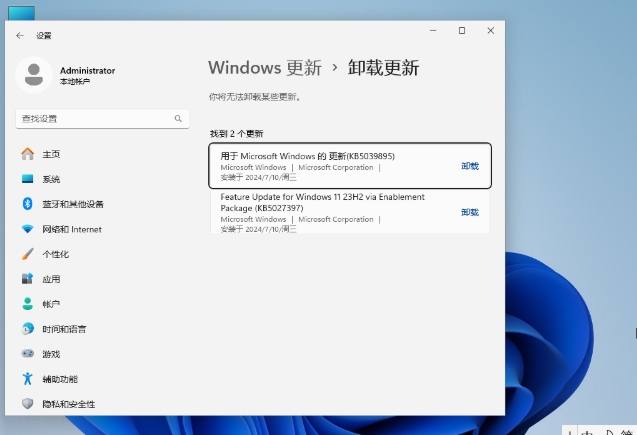
Account type:
Log in directly as Administrator (system default), or create a new account later.
Privacy settings: Turn off non-essential options (such as location, advertising ID).
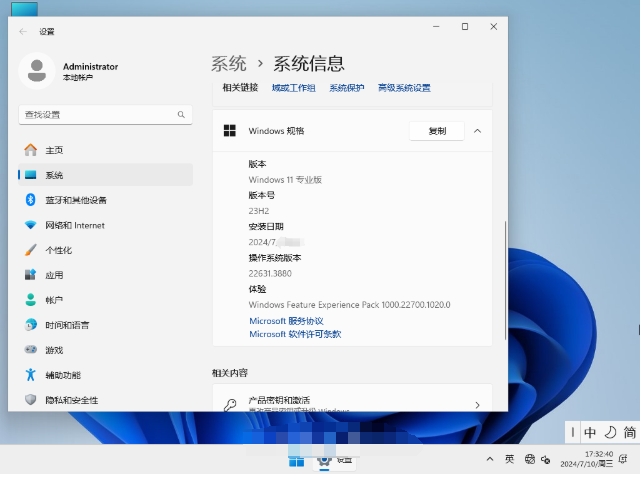
Post-installation optimization
Update driver:
After connecting to the network, go to Settings > Windows Update to check and install the driver.
Or download it manually from the official website (such as Intel/NVIDIA driver).
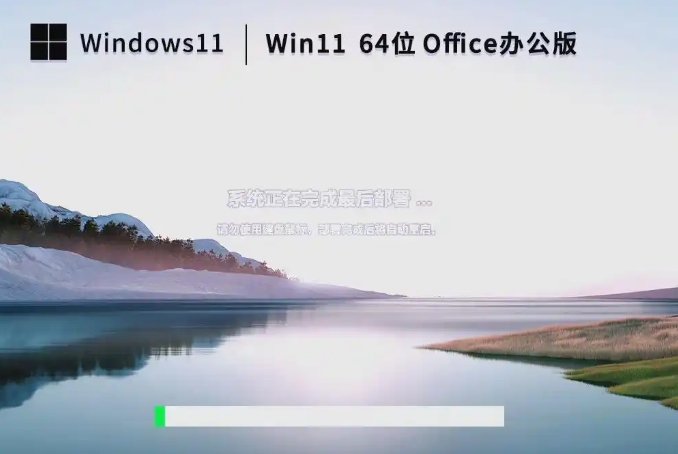
Activate the system:
If the original device has activated Win10/11, it will be activated automatically after the upgrade.
If manual activation is required, enter a legal key or use the KMS tool (enterprise users).
The above is how to install Win11 23H2 64-bit free office version and how to install Win11 23H2 64-bit free office version compiled by Huajun editor for you. I hope it can help you!
![[Enhanced Game Performance] Windows 10 64-bit Game Customized Optimized Version](http://softwaredownload4.com/sbdm/img/download/202506/111830-6847a4062a0a8.jpg)