Tencent Mobile Game Assistant is a powerful and easy-to-operate emulator platform that provides many mobile game enthusiasts with an excellent experience in playing various mobile games on their computers. The software can perfectly support a large number of games. Whether they are popular masterpieces or niche masterpieces, you can find them on this emulator and enjoy them. This means that players no longer need to be limited to the small space of the mobile phone screen and can enjoy the visual feast brought by the large screen on the computer. Stable performance and smooth operation are due to its deeply developed core technology. Even when dealing with some high-quality, high-frame-rate games, it can maintain excellent performance, ensuring that players will not experience lags, frame drops, etc. during long gaming sessions. Next, let the editor of Huajun explain to you how to log in to the ios area of Tencent Mobile Game Assistant and the steps for logging in to ios with Tencent Mobile Game Assistant!

first step
Download the latest version of Tencent Mobile Game Assistant and ensure you get the best compatibility and latest features.

Step 2
You can find many mobile games in the game center of Tencent Mobile Game Assistant. By filtering the "ios Android" tag, you can find games that can be run on both iOS devices and Tencent Mobile Game Assistant. After clicking the "Install" button, wait for the game to download and install.
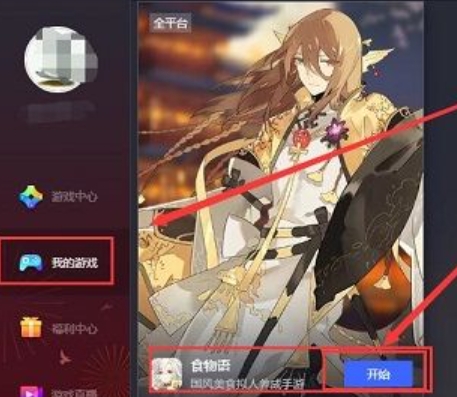
Step 3
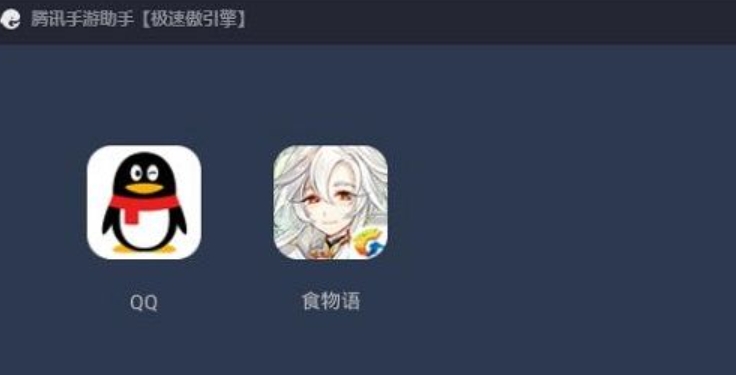
After the installation is complete, click the "Start" button to enter the game.
Step 4
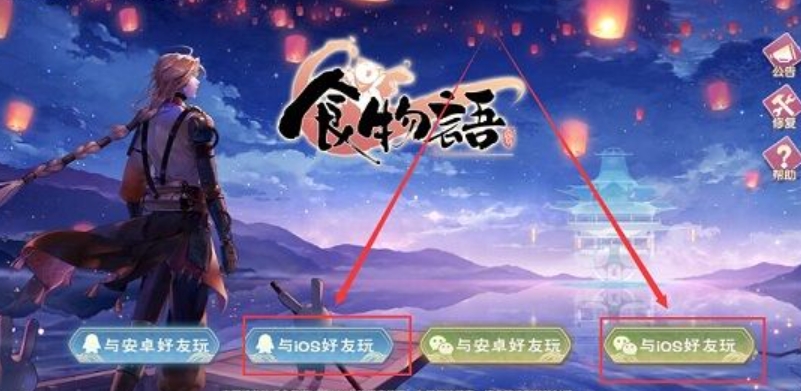
In order to ensure that your game progress and friend list on Tencent Mobile Game Assistant are consistent with those on your iOS device. In the login interface, selecting "Play with iOS friends" means that you will use the same account as your iOS device to log in to the game.
Step 5
Next select the same region as you are on your iOS device to continue your previous game progress. After entering your iOS game account information and logging in, you may need to select the region where the game is located.
Step 6
After logging in and selecting a regional server, you can start playing the iOS version of the game on Tencent Mobile Game Assistant.
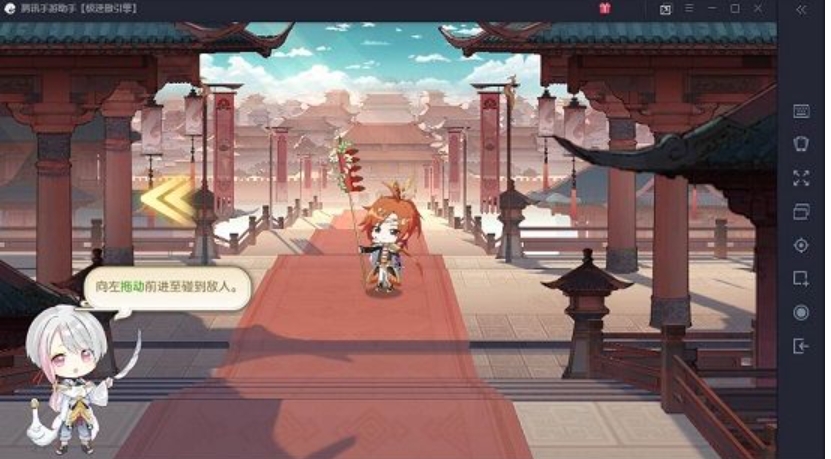
The above is how the editor of Huajun compiled for you how to log in to the ios area of Tencent Mobile Game Assistant and the steps for logging in to ios with Tencent Mobile Game Assistant. I hope it can help you!