Many people don’t know how the WiFi master key displays the status bar icon information? The article brought to you today is how the WiFi master key displays the status bar icon information. If you still don’t know, let’s learn it with the editor.
Step 1: First, click to open the WiFi master key.
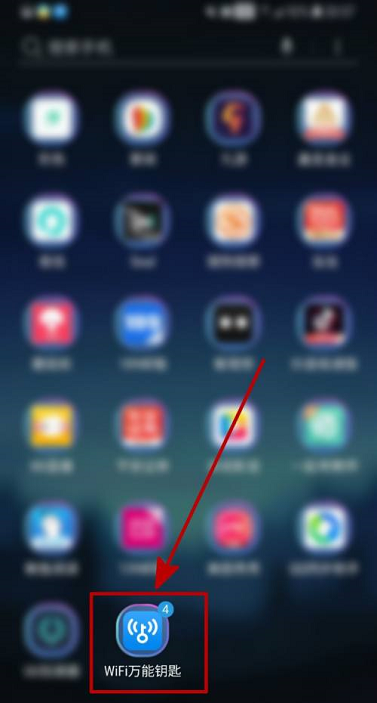
Step 2: After entering the homepage of the WiFi Master Key APP, click the "avatar icon" in the upper left corner of the page.

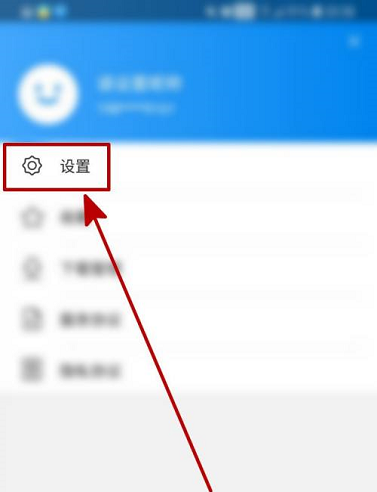
Step 3: After entering the personal center page, click "Settings".
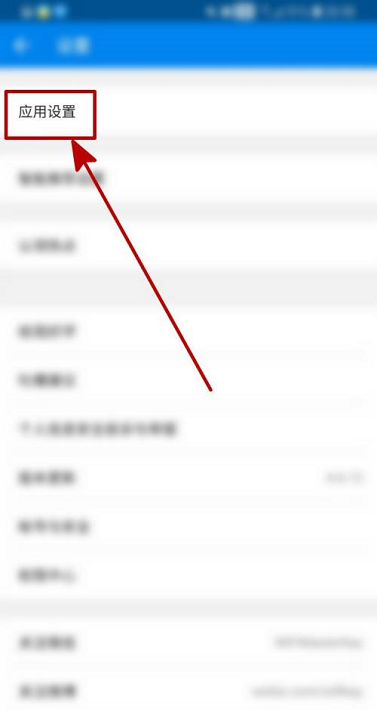
Step 4: After entering the settings page of the WiFi Master Key APP, click "App Settings".
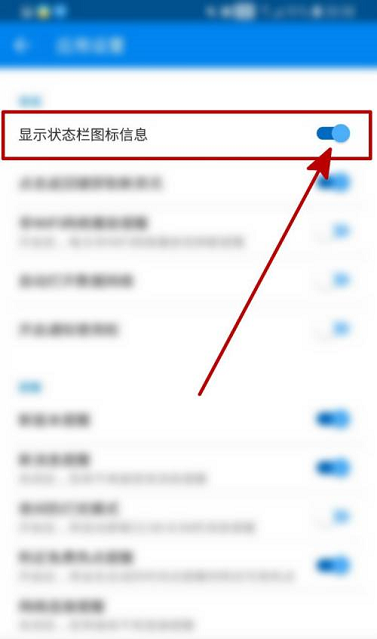
Step 5: After entering the application settings page, click "Show status bar icon information".

Step 6: When the switch behind the status bar icon information is turned on, the setting is completed.
The above is the entire content of how to display status bar icon information with WiFi Master Key brought to you by the editor. I hope it can help you.