Friends, do you know how to open QQ space on mobile QQ? Today I will explain how to open QQ space on mobile QQ. If you are interested, come and take a look with me. I hope it can help everyone.
The first step: First open the QQ software, find the QQ settings, and click to enter.

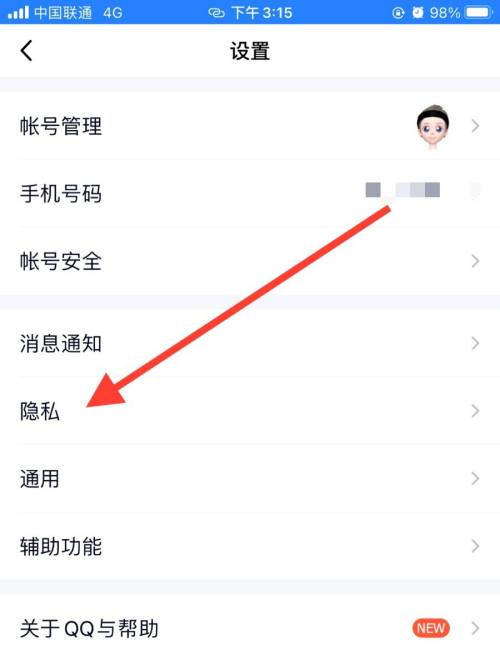
Step 2: Click on the "Privacy" option to enter.
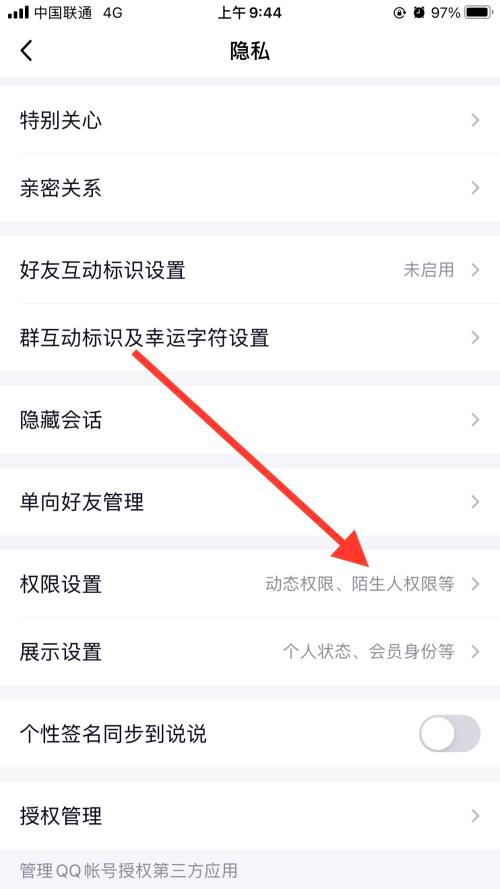
Step 3: Find the “Permission Settings” option and enter.
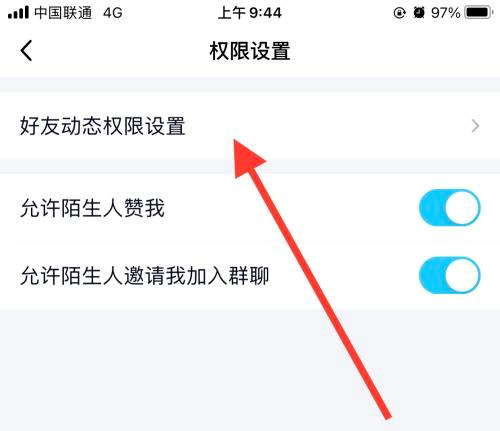
Step 4: Click the [Friend Dynamic Permission Settings] option to enter.
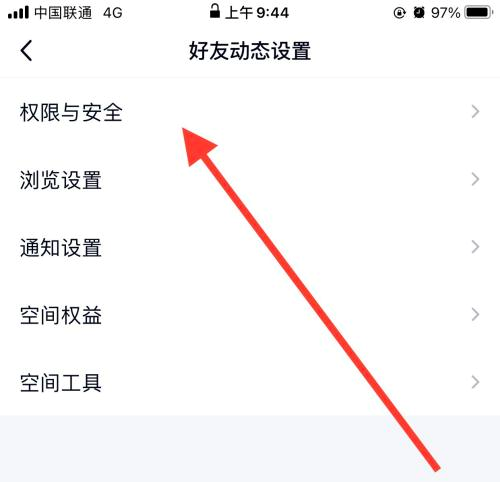
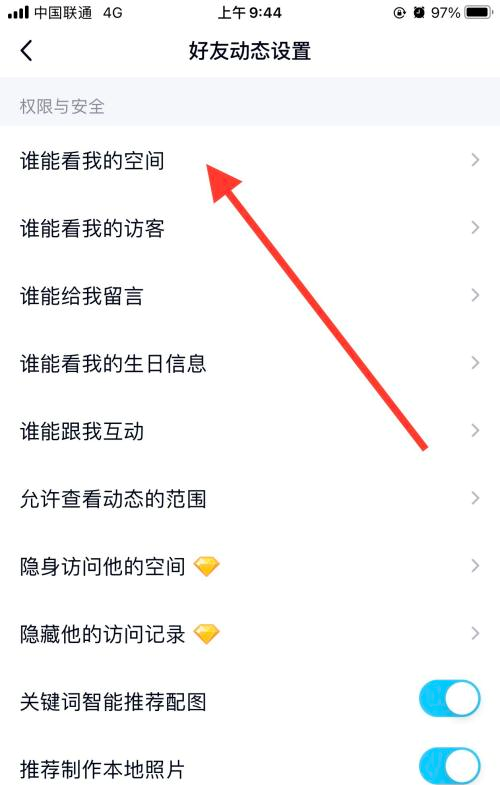
Step 5: Select the [Permissions and Security] option to enter.
Step 6: Click the [Who can see my space] option again.
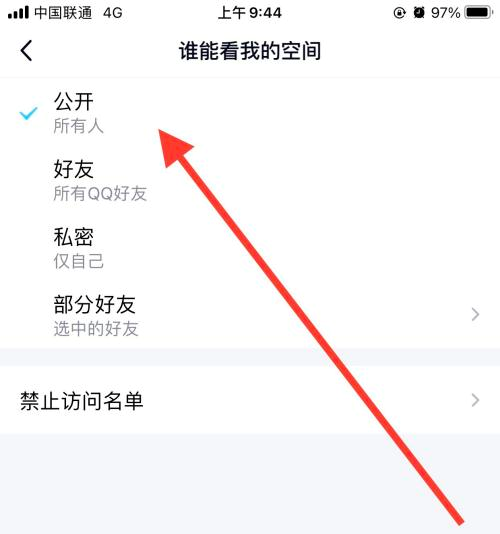
Step 7: Finally, check the [Public] option and set it up.
The above is the entire content of how to publish QQ space on mobile QQ brought to you by the editor. I hope it can help you.