How to use resource charts in Project2019 - Methods of using resource charts
Time: 2022-04-15Source: Huajun Software TutorialAuthor: Big Beard
Many people don’t know how to use resource charts in Project 2019? The article brought to you today is about how to use resource charts in Project 2019. If you still don’t know, let’s learn it with the editor.
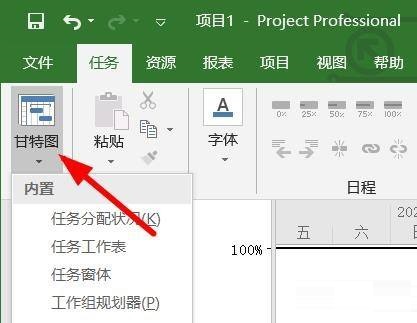
Step 1: We find the Gantt chart panel of our Project in the task panel (as shown in the picture).
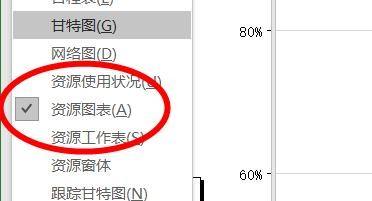
Step 2: Then you can see the resource chart option here (as shown in the picture).
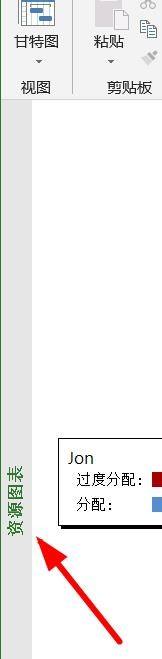
Step 3: We can see the content of the resource chart here (as shown in the picture).
Step 4: Then you can view the content items of the chart (as shown in the figure).
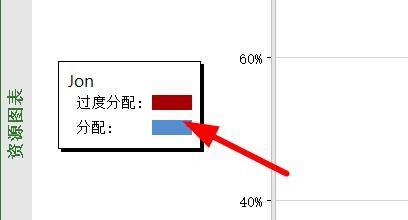
Step 5: There are many projects here, and we can all choose from them (as shown in the picture).
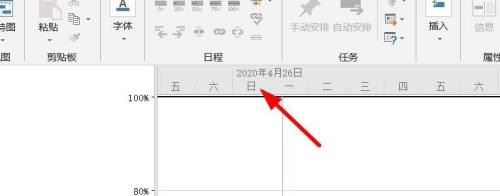
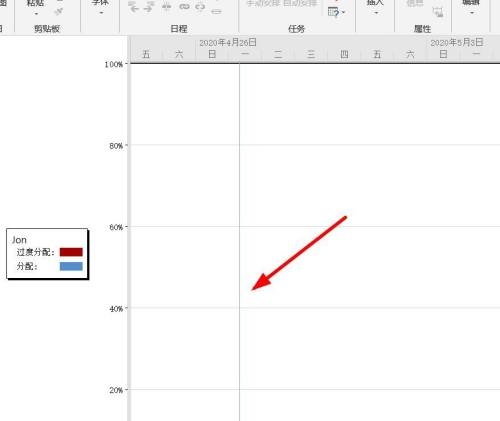
Step 6: After selection, we can see our specific task information here (as shown in the picture).
The above is the entire content of how to use resource charts in Project 2019 brought to you by the editor. I hope it can help you.
Popular recommendations
-
-
Hero Excel set wizard
Version: 1.007Size: 5MB
Hero Excel Template Wizard is a truly usable template printing software that can fill templates with Excel data and perform batch printing. Can be customized...
-
Quotation software
Version: 1.1 official versionSize: 139MB
Make a quotation, make a quotation form, open a cloud store, cloud quotation, and smart quotation.
Quotation software features
...
-
Enjoy sales XP version
Version: 1.6.2Size: 27.1MB
The official version of Fenxiangxiike XP version is a professional and powerful WinXP-specific mobile office service platform. Fenxiangxiike XP version supports lead management, customer management, business...
-
Enjoy sales
Version: 3.1.2Size: 53 MB
The official version of Fenxiangxike is a very good desktop client for Windows. The official version of Fenxiangxike is more powerful and practical than mobile phones. It can make work communication faster...