Many people don’t know how to create a new task in the Thunder Lite version? The article brought to you today is about how to create a new task in the Thunder Lite version. If you still don’t know, let’s learn it with the editor.
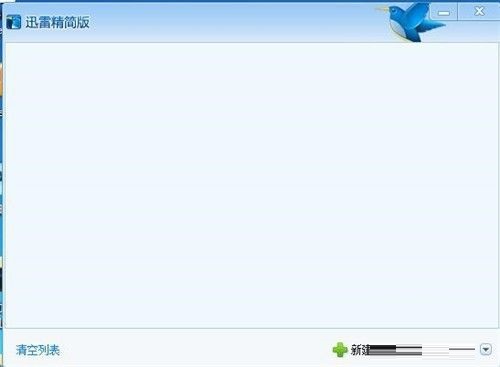
Step 1: First, we open the Thunder Lite version and enter the main interface (as shown in the picture).
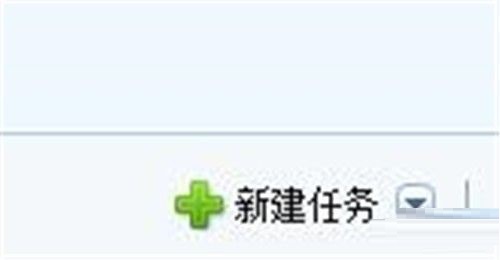
Step 2: Then click "New Task" in the lower right corner (as shown in the picture).
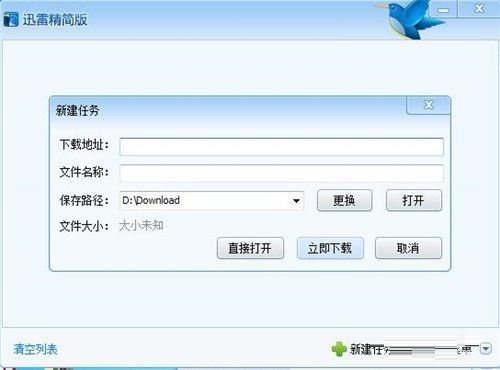
Step 3: The New Task dialog box will pop up, and we can make settings here (as shown in the picture).
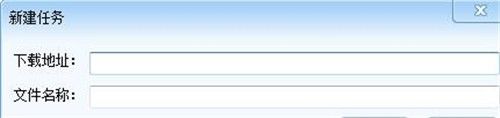
Step 4: Enter the download address and name (as shown in the picture).
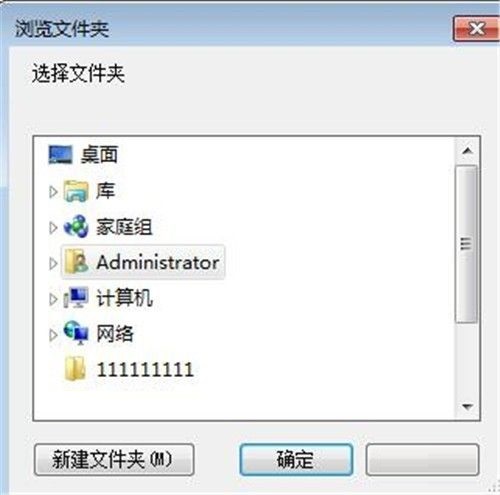
Step 5: Then in the download path, click Change, or use the previous path (as shown in the picture).

Step 6: Select a folder for the download location (as shown in the picture).
Step 7: Finally, click "Download Now" (as shown in the picture).
The above is the entire content of how to create new tasks in Thunder Lite version brought to you by the editor. I hope it can help you.