Do you know how to test for a driver’s license in Kart Racing? So today I will explain the relevant strategies for testing a driver’s license in Kart Racing. If you are interested, come and take a look with the editor, I hope it can help you.
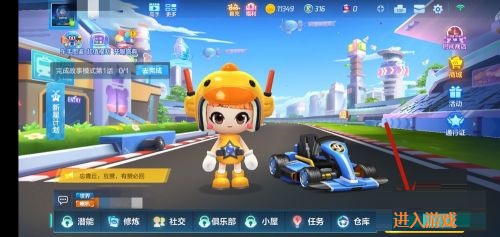
Step 1: First, we open the Kart Racing game on our mobile phone, enter the main game page, and click the [Enter Game] button below (as shown in the picture).
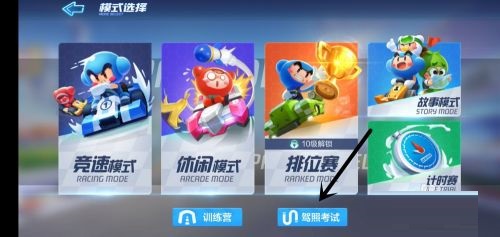
Step 2: Then we click the [Driving License Test] button (as shown in the picture).
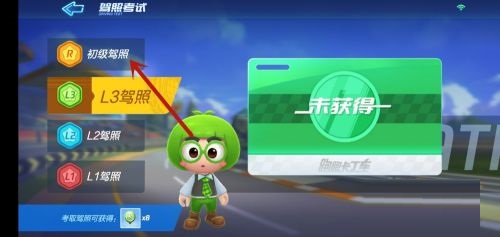
Step 3: Then we enter the driver’s license test interface and click on the driver’s license type on the left (as shown in the picture).
Step 4: Then we click the [Start Exam] button below (as shown in the picture).
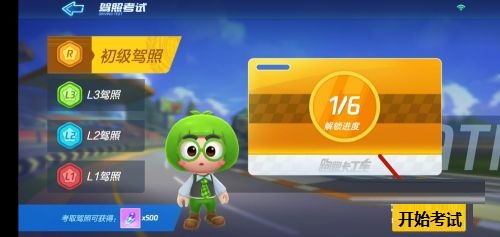
Step 5: Then we select the subjects that need to be tested, select one, and click [Start Test] below (as shown in the picture).
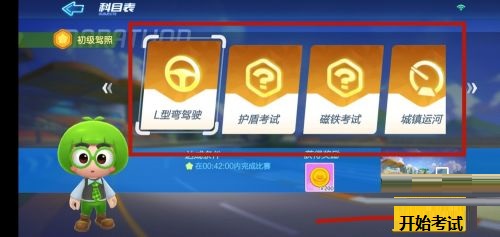
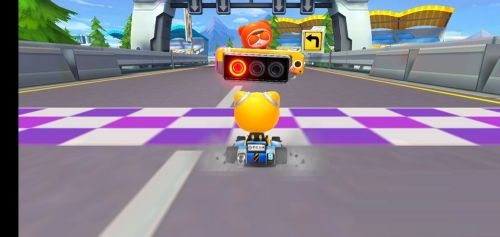
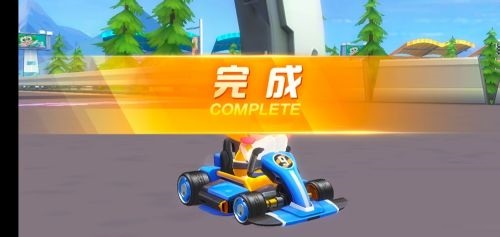
Step 6: Finally, if we run the entire course as required, we will be able to complete the exam for this subject. We need to pass all exams. (As shown in the picture).
Out of the way, I will share with you all the content on how to get a driver’s license in the Kart Racing game. Friends who are interested, please come and watch!