How to use Kuaiduo to change the grade of homework? Some netizens must not know much about it. For this reason, the article brought by the editor today shares with everyone how to change the grade of Kuaiduo homework. Let’s take a look.
1. First open the Quick Job App

2. Click "My" at the bottom of the page

3. Click the avatar in the upper left corner of the page

4. Then click to enter the information page
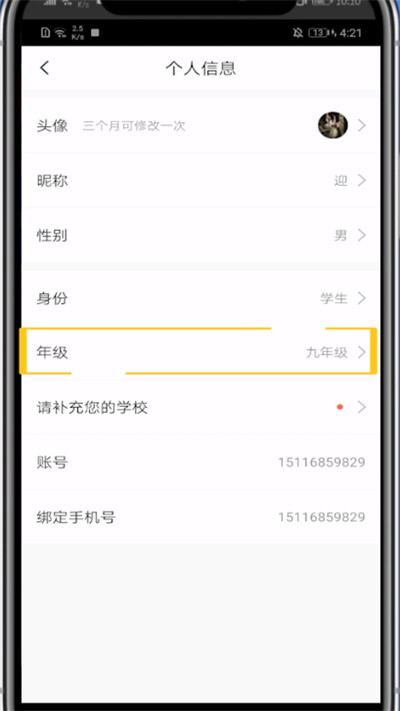
5. You can see the "Grade" option on the personal information page, click to open it, and then select the grade to change it.
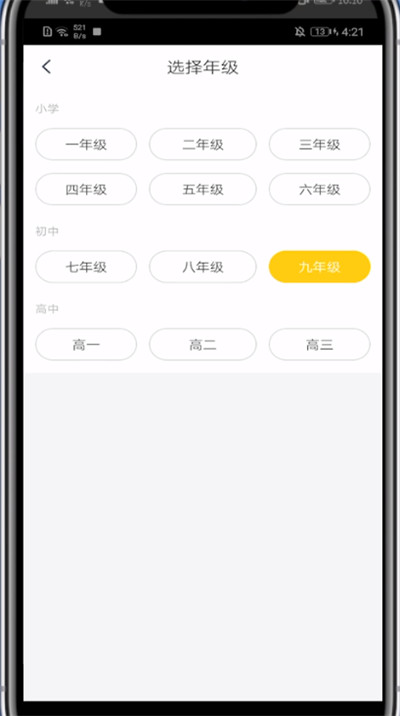
The above is the method that the editor brings to you on how to quickly change the grade of homework. Friends in need should come and read this article!