How to log in to CITIC Securities Zhixin Edition - How to log in to CITIC Securities Zhixin Edition
Time: 2021-09-06Source: InternetAuthor: Qingchen
Dear friends, you may not know the detailed operation of how to log in to the CITIC Securities Zhixin Edition, so today I will explain how to log in to the CITIC Securities Zhixin Edition. If you are interested, come and take a look with the editor. I hope it can help you.

1. Double-click to open the software, select the appropriate network and click OK
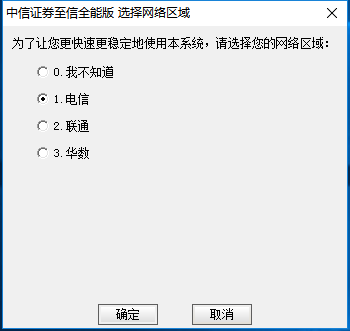
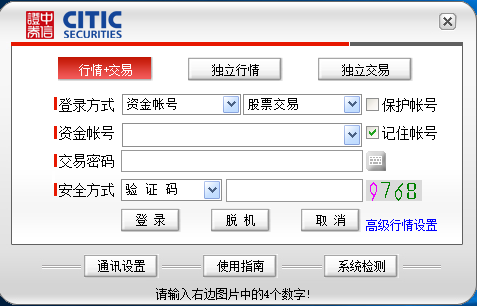
2. Users who need to trade must log in
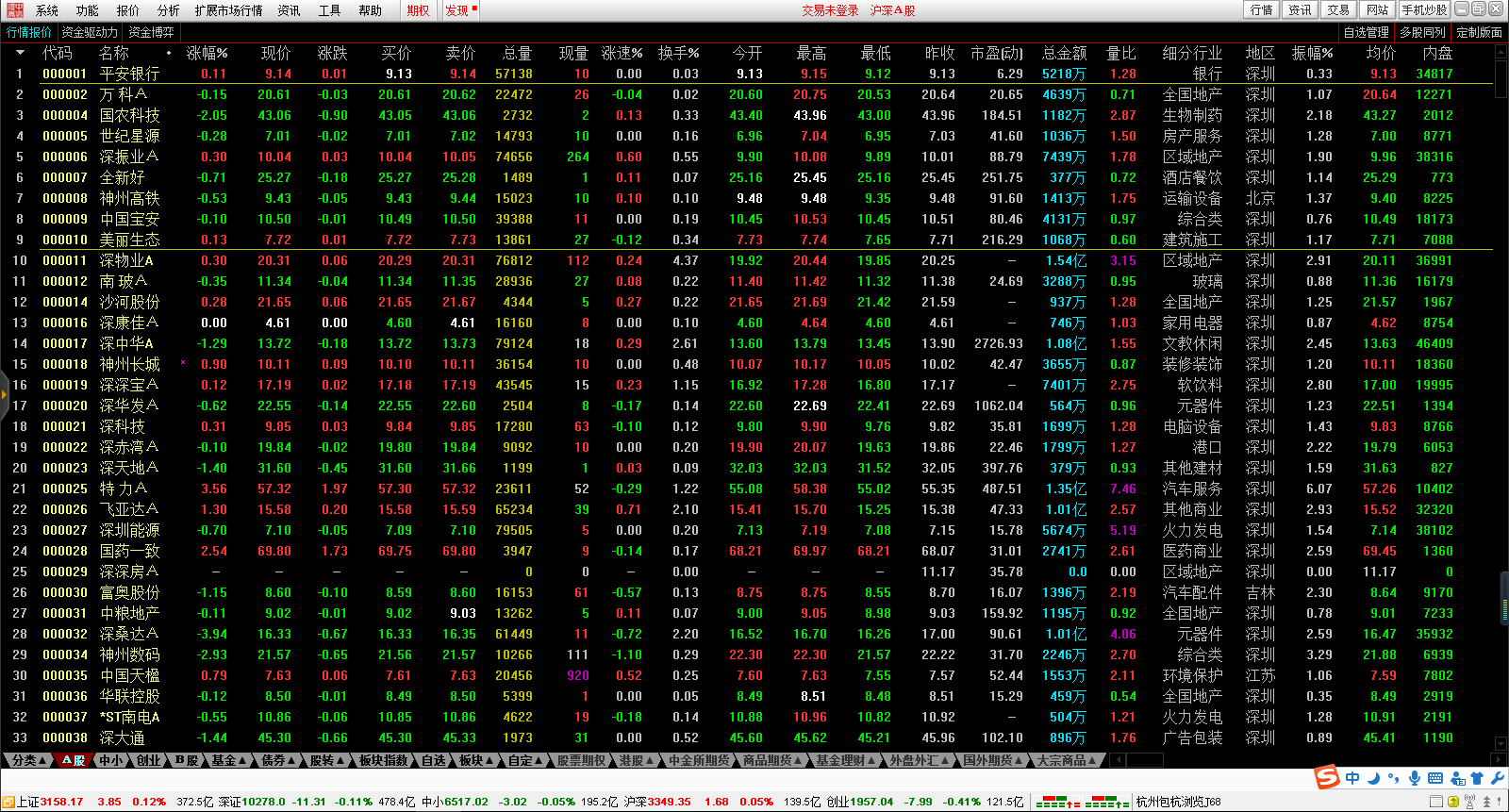
3. You can trade after logging in
The above is the entire content of how to log in to the CITIC Securities Zhixin Edition. I hope it can be helpful to everyone!
Popular recommendations
-
-
GF Securities Financial Terminal
Version: V9.09Size: 133.08 MB
GF Securities Financial Terminal is an upgraded version of the original GF Securities Financial Butler Xeon version. It is provided by securities companies for investors and is currently the most mainstream access on the market...
-
GF Securities Sincere Edition
Version: V8.14Size: 64.1MB
GF Securities' sincere version has the functions of market display, market analysis, real-time solution, information mines, transaction inquiry, etc. It integrates market analysis, handicap analysis,...
-
GF Securities Sincere Edition
Version: V8.14Size: 64.1 MB
GF Securities' sincere version has the functions of market display, market analysis, real-time solution, information mines, transaction inquiry, etc. It integrates market analysis, handicap analysis,...
-