How do you make your own endgame in Chinese chess? Many users are asking this question? Let’s take a look at the steps of the tutorial on how to make your own endgame in Chinese chess. Friends who need it can refer to it.
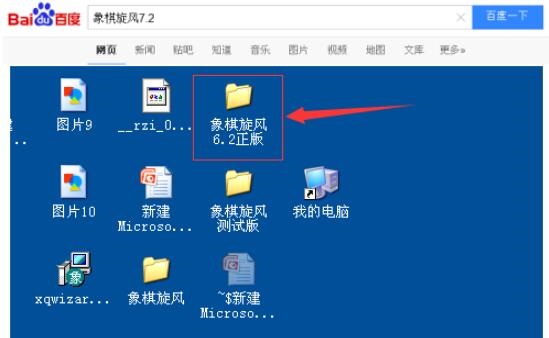
Download Xiangqi Tornado 7.2 and click to run the software.

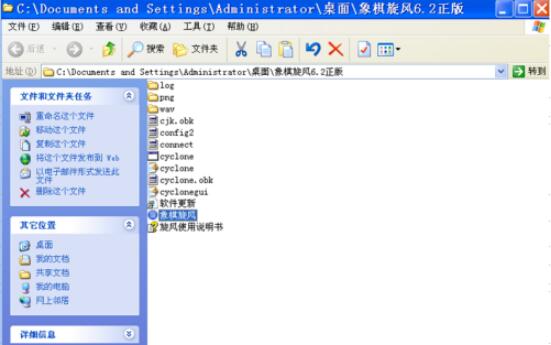
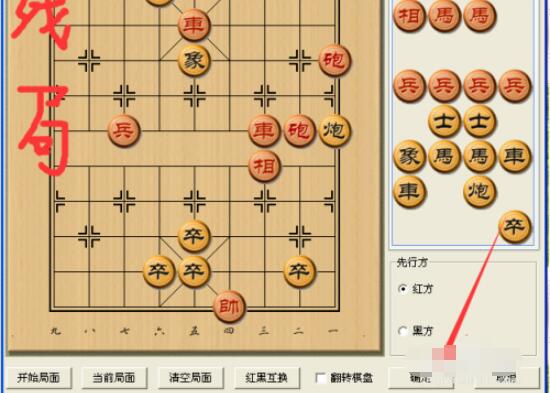
Open the software interface. Click - Game - Editing Interface in the menu bar, and the editing interface chessboard appears.
Click the clear interface below. There are no chess pieces on the chessboard, and the chess pieces are in the column on the right.
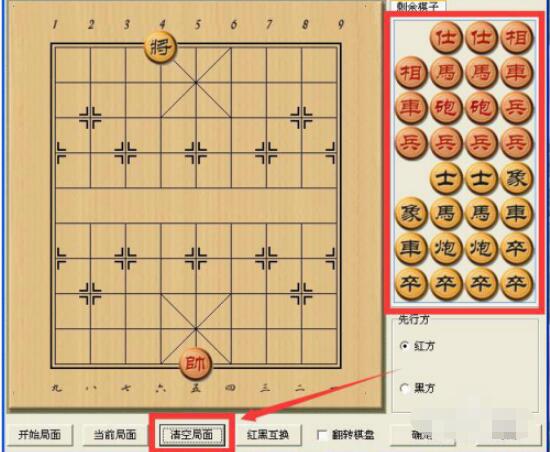
Click the left mouse button on the chess piece in the right column, then click on the position on the chessboard, and the chess piece will be placed at the designated position clicked.
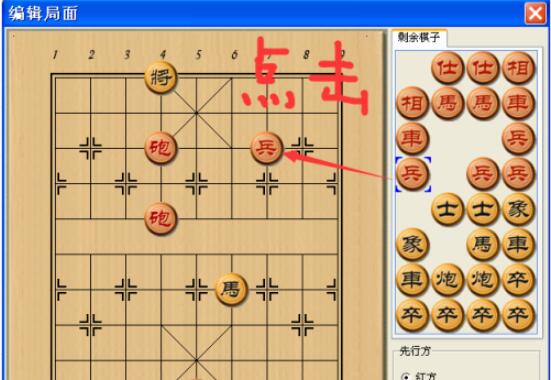
Right-click on the chess piece on the chessboard, and the chess piece will return to the column on the right.
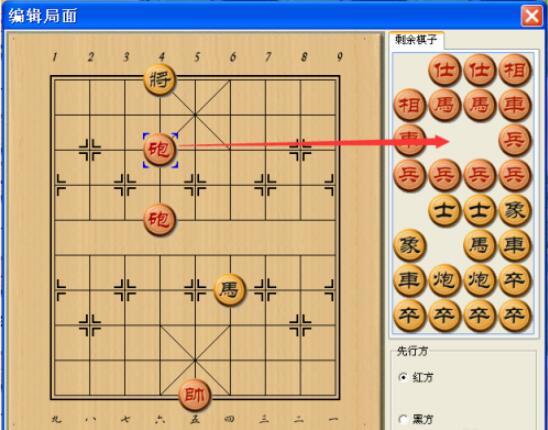
Click on the chess pieces on the chessboard, and then click on other positions on the chessboard to realize the movement transformation of the chess pieces.
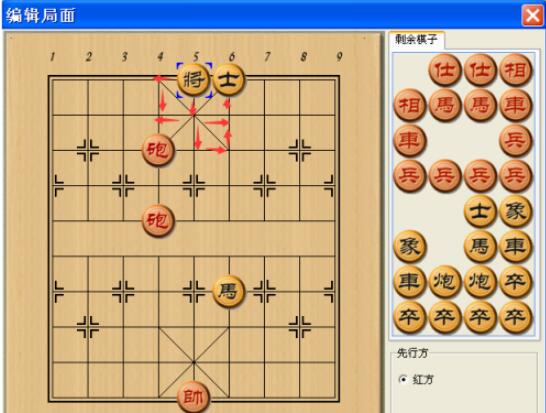
By following the above method, you can realize the self-positioning of the endgame and the chessboard you want to place.
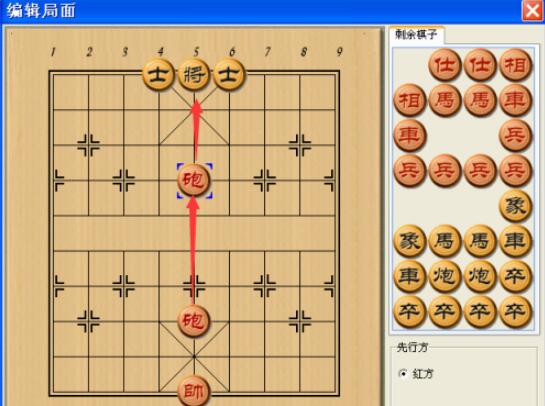
Click the OK button below to switch to the battle state.
The above is how to set up the endgame in Chinese chess. I hope the content of this article can help everyone!