Winkawaks, a PSP game emulator, has attracted many partners to install it. However, for some novice friends, they may not know how to set winkawaks to a simplified Chinese interface during the operation. For this reason, the editor here shares the steps for setting winkawaks to a simplified Chinese interface.

1. As shown in the picture, when winkawaks is run, the English interface is displayed.

2. Click the "Misc" button on the menu bar and select "choose language pack".

3. The following window for selecting a language pack will appear. Find and select "Chinese(simp).lng" and click to open it.

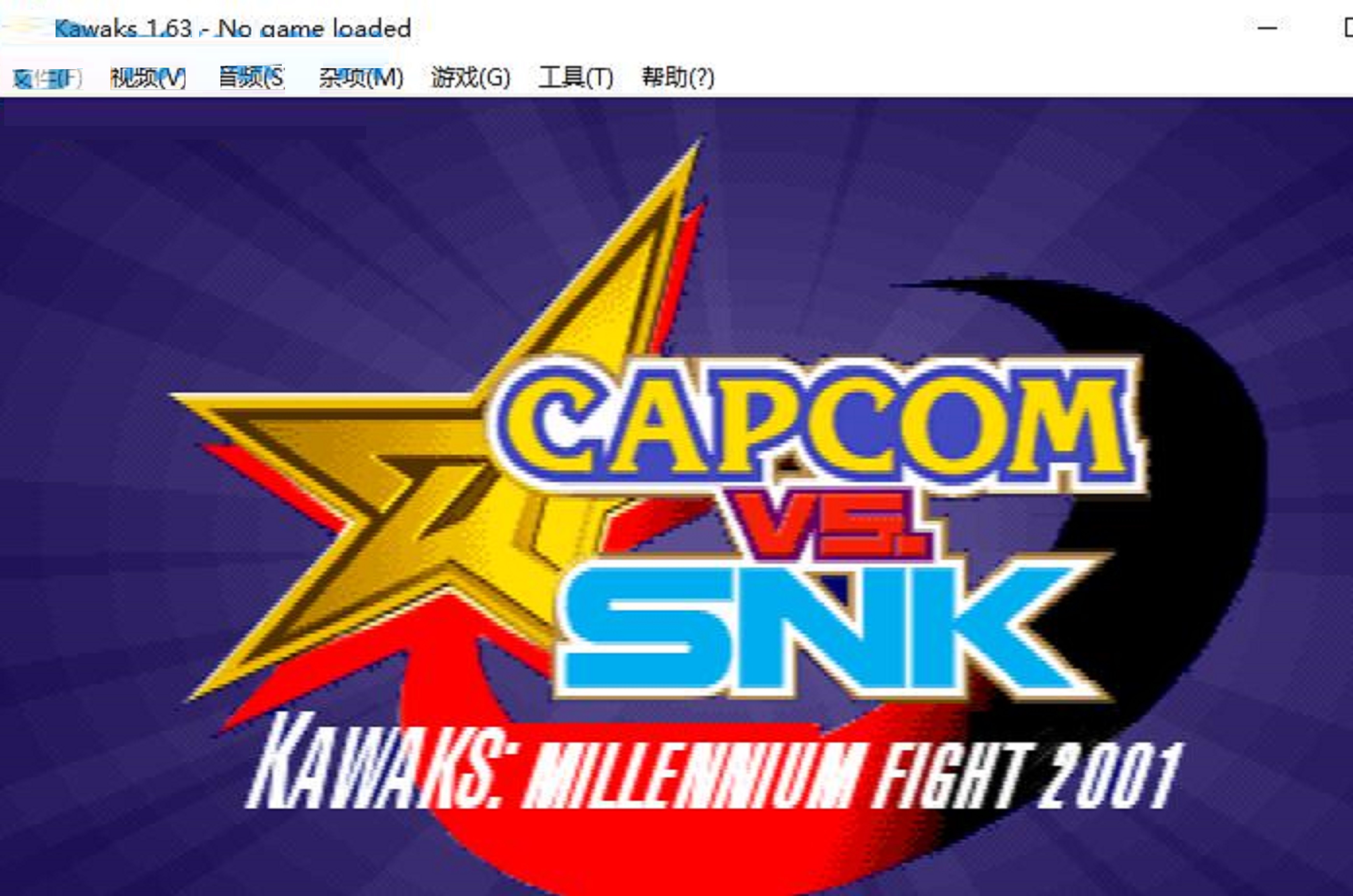
4. Immediately, winkawaks can be set to Chinese, and the user can get a full Chinese operation interface.
Here are the steps to set winkawaks to Simplified Chinese interface. Friends in need should hurry up and read this article.