Hot search terms: 360 Security Guard Office365 360 browser WPS Office iQiyi Huawei Cloud Market Tencent Cloud Store
Hot search terms: 360 Security Guard Office365 360 browser WPS Office iQiyi Huawei Cloud Market Tencent Cloud Store

Game assistance Storage size: 67.60 MB Time: 2022-12-08
Software introduction: NetEase Cloud Game Android version is a game platform officially created by NetEase. The official version of NetEase Cloud Game App covers the latest and most comprehensive popular games...
NetEase Cloud Game is a convenient, efficient and rich gaming experience platform. Supports multiple operating systems and devices, allowing players to seamlessly switch games on different platforms. Through efficient cloud rendering and transmission technology, the platform is committed to providing users with the ultimate game graphics and performance. Players can enjoy a gaming experience that is similar or even better than local gaming. Next, let Huajun editor explain to you how to create a room in NetEase Cloud Game and how to create a room in NetEase Cloud Game!
first step
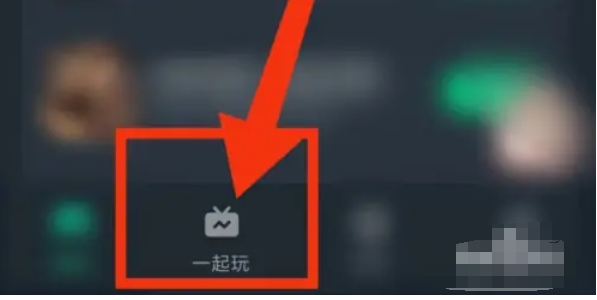
In the main interface or bottom menu of the software, find and click the "Play Together" option. This will take you to the multiplayer or online game interface.
Step 2
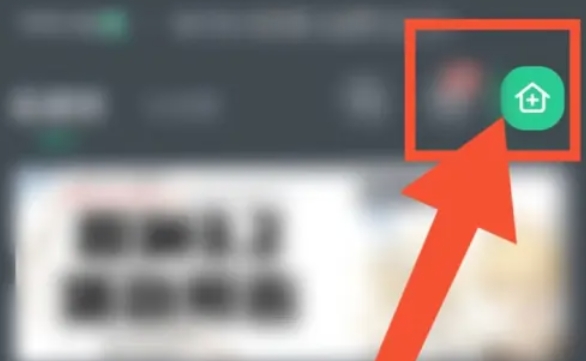
In the "Play Together" interface, you will see one or more room icons. Click the room icon in the upper right corner, or look for a button with "Create Room" or similar text and click it.
Step 3
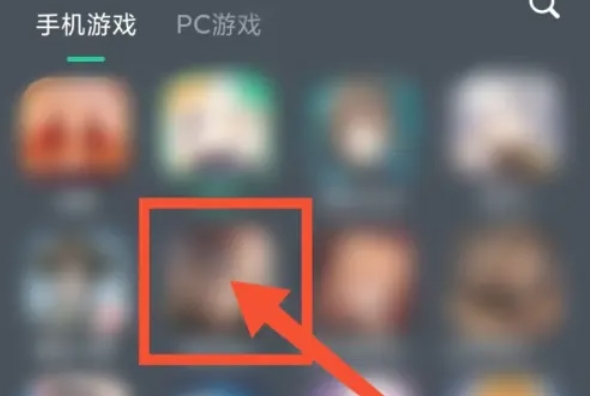
The system will pop up a room creation interface, allowing you to choose the game theme of the room. This usually means you need to select a game from a drop-down menu or list, and then decide what type of game the room is for that game (e.g., co-op, competitive, etc.).
Step 4
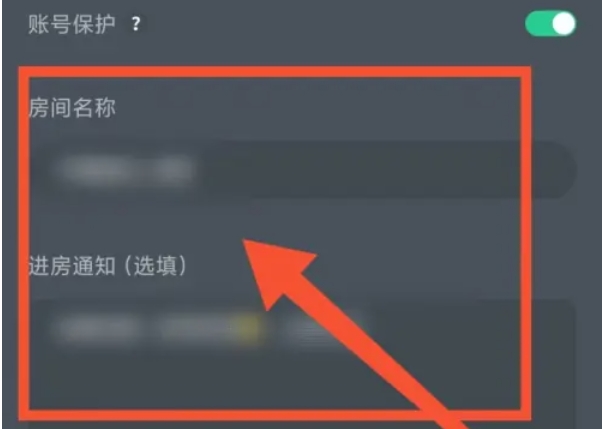
Once you've chosen your game theme, click "Next" or a similar button to continue the room creation process. In the next interface, you will need to enter a name for the room and may also need to fill in other relevant information, such as room description, password (if required), maximum number of players, etc.

Step 5
After filling in all the necessary information, click on the "Create to play together" or similar button to complete the creation of the room.
Step 6
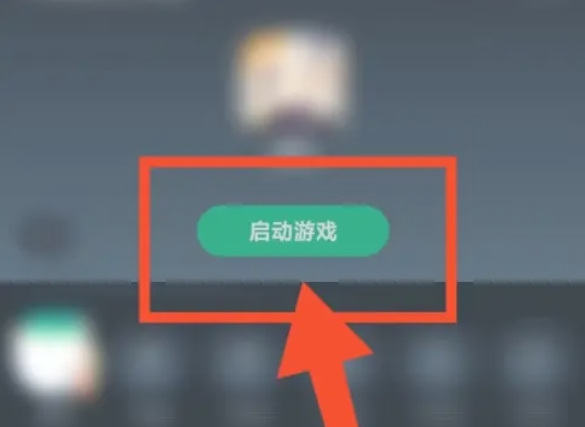
After the room is successfully created, you will usually see a "Launch Game" or "Start Game" button. Click it and you can enter the room and invite other players to join, or wait for other players to find and join your room via room number or link.
The above is how the editor of Huajun compiled for you how to create a room in NetEase Cloud Game and how to create a room in NetEase Cloud Game. I hope it can help you!

 How to log in to 233 Paradise? -How to log in to 233 Paradise
 How to chat with customer service in 233 Paradise? -How to chat with customer service at 233 Park
 How to authenticate real-name in 233 Paradise? -233 Paradise real-name authentication method
 How to cancel the collected games in 233 Paradise? -How to cancel favorite games in 233 Paradise
 How to play games in 233 Paradise? -How to play games in 233 Paradise
 movie paradise
 Quark Browser
 little red book
 Chinese University MOOC computer version
 Xiaoetong
 Traffic control 12123
 Minecraft Bedrock Edition
 KMPlayer
 watermelon video