
Hot search terms: 360 Security Guard Office365 360 browser WPS Office iQiyi Huawei Cloud Market Tencent Cloud Store
Hot search terms: 360 Security Guard Office365 360 browser WPS Office iQiyi Huawei Cloud Market Tencent Cloud Store

Office software Storage: 157.81MB Time: 2008-12-18
Software introduction: XMind is an easy-to-use, powerful business mind mapping software. XMind applies the advanced Eclipse RCP Software architecture, all...
Many people don’t know how to modify the style in XMIND 8? The article brought to you today is about how to modify the style in XMIND 8. If you still don’t know, let’s learn it with the editor.
Step 1: First open XMind 8.
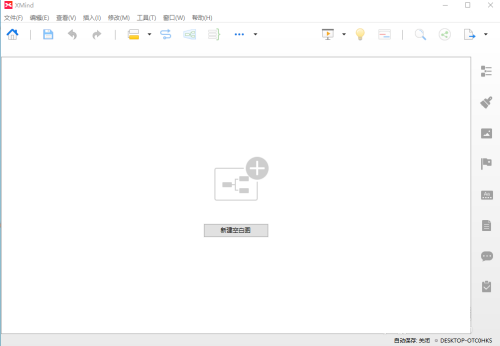
Step 2: Click to create a new blank image and create a new tab.
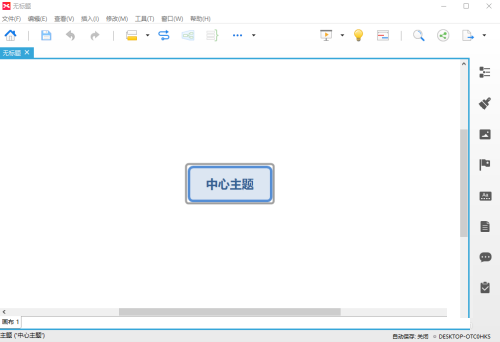
Step 3: Select the central topic text.
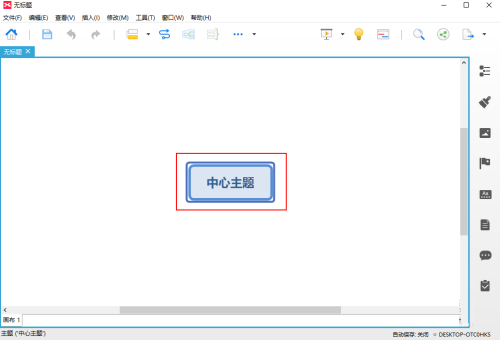
Step 4: Click Format (the brush-like icon) on the right.
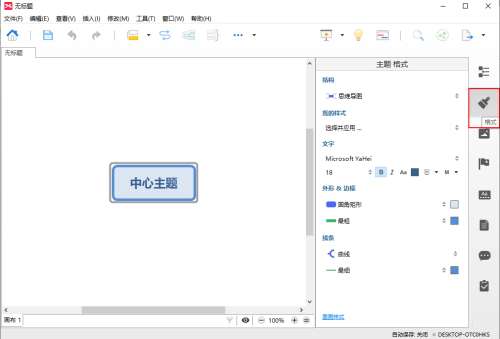
Step 5: Choose my style.
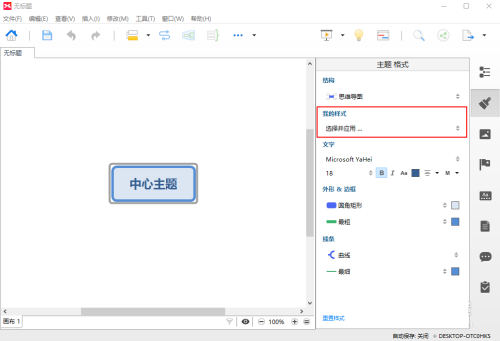
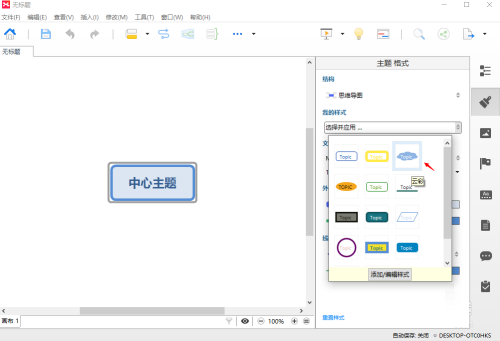
Step 6: Select the style in the drop-down panel, such as the third one.
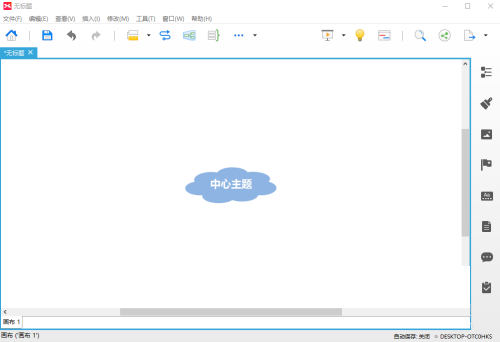
Step 7: At this time, the style has been successfully modified.
The above is the entire content of how to modify the style of XMIND 8 brought to you by the editor. I hope it can help you.

 How to draw a lottery in 360 Software Butler - How to draw a lottery in 360 Software Butler
 Microsoft Edge browser
 Steam
Steam
 Tencent Video
 WPS Office
 iQiyi
iQiyi
 Sohu video player
 Lightning simulator
 MuMu emulator
 Eggman Party
 What to do if there is no sound after reinstalling the computer system - Driver Wizard Tutorial
 How to switch accounts in WPS Office 2019-How to switch accounts in WPS Office 2019
 How to clear the cache of Google Chrome - How to clear the cache of Google Chrome
 How to fire bullets in scratch-How to fire bullets in scratch


